
What This Calculator Does
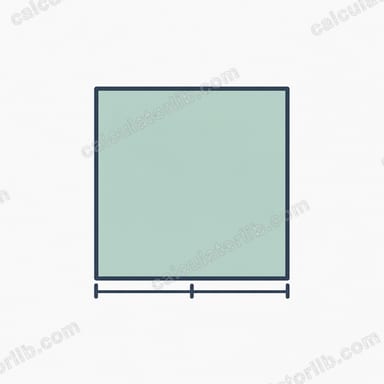
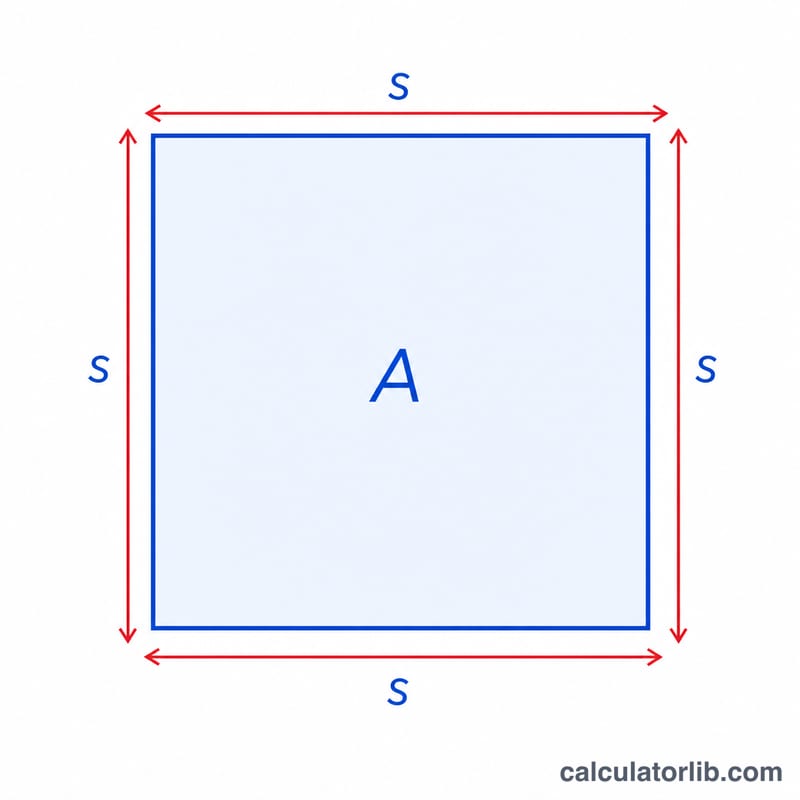
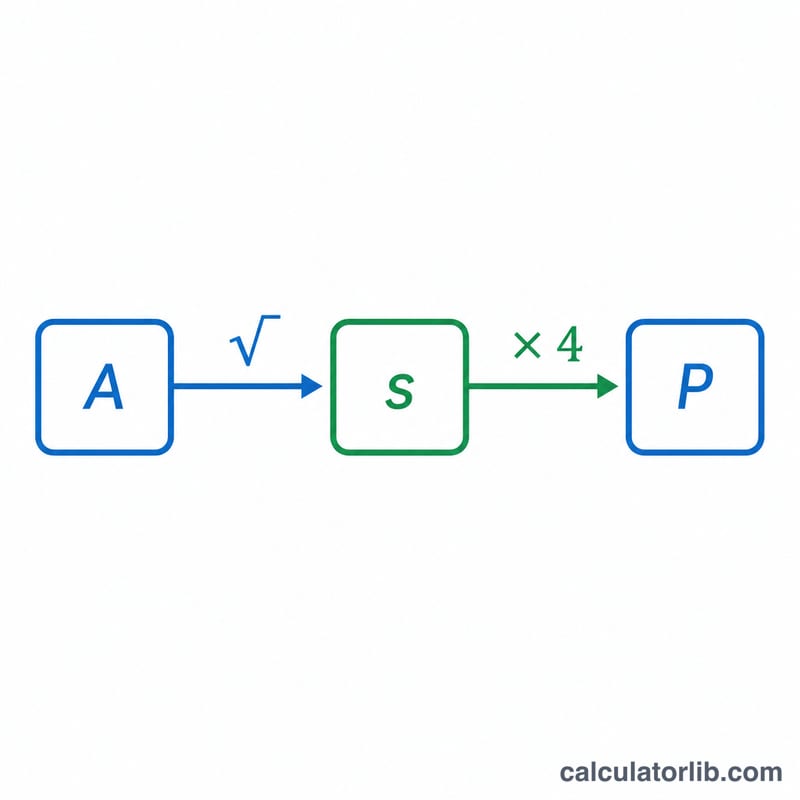
This tool calculates the perimeter of a square when you only know its area. A square has four equal sides, so once you find the side length from the area, multiplying by four gives the total distance around the shape. Enter the area in any square units and the calculator returns both the side length and the perimeter in the matching linear units.
How to Use It
Type the area of the square into the input box and submit. The calculator first computes the side length as the square root of the area, then multiplies that side length by four to give the perimeter. Make sure your area value is positive — a square cannot have a negative or zero area if you want a real perimeter.
The Formula Explained
Because a square's area is side × side (\(A = s^2\)), the side length is the square root of the area: \(s = \sqrt{A}\). The perimeter is the sum of all four equal sides, so \(P = 4s\). Substituting gives the combined formula:
$$P = 4 \times \sqrt{A}$$
This single step lets you skip computing the side separately, though we show it for clarity.
Worked Example
Suppose a square has an area of 16 square meters. The side length is \(\sqrt{16} = 4\) meters. The perimeter is \(4 \times 4 = 16\) meters. Using the direct formula: $$P = 4 \times \sqrt{16} = 4 \times 4 = 16 \text{ m}$$ So a square with an area of 16 m² has a perimeter of exactly 16 meters.
FAQ
Why take the square root of the area? Because area is side squared, reversing it means taking the square root to recover the side length.
What units does the perimeter use? If your area is in square meters, the perimeter is in meters. Perimeter is always a linear measurement, while area is squared.
Can I use this for rectangles? No. This formula only works for squares, where all four sides are equal. Rectangles need both length and width.