
What the Square Perimeter Calculator Does
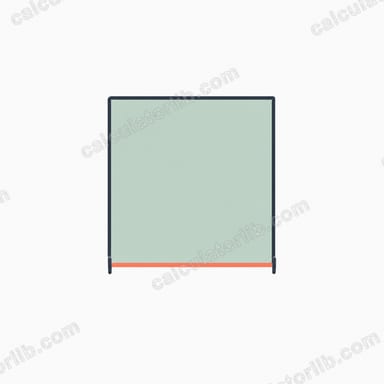
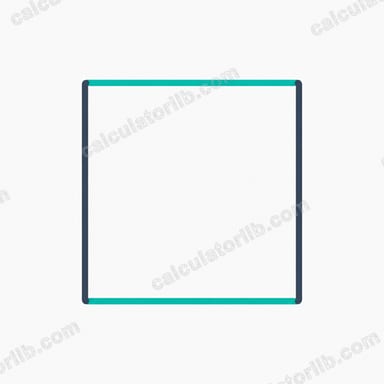
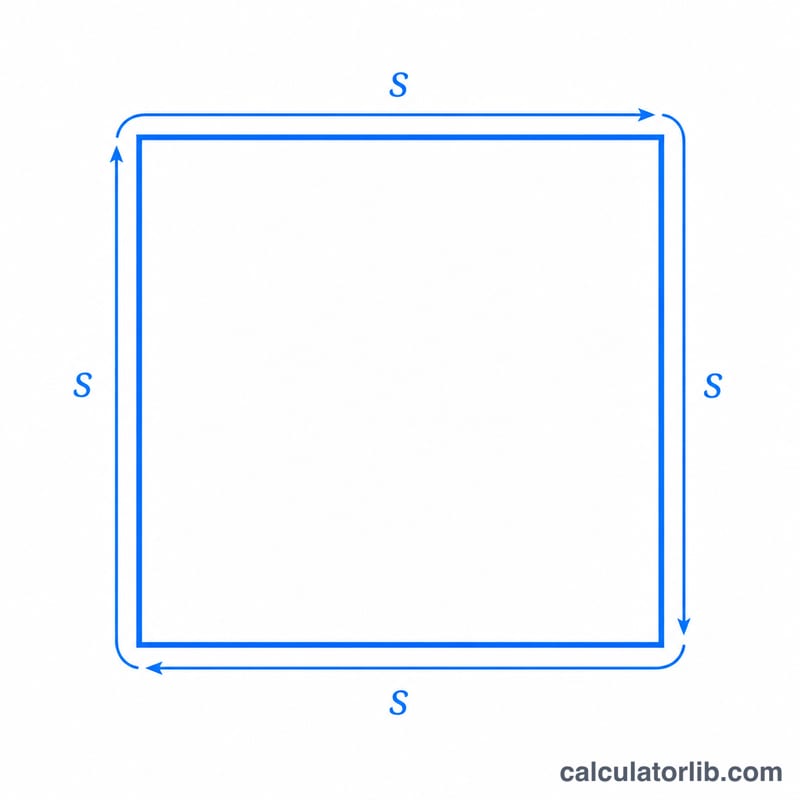
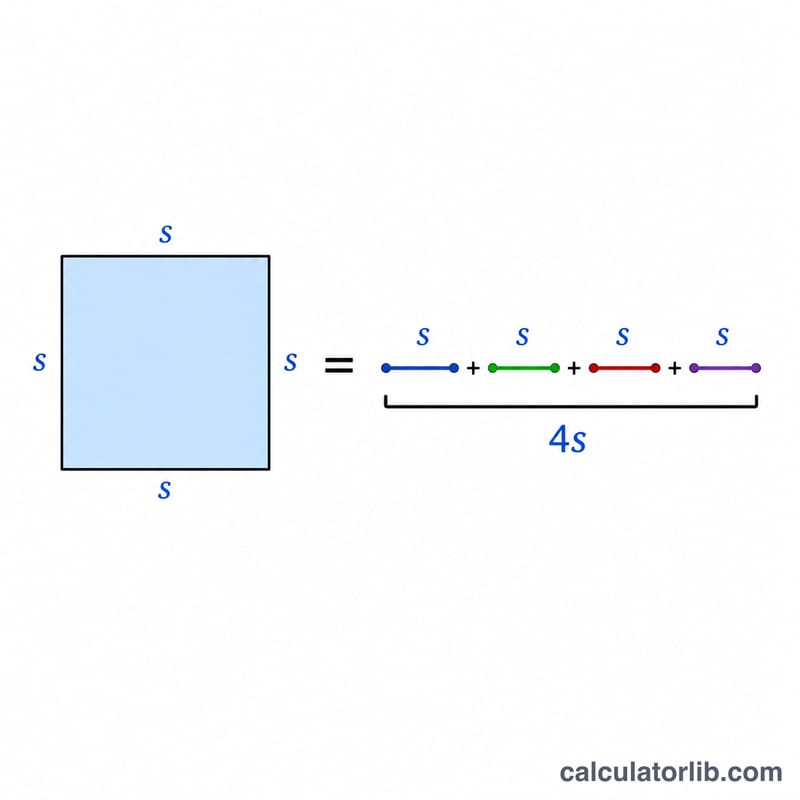
This calculator finds the perimeter of a square — the total distance around its four equal sides — from a single measurement: the length of one side. Because every side of a square is identical, you only ever need to enter one number. The tool also returns two bonus measurements (area and diagonal) so you get a full picture of the square from the same input.
How to Use It
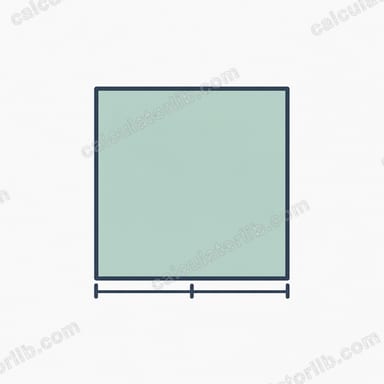
- Square Side Length: Enter the length of one side of the square in whatever unit you are working in (cm, m, inches, feet — the result comes back in the same unit).
- The calculator instantly multiplies that value by four to give the perimeter.
- It also computes the area and diagonal automatically for reference.
Keep your unit consistent: if you type the side in metres, the perimeter is in metres too.
The Formula Explained
The perimeter of a square uses this simple rule:
P = 4a
Here a is the side length and P is the perimeter. Since all four sides are equal, adding them (a + a + a + a) is the same as multiplying one side by 4. Behind the scenes the calculator also works out:
- Area = a × a (side squared)
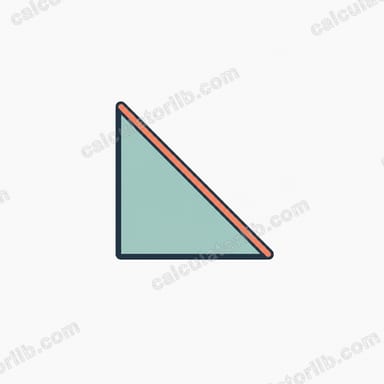
- Diagonal = a × √2 (about 1.414 × side)
Worked Example
Suppose you enter a side length of 5:
- Perimeter = 4 × 5 = 20
- Area = 5 × 5 = 25
- Diagonal = 5 × √2 ≈ 7.07
So a square with 5 cm sides has a perimeter of 20 cm, an area of 25 cm², and a diagonal of roughly 7.07 cm.
Frequently Asked Questions
How do I find the side if I only know the perimeter? Reverse the formula: divide the perimeter by 4. A perimeter of 20 means each side is 20 ÷ 4 = 5.
What unit does the perimeter come out in? The same unit you enter the side in. There is no unit conversion — input centimetres, get centimetres back.
Why does the calculator also show area and diagonal? They share the same input. Once you know the side, the area (a²) and diagonal (a√2) are easy extras that are often needed for the same project, so they are provided alongside the perimeter.