
What This Calculator Does
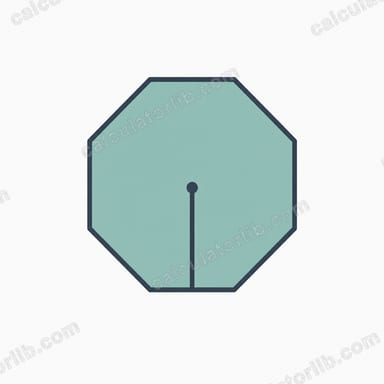
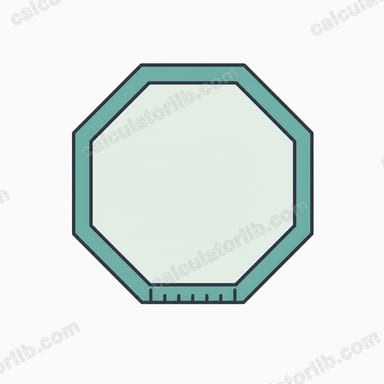
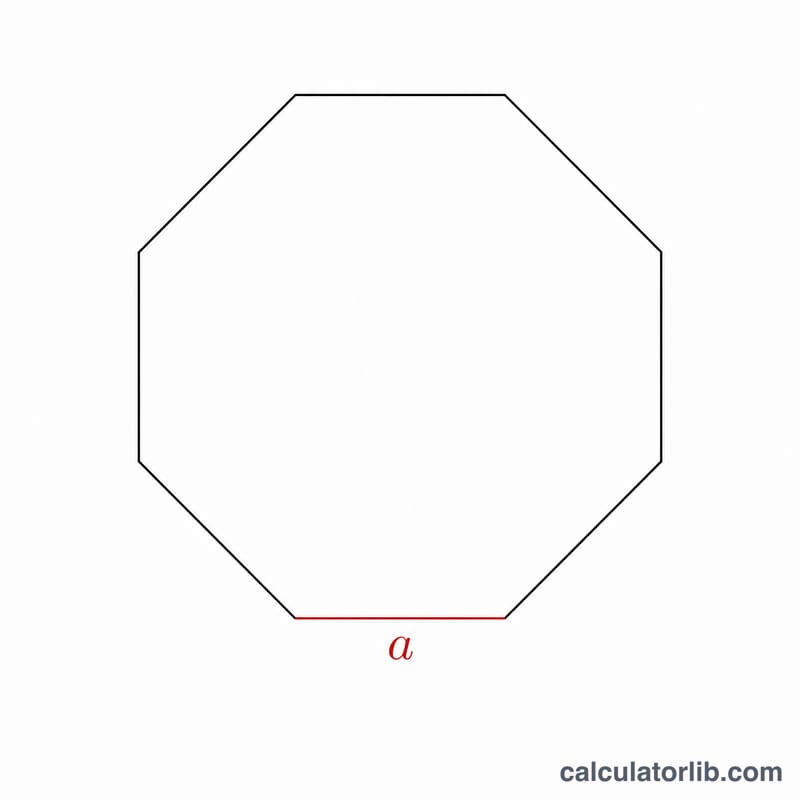
The Octagon Perimeter Calculator finds the total distance around a regular octagon — an eight-sided shape where every side is the same length. You enter one number, the length of a single side, and the tool instantly returns the perimeter. It works with any unit of measurement (centimetres, inches, metres, feet) because the result simply comes out in whatever unit you typed in.
The Formula
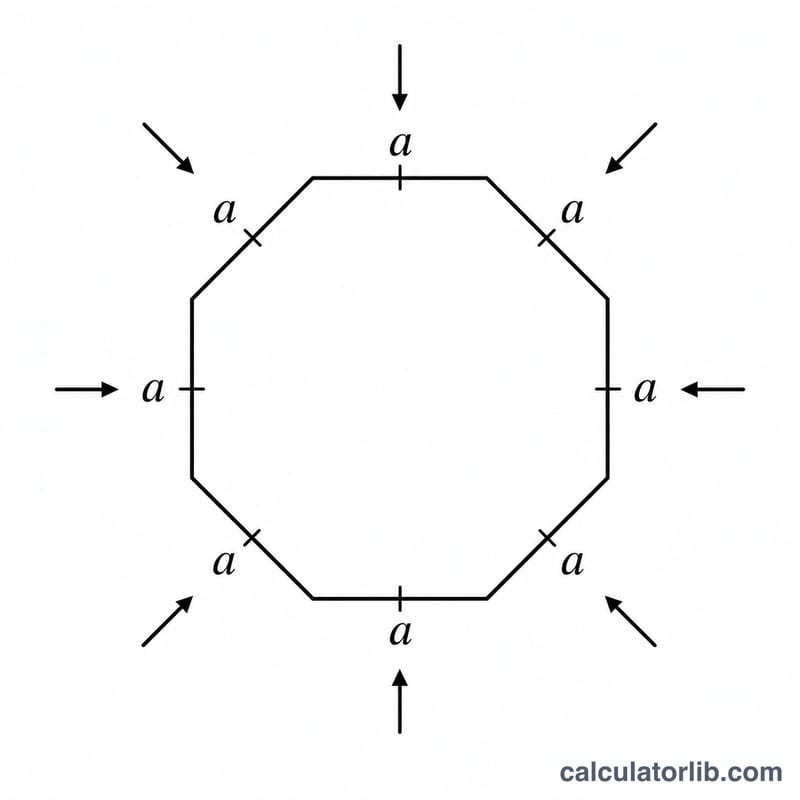
A regular octagon has eight equal sides, so the perimeter is just the side length added together eight times. The calculator uses:
P = 8 × a
- P = perimeter (total distance around the octagon)
- a = the length of one side
This is exactly what the tool computes internally: it reads your side value and multiplies it by 8. No angles, area or other measurements are needed — perimeter depends only on the side length for a regular octagon.
How to Use It
- Find the Side Length field labelled "Enter the length of one side of the regular octagon."
- Type in the measurement of any single side (all sides are equal in a regular octagon).
- Read off the calculated perimeter — the result is in the same unit you entered.
Worked Example
Suppose one side of your octagon measures 5 cm. The calculator does:
P = 8 × 5 = 40 cm
So the total perimeter is 40 centimetres. If instead each side were 12 inches, the perimeter would be 8 × 12 = 96 inches.
Frequently Asked Questions
Does this work for any octagon? It is designed for a regular octagon, where all eight sides are equal. If your shape is irregular with sides of different lengths, you must add each side individually instead.
What unit does the answer use? The perimeter is returned in the same unit you entered for the side. Put in metres and you get metres; put in feet and you get feet.
Can I work backwards from the perimeter? Yes. Since P = 8 × a, you can find a single side by dividing the perimeter by 8 (a = P ÷ 8). For example, a 64 cm perimeter means each side is 8 cm.