
What Is the Radius from Circumference Calculator?
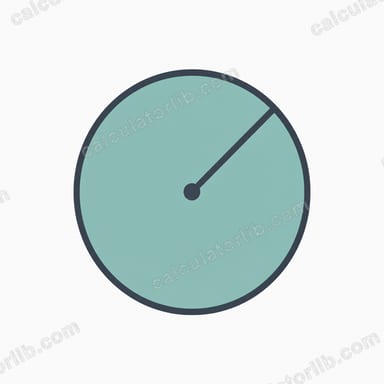
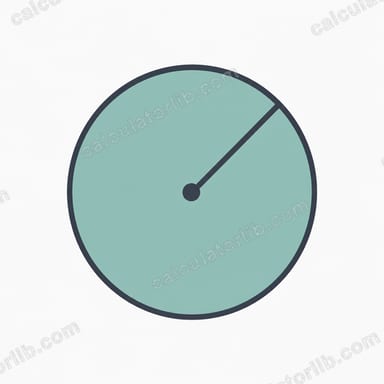
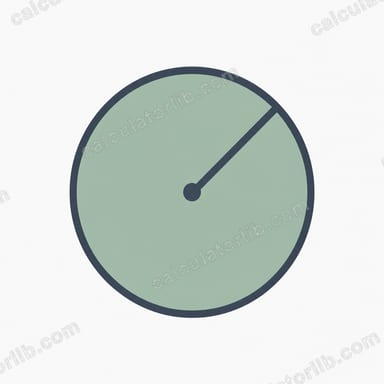
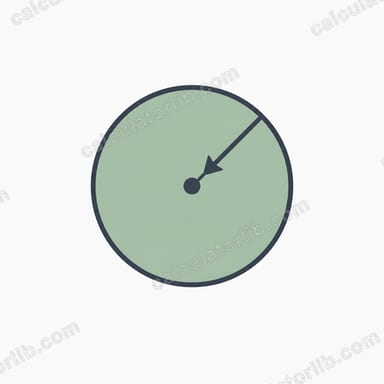
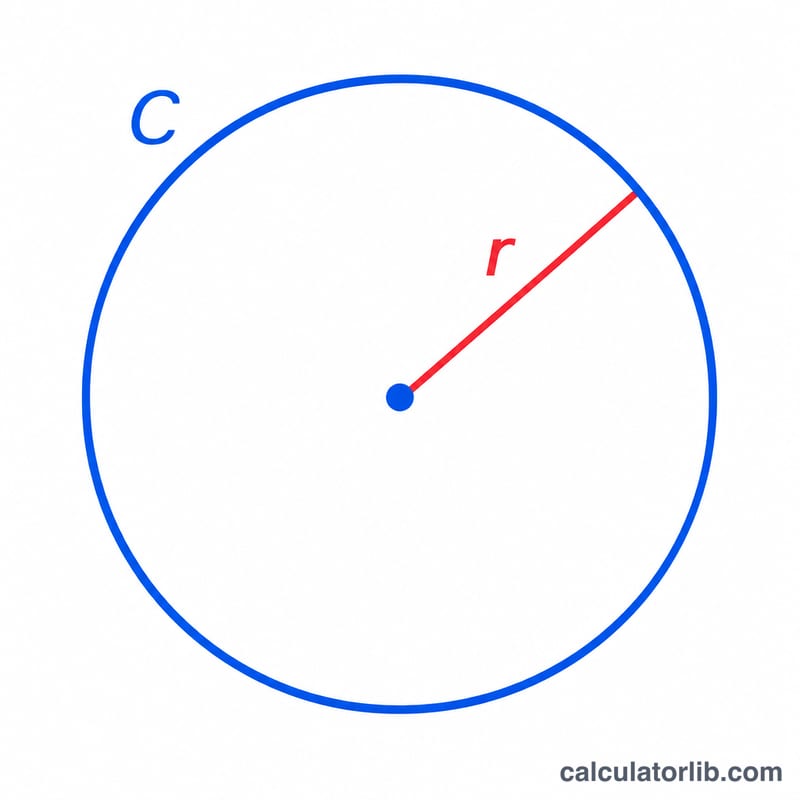
This tool finds the radius of a circle when you already know its circumference. The circumference is the distance all the way around a circle, and the radius is the straight-line distance from the center to the edge. Because the two are directly proportional, knowing one instantly gives you the other.
How to Use It
Enter the circumference in any unit (cm, m, inches — the result comes back in the same unit). Click calculate and you'll get the radius, plus the diameter and area for convenience. This is handy for engineering, geometry homework, woodworking, sewing circular patterns, or any task where you can measure around an object but not across it.
The Formula Explained
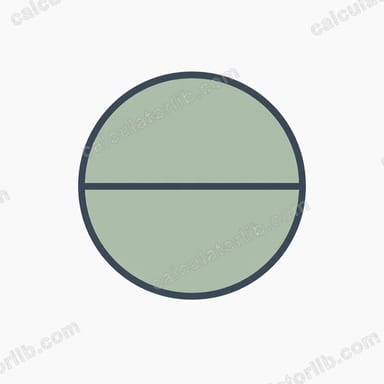
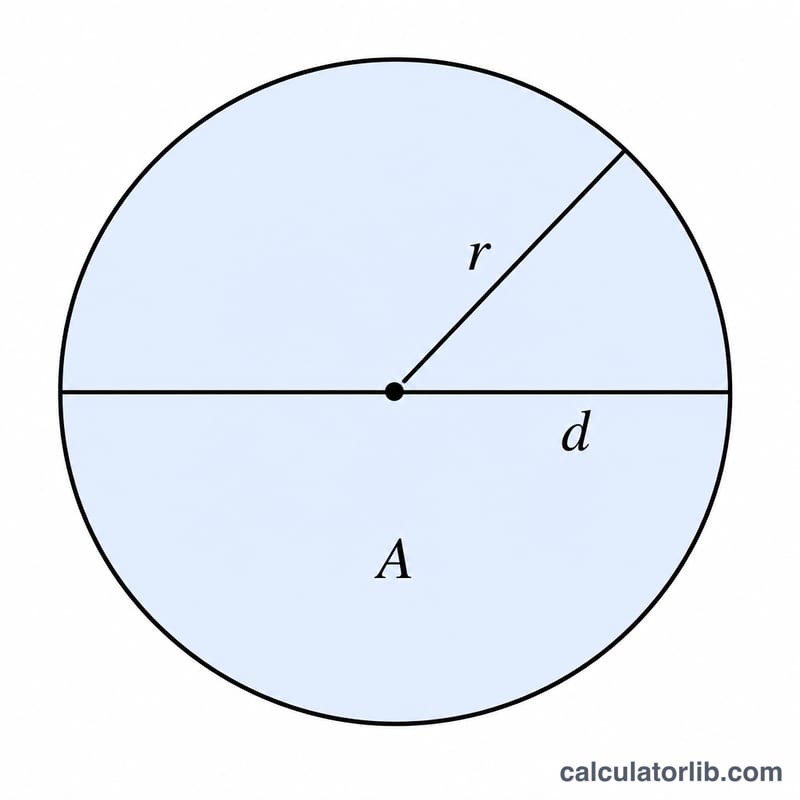
The circumference of a circle is \(C = 2\pi r\). Solving for the radius simply rearranges this equation: $$r = \frac{C}{2\pi}$$ where \(\pi \approx 3.14159\). The diameter is twice the radius (\(d = 2r\)) and the area is \(A = \pi r^2\).
Worked Example
Suppose a circular table has a circumference of 314.159 cm. Then $$r = \frac{314.159}{2 \times 3.14159} = \frac{314.159}{6.28318} \approx 50 \text{ cm}.$$ The diameter is 100 cm and the area is \(\pi \times 50^2 \approx 7{,}853.98 \text{ cm}^2\).
FAQ
What units should I use? Any unit you like — the radius is returned in the same unit as the circumference you entered.
What value of \(\pi\) is used? The calculator uses the full-precision value of \(\pi\) built into the math library for accurate results.
Can I get the diameter instead? Yes, the diameter (\(2r\)) is shown automatically alongside the radius and area.