
What Is This Calculator?
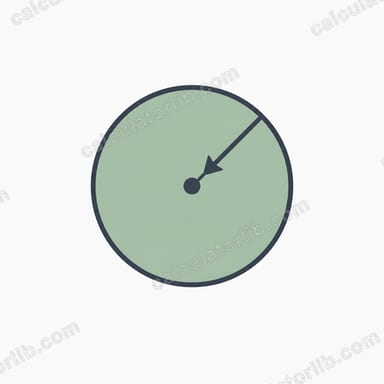
The Circumference from Radius Calculator finds the perimeter (circumference) of a circle when you know its radius. The circumference is the total distance around the edge of the circle, and it is one of the most fundamental measurements in geometry. This tool also returns the diameter and the area so you get a complete picture of the circle in a single calculation.
How to Use It
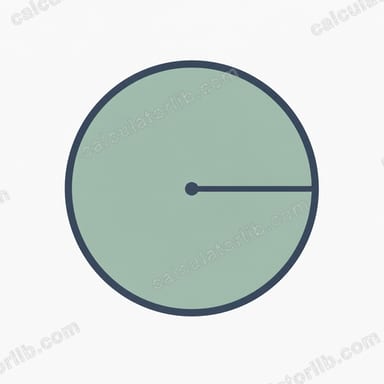
Simply enter the radius of your circle into the input field and the calculator instantly displays the circumference. The radius can be in any unit — centimeters, meters, inches, feet — and the result will be in the same unit. Make sure your radius is a positive number.
The Formula Explained
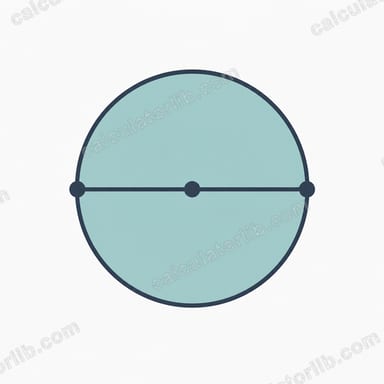
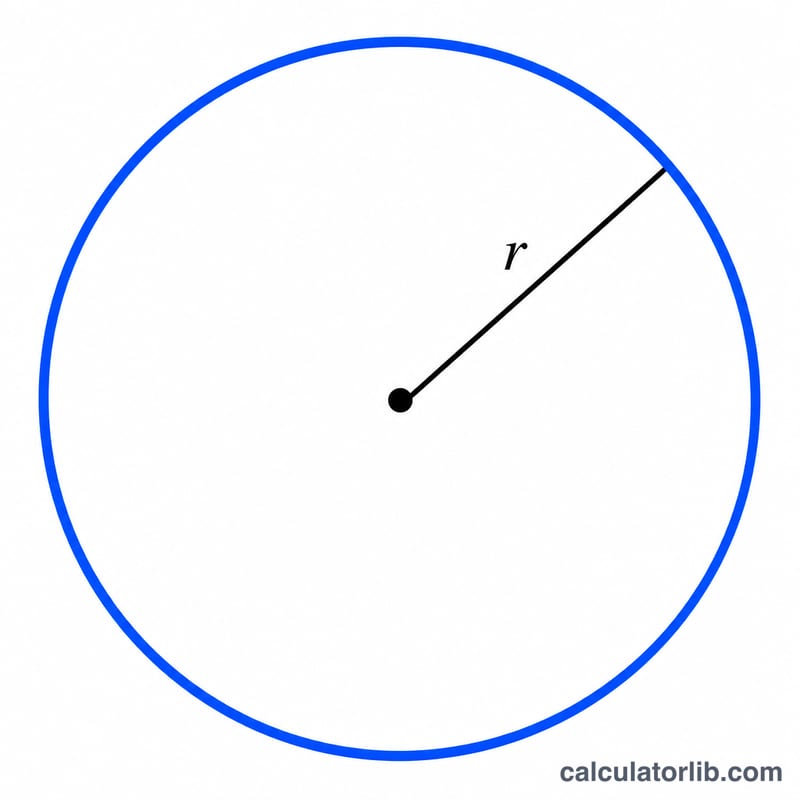
The circumference is calculated with the classic formula $$C = 2\pi r$$ where \(r\) is the radius and \(\pi\) (pi) is approximately \(3.14159\). Because the diameter equals twice the radius (\(d = 2r\)), this is the same as \(C = \pi d\). The constant \(\pi\) is the ratio of any circle's circumference to its diameter, which is why it appears in every circle formula.
Worked Example
Suppose a circle has a radius of 5 units. Plugging into the formula: $$C = 2 \times \pi \times 5 = 10\pi \approx 31.42 \text{ units}$$ The diameter is \(2 \times 5 = 10\) units, and the area is \(\pi \times 5^2 = 25\pi \approx 78.54\) square units.
FAQ
What if I only know the diameter? Divide the diameter by 2 to get the radius, then enter it here — or note that \(C = \pi d\) directly.
What value of π is used? This calculator uses the full precision value of \(\pi\) built into the math library (about \(3.14159265\)), so results are highly accurate.
Does the unit matter? No. The circumference comes out in whatever unit you used for the radius, since the formula only scales by \(2\pi\).