
What This Calculator Does
This tool computes the area of a circle when you know its radius. Enter the radius and it instantly returns the area using the classic formula \(A = \pi r^{2}\), along with the diameter and circumference as bonus values. It works for any unit — centimeters, inches, meters, feet — the output is simply in the corresponding square units.
How to Use It
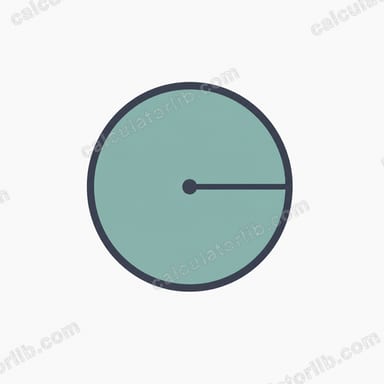
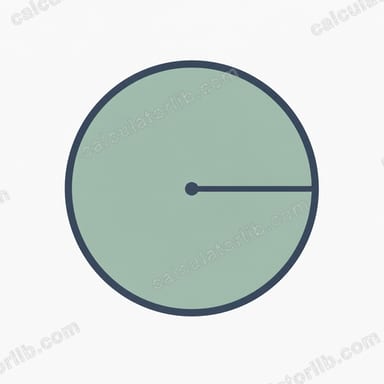
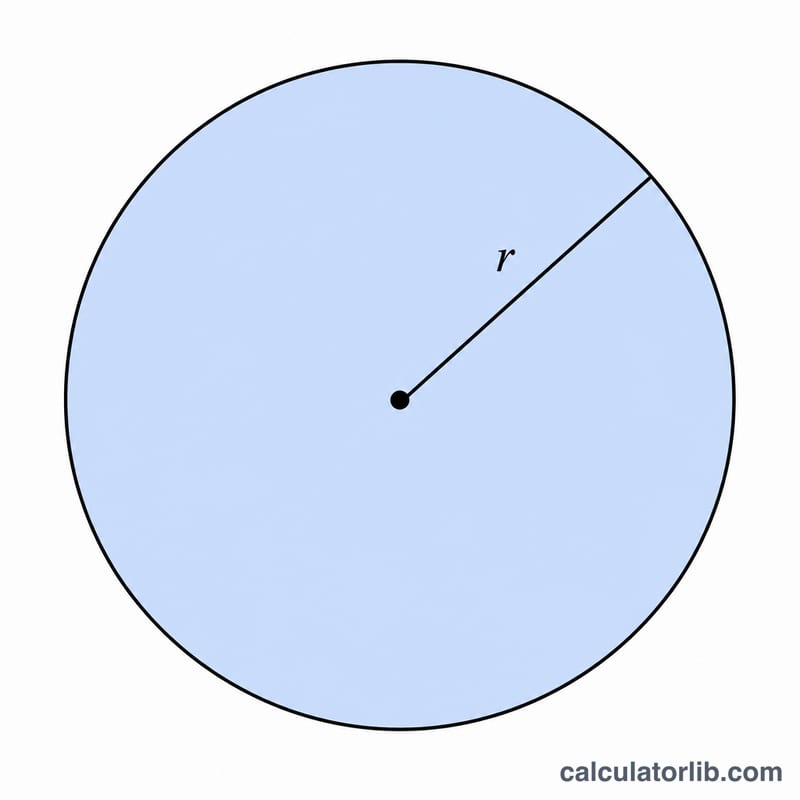
Type the radius (the distance from the center of the circle to its edge) into the input box and the result updates immediately. If you only know the diameter, divide it by two first to get the radius. The calculator accepts decimals, so values like 3.5 or 12.75 work perfectly.
The Formula Explained
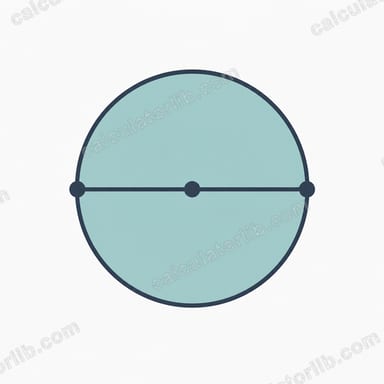
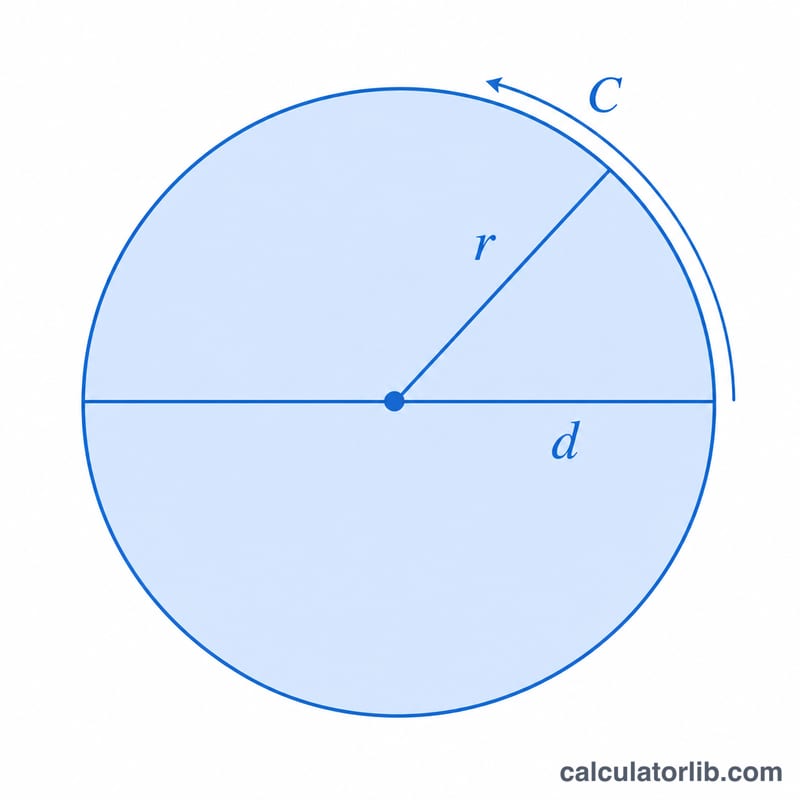
The area of a circle is given by $$A = \pi r^{2}$$ where r is the radius and \(\pi\) (pi) is approximately 3.14159. Squaring the radius and multiplying by pi gives the total area enclosed by the circle. The circumference is \(C = 2\pi r\), and the diameter is simply \(d = 2r\).
Worked Example
Suppose a circle has a radius of 5 units. Then $$A = \pi \times 5^{2} = \pi \times 25 \approx 78.54 \text{ square units.}$$ Its diameter is \(2 \times 5 = 10\) units, and its circumference is \(2 \times \pi \times 5 \approx 31.42\) units.
FAQ
What if I only know the diameter? Divide the diameter by 2 to get the radius, then enter it.
What units does the result use? The area is in square units of whatever unit you used for the radius (e.g., a radius in cm gives area in cm²).
Why is the area always positive? Because the radius is squared, the area is never negative; a radius of 0 gives an area of 0.