
What This Calculator Does
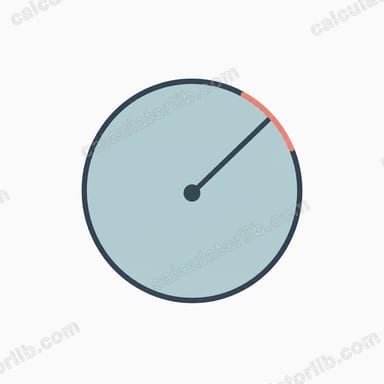
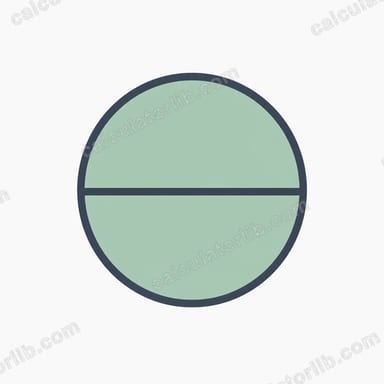
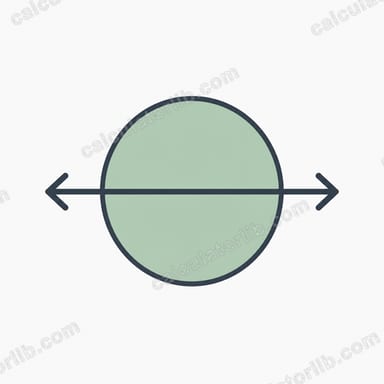
The Circumference to Diameter Calculator finds the diameter of a circle when you already know how far it is around the outside (its circumference). It's handy whenever you can measure the perimeter of a round object — a pipe, a tree trunk, a wheel, a cake tin — but cannot easily measure straight across the middle. As a bonus, it also reports the circle's area, calculated from the diameter it works out for you.
The Single Input
- Circumference: the distance once around the circle, in any unit you like (cm, inches, metres, etc.). The diameter and area will come back in that same unit (and unit squared for area).
The Formula Explained
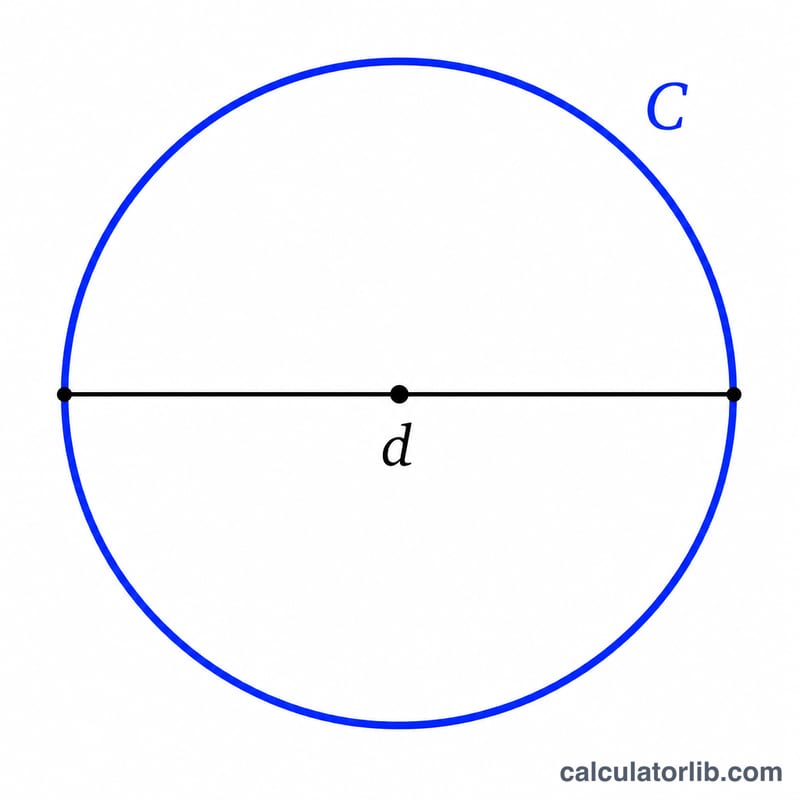
A circle's circumference is linked to its diameter by the well-known relationship C = πd. Rearranging that to solve for the diameter gives the formula this tool uses:
d = C / π
Here π (pi) is approximately 3.14159. So you simply divide the circumference by pi to get the diameter. The calculator then finds the area with A = π × (d / 2)², using the radius (half the diameter) it just derived.
Worked Example
Suppose you measure a circular tabletop and find its circumference is 314 cm.
- Diameter: d = 314 / 3.14159 ≈ 99.95 cm
- Radius: 99.95 / 2 ≈ 49.97 cm
- Area: π × (49.97)² ≈ 7,846 cm²
So a tabletop measuring 314 cm around is just under a metre across and covers roughly 0.78 square metres.
Frequently Asked Questions
Why divide by pi instead of multiplying? Because circumference equals π times the diameter, the diameter must be the circumference divided by π. Multiplying would make the answer about ten times too large.
What units does the result use? Whatever unit you enter the circumference in. Enter centimetres and the diameter comes back in centimetres, with the area in square centimetres.
How do I get the radius instead? Just halve the diameter the calculator returns. The radius is always exactly half the diameter, so r = d / 2 = C / (2π).