
What Is the Plywood Calculator?
The Plywood Calculator estimates how many sheets of plywood (or OSB, MDF, drywall, or any panel material) you need to cover a given surface — a wall, floor, roof deck, or subfloor. You enter the dimensions of the area, the size of the plywood sheets you plan to buy, and an optional waste allowance, and the tool returns the number of full sheets required plus an estimated cost.
How to Use It
Enter the length and width (or height) of the surface in feet. Set the dimensions of your plywood sheet — the standard size is \(8 \text{ ft} \times 4 \text{ ft}\), which equals 32 ft² per sheet. Add a waste allowance (10% is a common starting point to cover cutting offcuts and mistakes). Optionally enter a price per sheet to get a material cost estimate. The result rounds up to whole sheets because you cannot buy a partial sheet.
The Formula Explained
First the calculator finds the total area: total area = length × width. It then inflates that by the waste factor: adjusted area = total area × (1 + waste%/100). Each sheet covers sheet length × sheet width. Dividing the adjusted area by the sheet area and rounding up with the ceiling function gives the number of sheets.
$$\text{Sheets} = \left\lceil \frac{A_{\text{surface}} \times \left(1 + \frac{\text{Waste \%}}{100}\right)}{A_{\text{sheet}}} \right\rceil$$$$\text{where}\quad \left\{ \begin{aligned} A_{\text{surface}} &= \text{Length} \times \text{Width} \\ A_{\text{sheet}} &= \text{Sheet L} \times \text{Sheet W} \end{aligned} \right.$$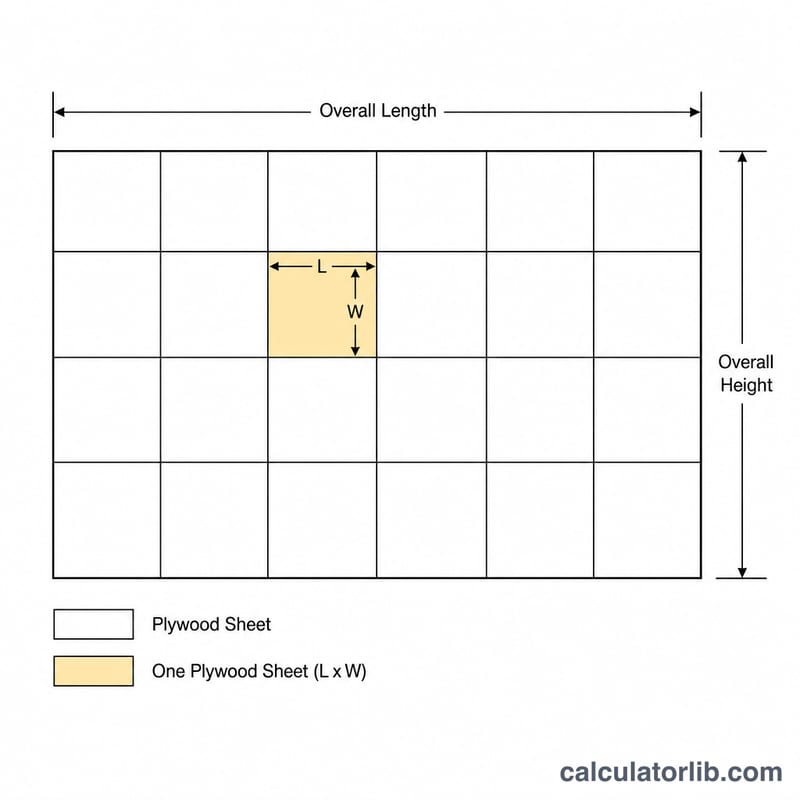
Worked Example
Suppose you are sheathing a wall 20 ft long and 8 ft tall using standard \(8 \text{ ft} \times 4 \text{ ft}\) sheets, with a 10% waste allowance. Total area = \(20 \times 8 = 160 \text{ ft}^2\). With waste: \(160 \times 1.10 = 176 \text{ ft}^2\). Each sheet covers \(8 \times 4 = 32 \text{ ft}^2\). So \(176 \div 32 = 5.5\), which rounds up to 6 sheets.
FAQ
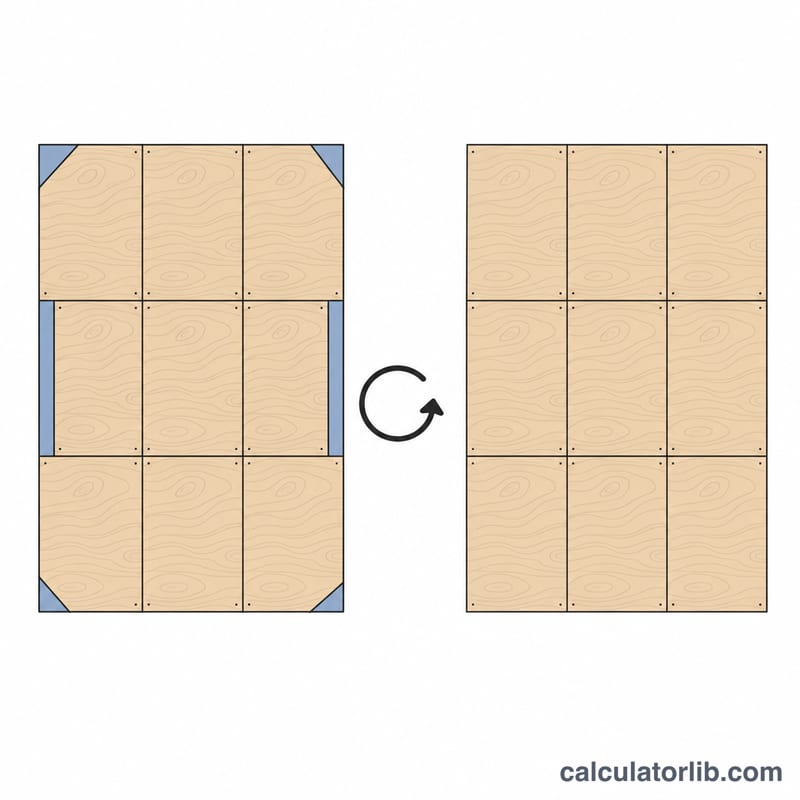
What waste allowance should I use? For simple rectangular surfaces 10% is typical; for rooms with many openings, diagonal cuts, or irregular shapes, use 15–20%.
Does this work for floors and roofs? Yes. Any flat area works — just enter the two dimensions in the same unit.
Should I subtract windows and doors? This calculator covers the full rectangle, which is safer for ordering. If you want, subtract openings from your area before entering, but keep some waste margin.