
What This Calculator Does
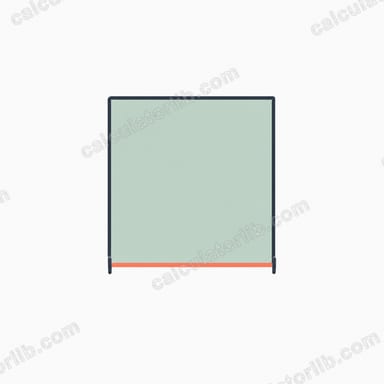
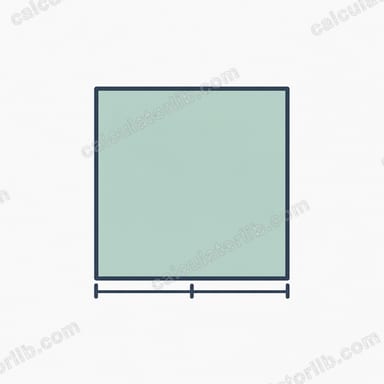
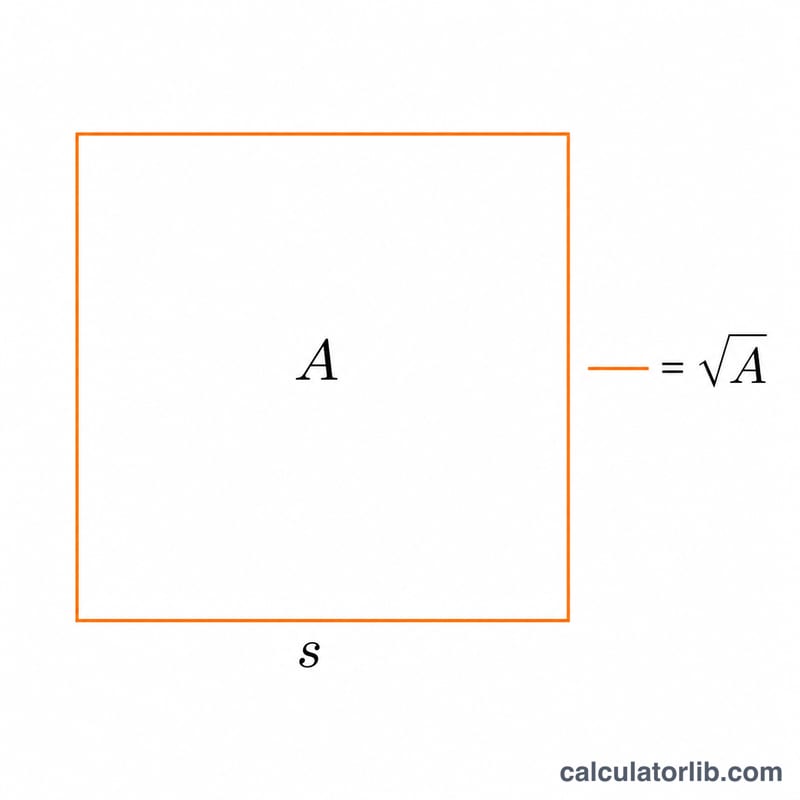
This tool finds the perimeter of a square when you only know its area. Because all four sides of a square are equal, the area is simply the side squared (\(A = s^2\)). To reverse this, take the square root of the area to recover the side length, then multiply by four. The result is the formula \(P = 4\sqrt{A}\). The calculator works for any unit — centimetres, metres, inches, feet — as long as you stay consistent. The area is in square units and the perimeter comes out in the matching linear units.
How to Use It
Enter the area of your square in the input box and the calculator instantly displays the side length (\(\sqrt{A}\)) and the total perimeter (\(4\sqrt{A}\)). There is nothing else to configure — a square is fully determined by a single measurement.
The Formula Explained
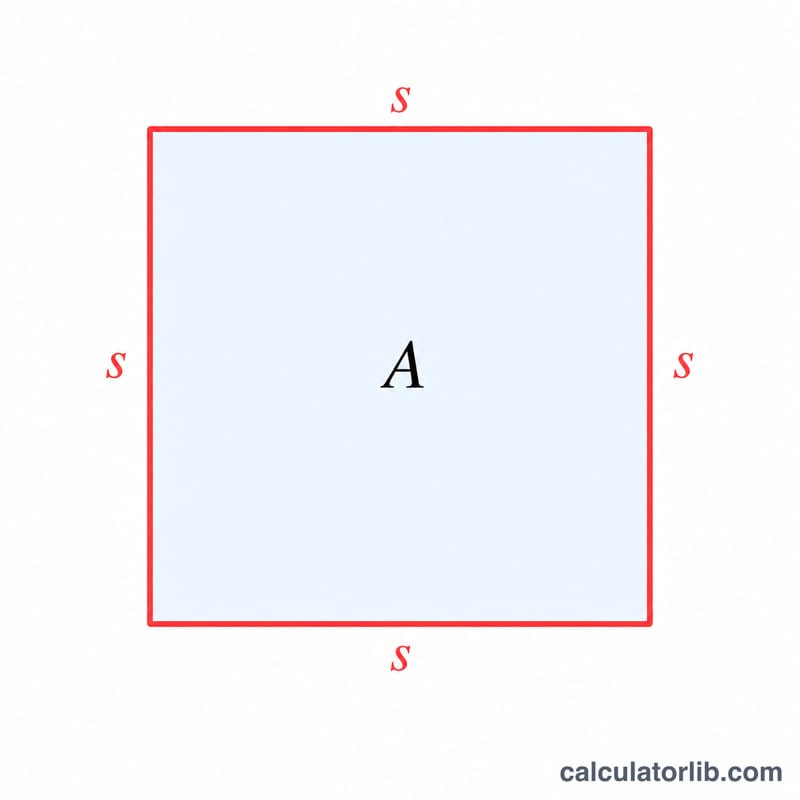
Start from the area definition for a square: \(A = s \times s = s^2\). Solving for the side gives \(s = \sqrt{A}\). The perimeter is the sum of all four equal sides: \(P = 4s\). Substituting \(s = \sqrt{A}\) produces the combined formula $$P = 4\sqrt{A}$$ This avoids a two-step calculation and lets you go straight from area to perimeter.
Worked Example
Suppose a square has an area of 25 square metres. The side length is \(\sqrt{25} = 5\) m. The perimeter is \(4 \times 5 = 20\) m. Using the direct formula: $$P = 4\sqrt{25} = 4 \times 5 = 20 \text{ m}$$ Both methods agree.
FAQ
What units does the perimeter use? The same linear unit as the side. If area is in m², the perimeter is in metres.
Can the area be a decimal? Yes. For example, an area of 2 gives a side of about 1.41 and a perimeter of about 5.66.
What if I enter zero or a negative number? A square must have a positive area, so the calculator returns zero for non-positive inputs.