
What is the Width of a Rectangle Calculator?
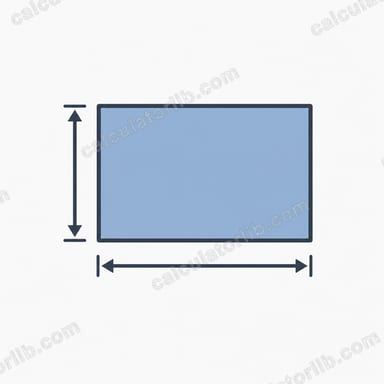
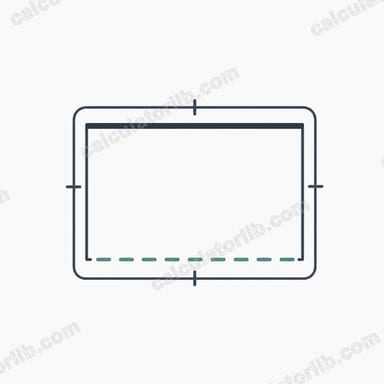
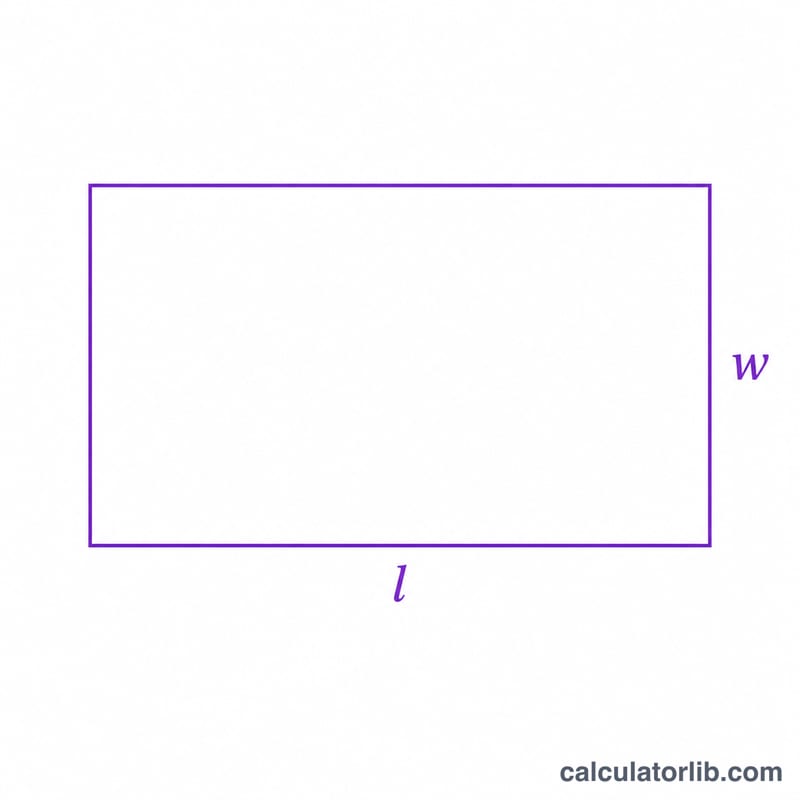
This tool finds the missing width of a rectangle when you already know one other dimension and either the area or the perimeter. A rectangle has two pairs of equal sides: the length and the width. If you know the length plus the area, or the length plus the perimeter, the width is fully determined by simple algebra. This calculator works for any unit (cm, m, inches, feet) as long as you stay consistent.
How to use it
Pick whether you are starting from the area or the perimeter. Enter the matching value along with the known length, then read off the width. Use the same unit for every input; the width comes out in that same unit.
The formula explained
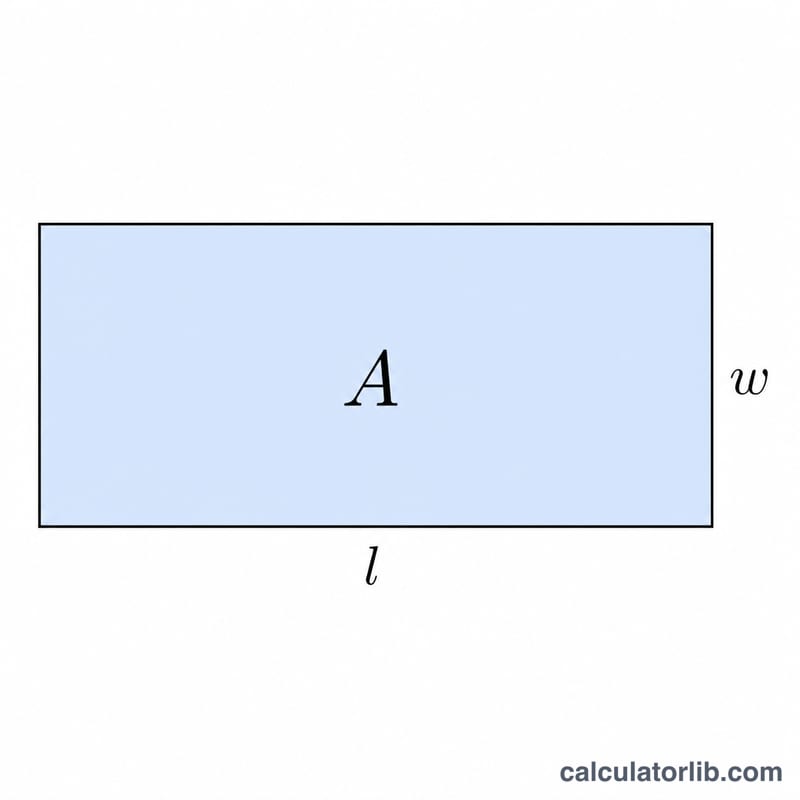
The area of a rectangle is \(A = l \times w\), so rearranging gives $$w = \frac{A}{l}$$ The perimeter is \(P = 2(l + w)\), which rearranges to $$w = \frac{P}{2} - l$$ In both cases you divide or subtract to isolate the width.
Worked example
Suppose a rectangle has an area of 50 square units and a length of 10 units. Then $$w = \frac{50}{10} = 5 \text{ units}$$ Alternatively, if the perimeter is 30 units and the length is 10 units, then $$w = \frac{30}{2} - 10 = 15 - 10 = 5 \text{ units}$$
FAQ
What if I get a negative width from the perimeter? That means the length you entered is larger than half the perimeter, which is geometrically impossible. Check your inputs. The calculator clamps such cases to 0.
Can length and width be swapped? Yes. The labels "length" and "width" are interchangeable for a rectangle — whichever side you know, enter it as the length.
Do units matter? Only that they are consistent. Area must be in squared units of the length you provide; perimeter in the same linear units.