
What This Calculator Does
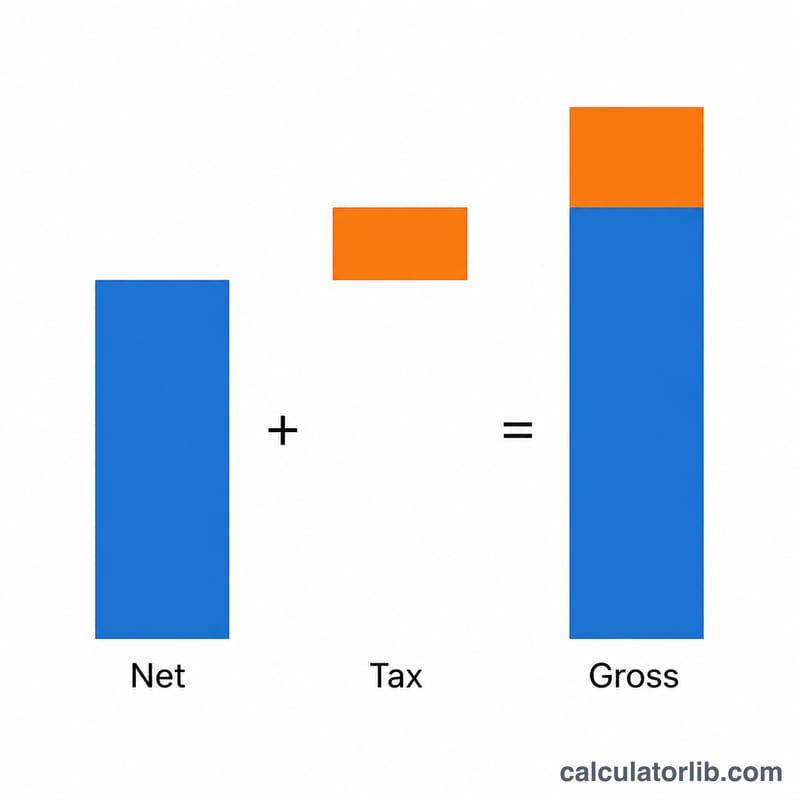
This calculator adds a tax percentage to a net (pre-tax) price to give you the gross (tax-inclusive) total. It is useful for adding sales tax, VAT, GST, or any markup percentage to a base price. You provide the net amount and the rate, and the tool returns the final price along with how much of it is tax.
How to Use It
Enter the net price (the amount before tax) in the first field, then enter the tax rate as a percentage in the second field. The calculator immediately shows the gross price, the original net price, the rate applied, and the tax amount so you can see exactly how the total is built up.
The Formula Explained
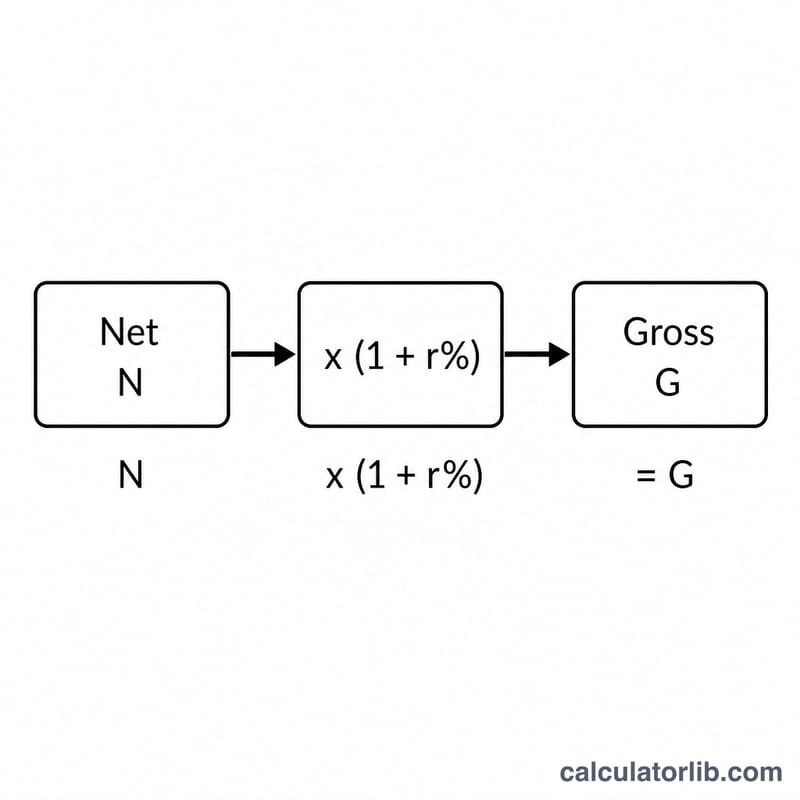
The core formula is:
$$\text{Gross} = \text{Net} \times \left(1 + \frac{\text{TaxRate}}{100}\right)$$
The tax rate is divided by 100 to convert the percentage into a decimal multiplier. Adding 1 keeps the original net value and layers the tax on top. The tax amount on its own equals \(\text{Net} \times \left(\frac{\text{TaxRate}}{100}\right)\).
Worked Example
Suppose a product has a net price of 100 and the tax rate is 20%. The tax amount is $$100 \times \left(\frac{20}{100}\right) = 20.$$ The gross price is $$100 \times \left(1 + \frac{20}{100}\right) = 100 \times 1.20 = 120.$$ So the customer pays 120, of which 20 is tax.
FAQ
Is this the same as a markup calculator? Yes — the math is identical whether you call the percentage a tax rate or a markup. It adds a percentage on top of the base figure.
How do I go from gross back to net? Divide the gross by \(\left(1 + \frac{\text{rate}}{100}\right)\). For example, \(120 \div 1.20 = 100\).
Can I use any tax rate? Yes, enter any percentage including decimals such as 7.5 or 23.