
What this tool does
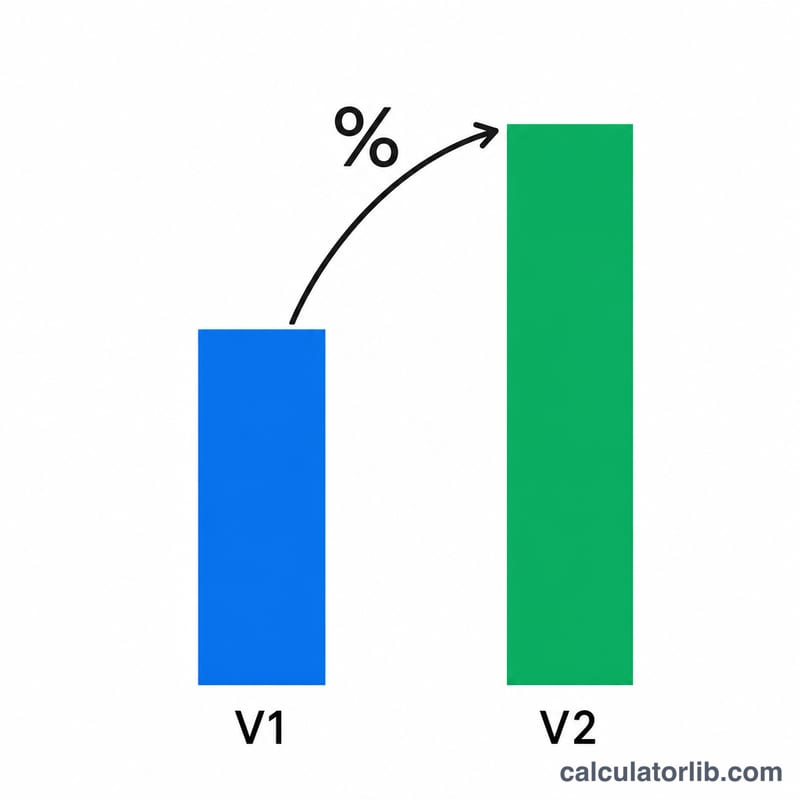
This is a practice and self-checking calculator for percentage change word problems. It frames a small story problem with a subject (such as "volunteers" or an item price), a starting period and an ending period, and two values: an old value V1 and a new value V2. You work out the percentage change on paper, type your answer, and the tool tells you whether you are right and shows the complete worked solution.
How to use it
Enter the Initial / Old Value (V1) and the Final / New Value (V2). Optionally adjust the period labels, the subject and a currency symbol to reframe the story. Type your computed percentage in the "Percent Change" box and press Calculate. The tool rounds both your answer and the true answer to two decimal places and marks you Correct if they match within 0.01. Use Create New Problem to try fresh numbers.
The formula explained
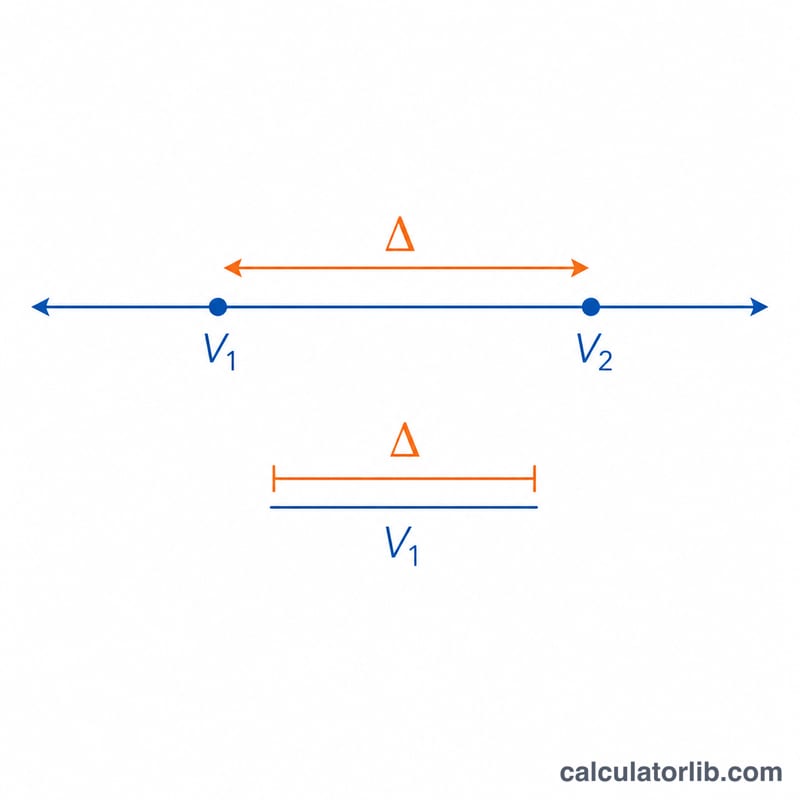
Percentage change is found by dividing the difference between the final and initial values by the absolute value of the initial value, then multiplying by 100: $$\text{Percent Change} = \frac{V_2 - V_1}{\left| V_1 \right|} \times 100$$. The absolute value in the denominator keeps the sign of the answer tied to the direction of change. A positive result is an increase; a negative result is a decrease, reported with the words but without the minus sign. Note this is percentage change (order matters), not percentage difference (which uses the average of the two numbers as the base).
Worked example
Suppose a value rises from 44.90 in 2015 to 87.80 in 2016. The change is \(87.80 - 44.90 = 42.90\). Dividing by the initial value gives \(42.90 / 44.90 = 0.955457\), and multiplying by 100 gives 95.55%. Because the result is positive, this is a 95.55% increase.
$$\frac{87.80 - 44.90}{\left| 44.90 \right|} \times 100 = 95.55\%$$
FAQ
What if the initial value is 0? The percentage change is undefined because you cannot divide by zero. The tool detects this and reports "undefined" instead of a number.
Can my answer be negative? Yes. A decrease produces a negative percentage; entering a negative number is fine and is graded the same way.
Why use the absolute value of V1? It anchors the percentage to the magnitude of the starting point while letting the numerator's sign express whether the quantity rose or fell.