
What Is the Percentage Growth Calculator?
The Percentage Growth Calculator measures how much a value has increased or decreased between two points in time, expressed as a percentage. It works for any currency or unit, so it is useful worldwide — whether you are tracking revenue in dollars, website visitors, a stock price, your salary, or the number of subscribers on a channel. Instead of guessing whether a change is significant, you get a clear figure that puts the difference in context.
How to Use It
You only need two numbers to get a result:
- Initial value — the starting amount (for example, last year's revenue or your original investment).
- Final value — the ending amount (this year's revenue or the current value).
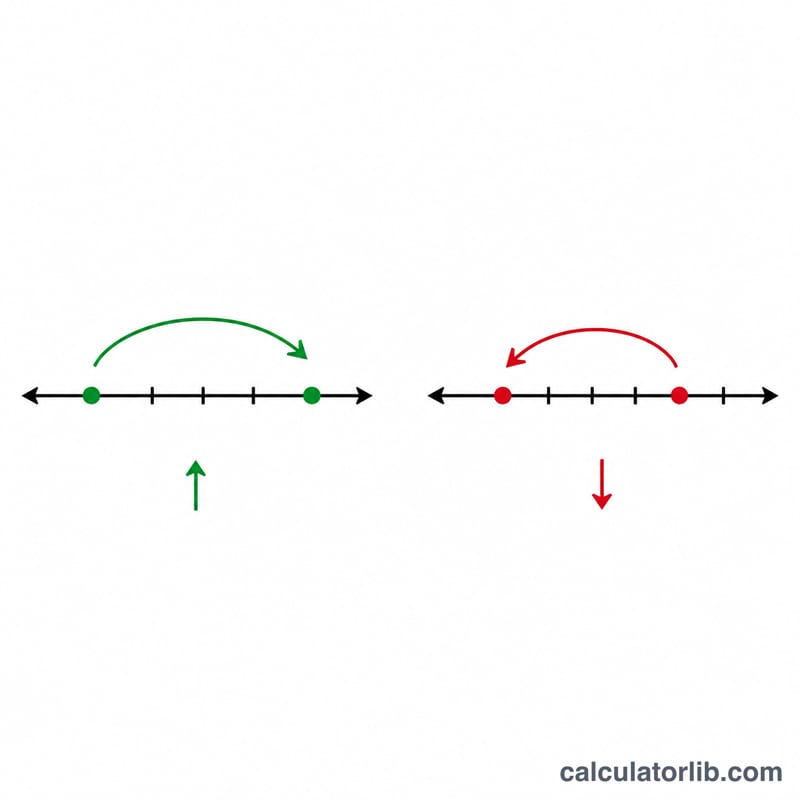
Enter both figures and the calculator returns the percent change. A positive result means growth, while a negative result means a decline. The same units must be used for both values so the comparison stays accurate.
The Formula Explained
The calculation uses a simple, widely accepted formula:
- $$\text{Percent change} = \frac{\text{Final} - \text{Initial}}{\text{Initial}} \times 100$$
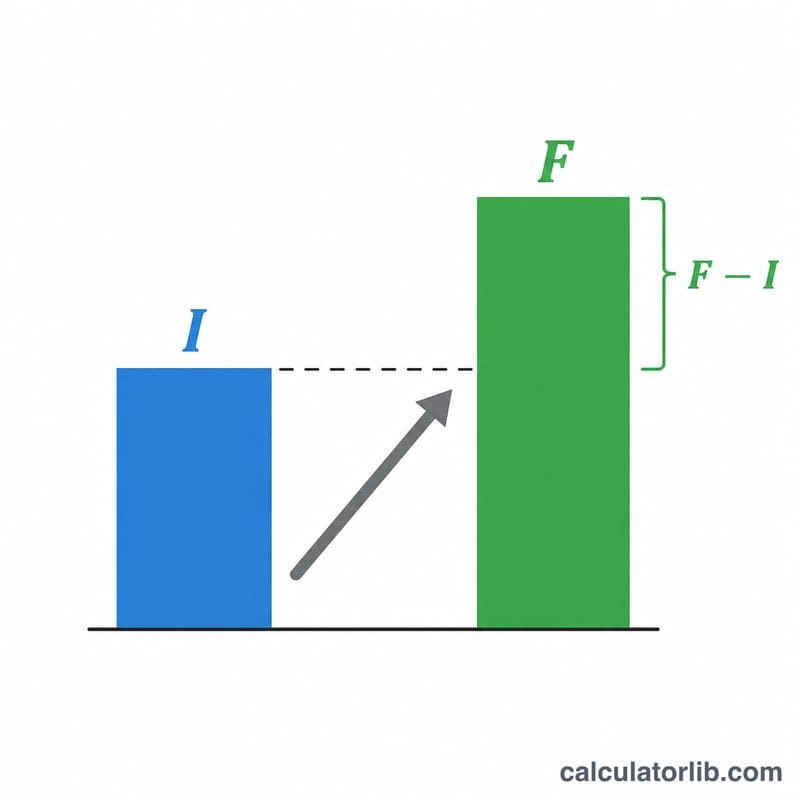
You subtract the initial value from the final value to find the absolute change, divide by the initial value to express it as a proportion, then multiply by 100 to convert it into a percentage. The initial value is always the denominator because growth is measured relative to where you started.
Worked Example
Suppose a small business earned $40,000 in its first year and $52,000 in its second year. Plug the numbers in:
- Change = \(52{,}000 - 40{,}000 = 12{,}000\)
- Percent change = $$\frac{12{,}000}{40{,}000} \times 100 = 30\% \text{ growth}$$
If the values were reversed — falling from 52,000 to 40,000 — the result would be roughly −23.1%, indicating a decline.