
What Is the Quiz Score Calculator?
The Quiz Score Calculator turns the raw number of questions you answered correctly into a clear percentage score and a familiar A–F letter grade. Whether you are a student checking a practice test, a teacher grading a worksheet, or just curious about how you did, this tool gives you an instant, accurate result without any manual arithmetic.
How to Use It
Enter the number of questions you answered correctly and the total number of questions on the quiz, then read your results. The calculator displays your score as a percentage rounded to two decimals and assigns a letter grade based on a standard grading scale. If you accidentally enter more correct answers than total questions, the value is capped to the total so the result never exceeds 100%.
The Formula Explained
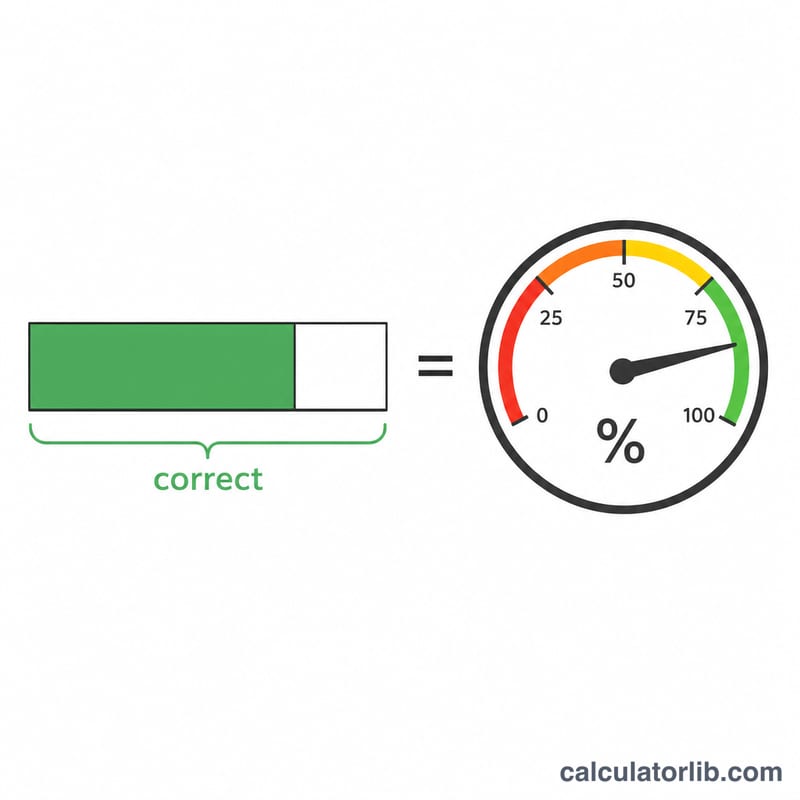
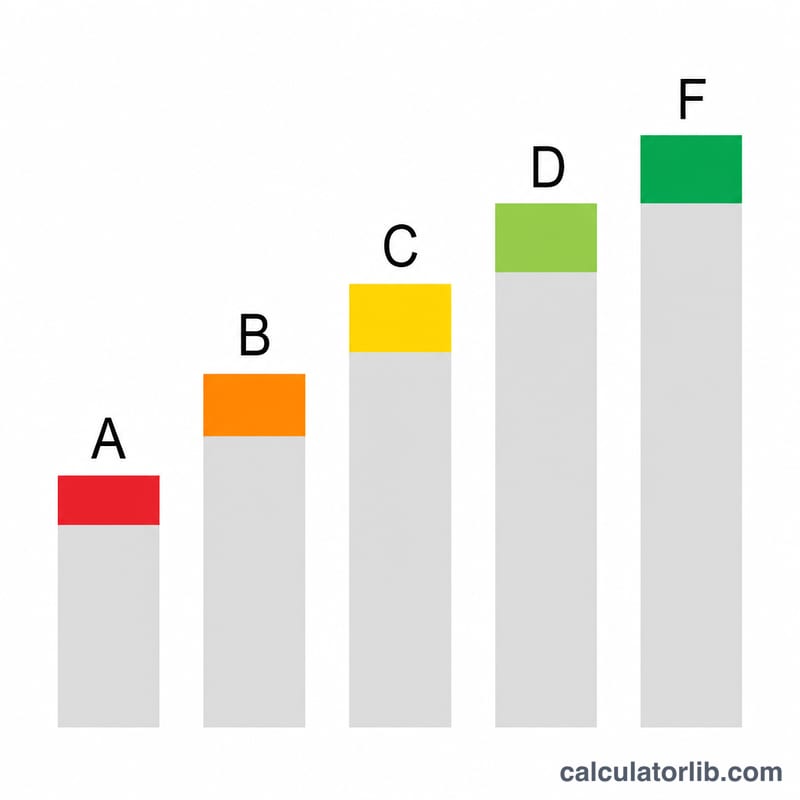
The core calculation is simple: $$\text{Score} = \frac{\text{Correct Answers}}{\text{Total Questions}} \times 100\%$$ The resulting percentage is then matched against grade bands: 90% and above is an A, 80–89% is a B, 70–79% is a C, 60–69% is a D, and anything below 60% is an F. These bands follow the common U.S. classroom grading scale, but the percentage itself is universal and works for any quiz, test, or exam.
Worked Example
Suppose you got 18 questions right out of 20. The score is $$18 \div 20 \times 100 = 90\%$$ Because 90% meets the A threshold, your letter grade is an A. Score 14 out of 20 instead and you get 70%, which lands you a C.
FAQ
What grading scale is used? A standard 90/80/70/60 scale (A/B/C/D, with F below 60). Your school may use a different scale, so always confirm with your instructor.
Can the score go above 100%? No. If correct answers exceed total questions, the calculator caps correct at the total.
Does it handle partial-credit or weighted quizzes? This tool assumes each question is worth the same amount. For weighted scoring, use total possible points as "total" and earned points as "correct".