
What Is the Rate of Pay Calculator?
The Rate of Pay Calculator works out your hourly rate from the total amount you were paid and the number of hours you worked. It's useful for hourly workers, freelancers, and salaried employees who want to know their effective hourly earnings for any period — a week, a month, or a single project.
How to Use It
Enter your total pay (the gross amount received for the period) and the total hours you worked during that same period. The calculator instantly divides one by the other to show your hourly rate of pay.
The Formula Explained
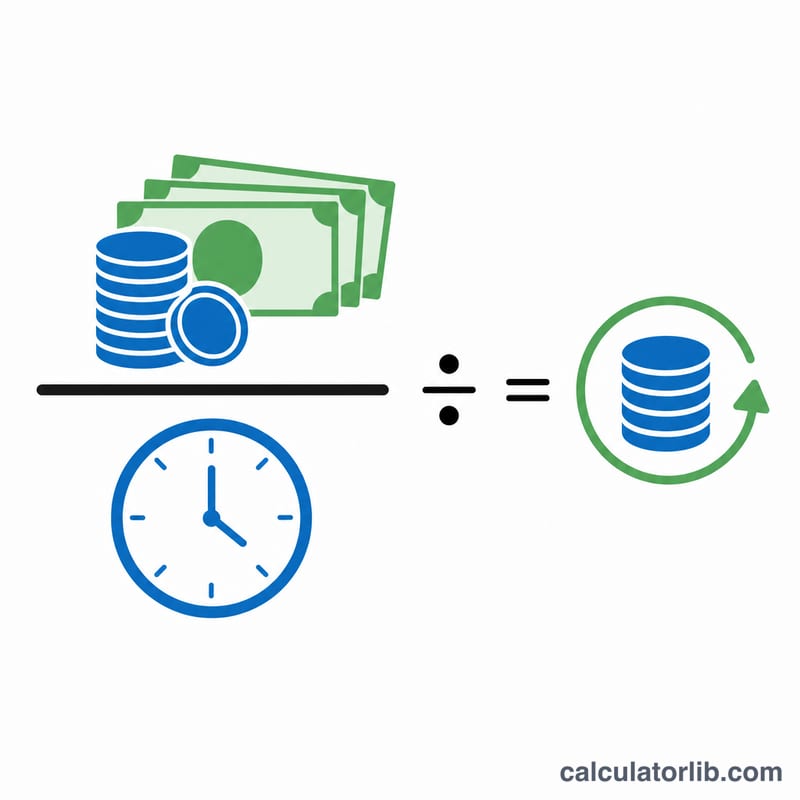
The math is simple division:
$$\text{Rate of Pay} = \dfrac{\text{Total Pay}}{\text{Total Hours}}$$
Total pay is the gross figure for the period, and total hours is the actual time worked. Keep both values for the same period so the result is meaningful.
Worked Example
Suppose you earned $800 for a week and worked 40 hours. Your rate of pay is $$800 \div 40 = \$20.00 \text{ per hour}$$ If instead you worked 50 hours for the same $800, your effective rate drops to \(800 \div 50 = \$16.00\) per hour.
FAQ
Should I use gross or net pay? Use gross (before-tax) pay to find your gross hourly rate, or net pay if you want your take-home hourly rate.
Can I use it for monthly salary? Yes — enter your monthly pay and total hours worked that month.
What if I include overtime hours? Including all hours gives your blended effective rate; exclude overtime hours and pay if you only want your base rate.