
What this calculator does
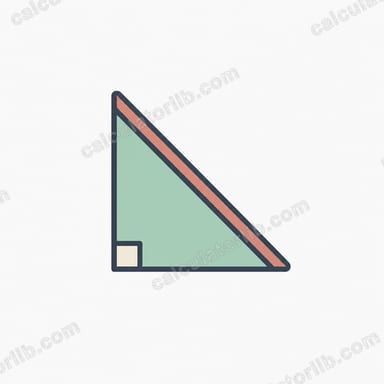
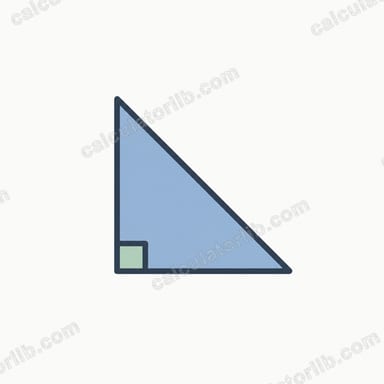
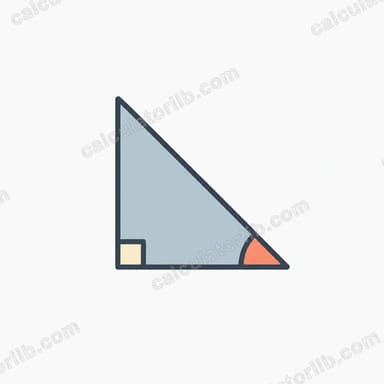
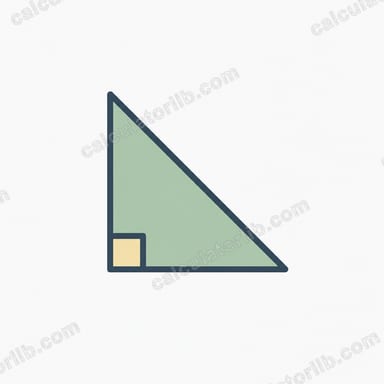
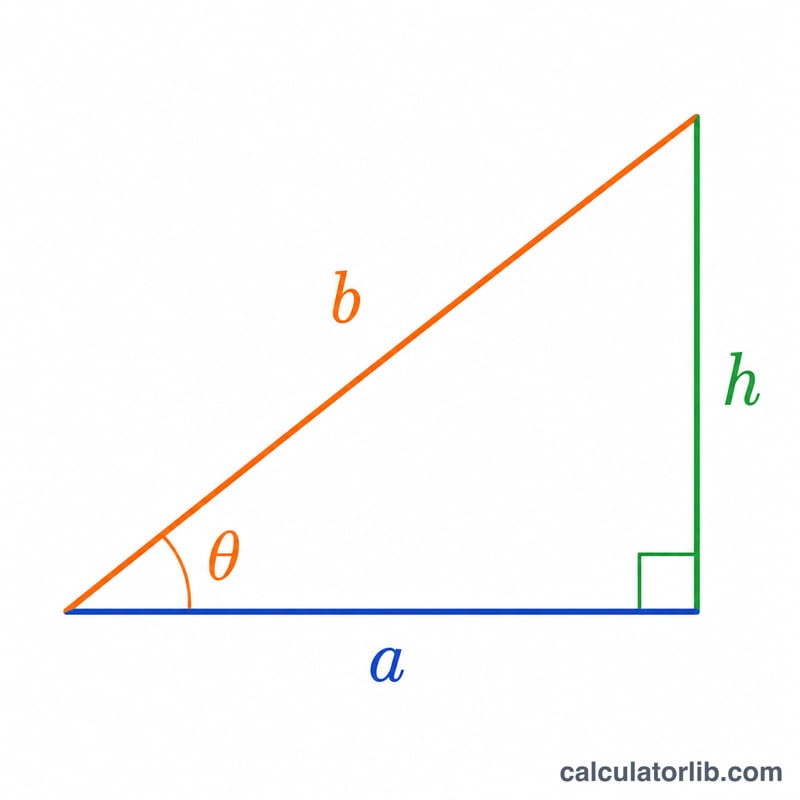
The Right Triangle Solver finds every element of a right triangle when you know any two of them. The triangle has the right angle (90°) between the base a (horizontal leg) and the height h (vertical leg); the hypotenuse b is the slanted side, and the base angle θ sits between the base and the hypotenuse. Whatever pair you provide, the tool returns the base, height, hypotenuse, base angle and area in one step. The tool is unit-agnostic: outputs are expressed in the same units you use for the inputs.
How to use it
Pick an input specification from the dropdown — for example "Base and height" or "Hypotenuse and angle". Enter only the two values that specification asks for, then read the full solution below. Angles are entered and reported in degrees, with the valid range \(0\degree < \theta < 90\degree\). All lengths and the area must be positive.
The formulas
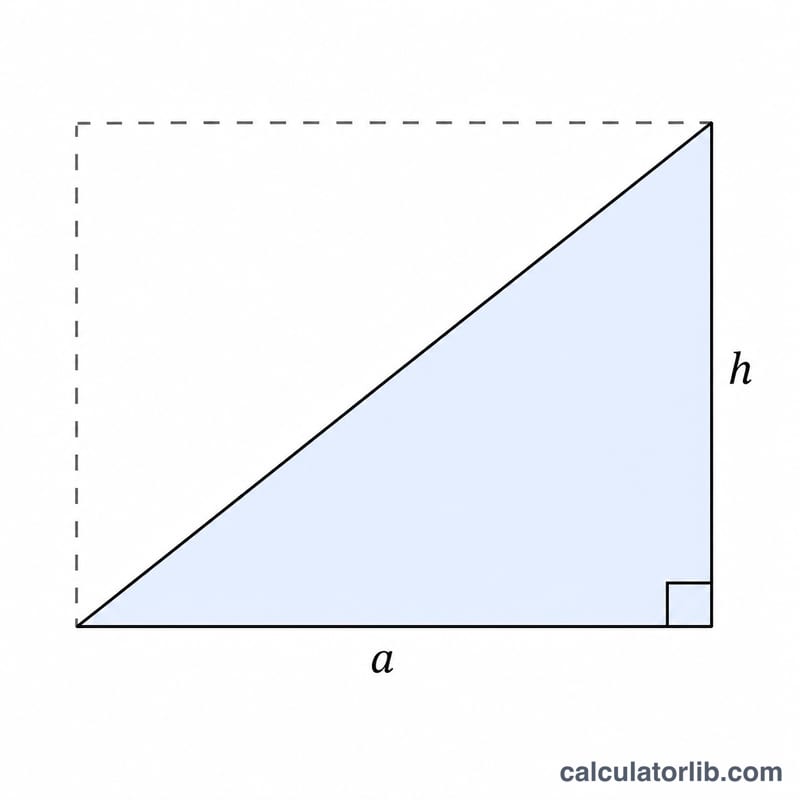
The engine relies on three classic relations. The Pythagorean theorem gives $$b = \sqrt{a^2 + h^2}.$$ Trigonometry links the angle to the sides: $$h = a\cdot\tan\theta = b\cdot\sin\theta \quad\text{and}\quad a = b\cdot\cos\theta.$$ The area is $$S = \tfrac{1}{2}\cdot a\cdot h = \tfrac{1}{4}\cdot b^2\cdot\sin 2\theta.$$ From any valid pair the calculator first recovers the two legs, then derives the hypotenuse with Pythagoras, the angle with arctangent, and finally the area.
Worked example
Choose "Base and height" with base = 3 and height = 4. Then $$b = \sqrt{3^2 + 4^2} = \sqrt{25} = 5,$$ $$\theta = \arctan(4/3) = 53.130102\degree,$$ and $$S = \tfrac{1}{2}\cdot 3\cdot 4 = 6.$$ This is the famous 3-4-5 right triangle.
FAQ
Why does "Base and hypotenuse" sometimes show an error? The hypotenuse must be longer than the base, otherwise \(b^2 - a^2\) is negative and no real triangle exists.
Why can "Area and hypotenuse" fail? For a fixed hypotenuse the largest possible area is \(\tfrac{1}{4}\cdot b^2\) (the 45° isosceles case). If your area exceeds that, \(4S/b^2 > 1\) and there is no real triangle.
What units are used? Any consistent length unit; the area is in those units squared. The calculator never converts between systems, so results match your input units exactly.