
What is the Rectangular Wall Area Calculator?
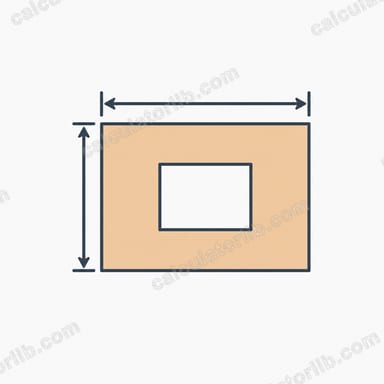
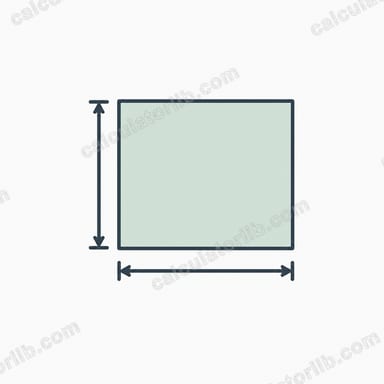
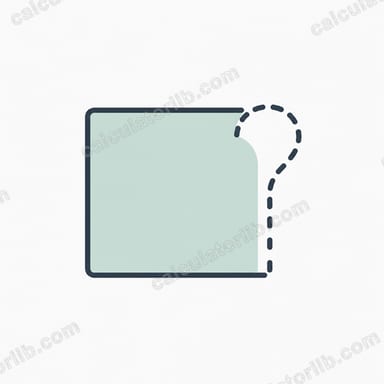
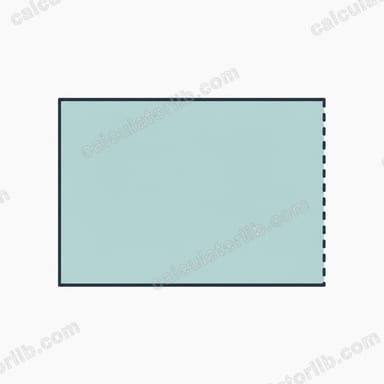
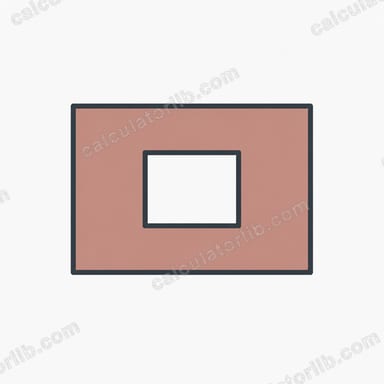
This tool calculates the surface area of a simple rectangular wall. Multiply the wall's length by its height to get the gross area, then subtract the area taken up by doors, windows or other openings to find the net area you actually need to paint, plaster, tile or wallpaper.
How to use it
Enter the wall length and height in metres. If the wall has doors or windows, add up their combined area and enter it in the openings field — for example a 0.9 m × 2.1 m door is 1.89 m². Leave openings at 0 for a blank wall. The calculator returns the gross area, the openings subtracted, and the final net area.
The formula explained
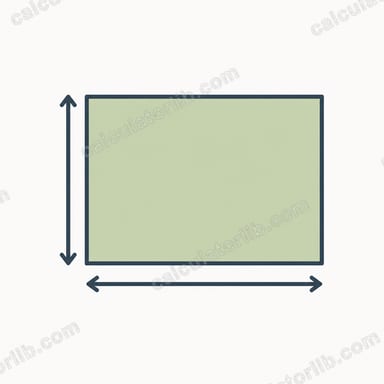
The area of a rectangle is simply \(\text{length} \times \text{height}\). Walls are rectangular in most rooms, so this is all you need. Subtracting the openings gives the realistic coverage area, which prevents you from over-ordering paint, tiles or plaster.
$$\text{Net Area} = \text{Length (m)} \times \text{Height (m)} - \text{Openings (m}^2\text{)}$$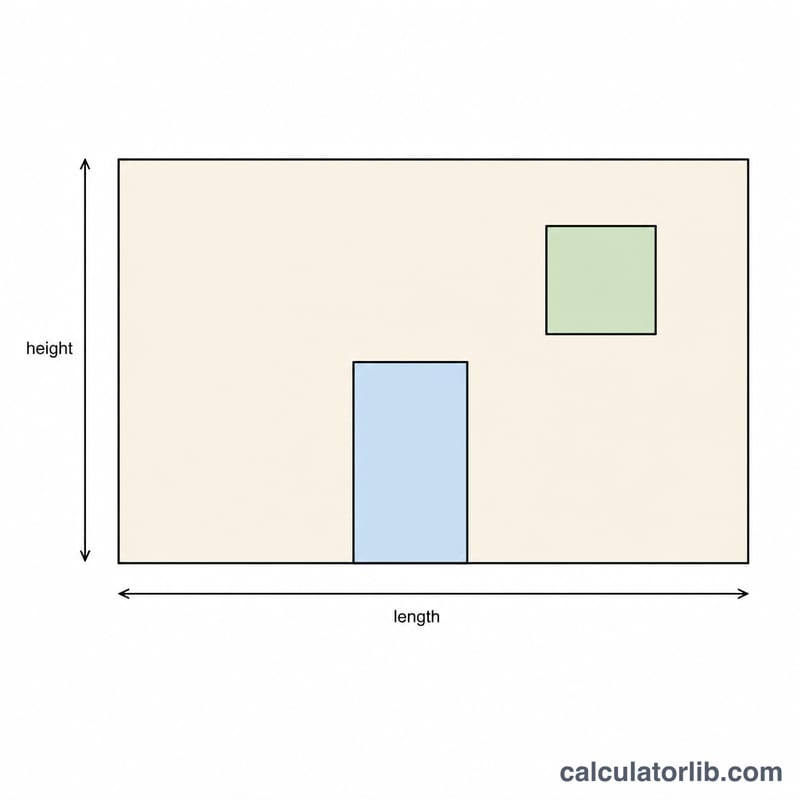
Worked example
A wall is 5 m long and 2.4 m high, with one window of 1.5 m². Gross area = \(5 \times 2.4 = 12\) m². Net area = \(12 - 1.5 = 10.5\) m². You would buy enough material to cover 10.5 m² (plus a small waste allowance).
FAQ
Should I subtract small openings? For painting, many people ignore openings under about 0.5 m² for simplicity and to allow for waste. For expensive tiling, subtract every opening.
What units can I use? Use metres for both length and height to get the area in square metres. The same formula works in feet, giving square feet.
What if my net area is negative? That means the openings you entered are larger than the wall — the calculator clamps the result to 0. Double-check your measurements.