
What this calculator does
A rectangle has two pairs of equal sides, so its perimeter is \(P = 2 \times (\text{length} + \text{width})\). If you already know the perimeter and one of the sides, the other side is fully determined. This tool finds that missing side instantly and also returns the rectangle's area.
How to use it
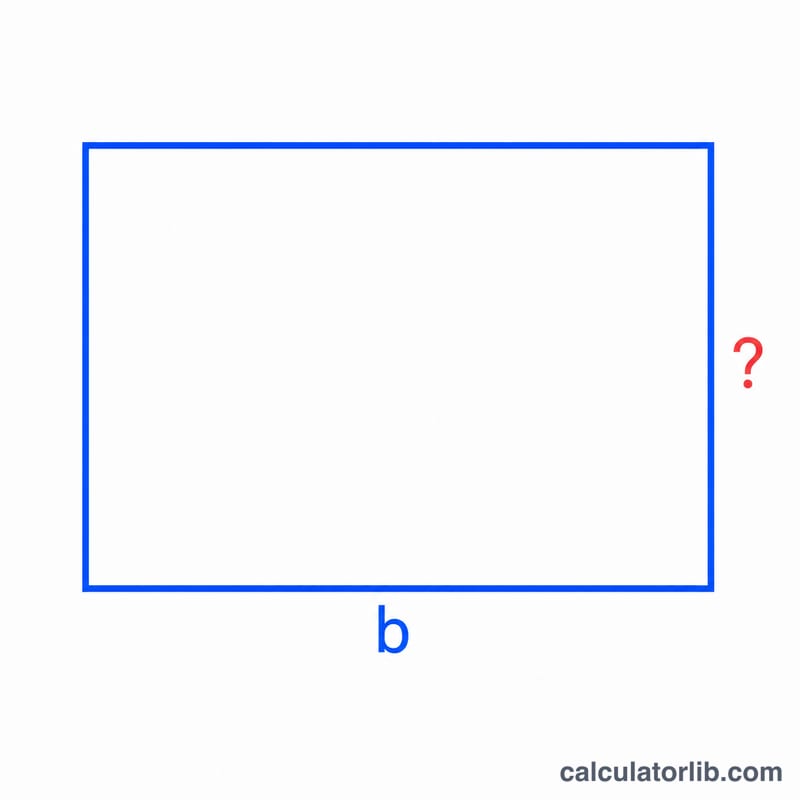
Enter the rectangle's total perimeter and the length of the side you already know. Press calculate to get the missing side. Make sure both values use the same length unit (all cm, all inches, etc.) — the result will be in that same unit.
The formula explained
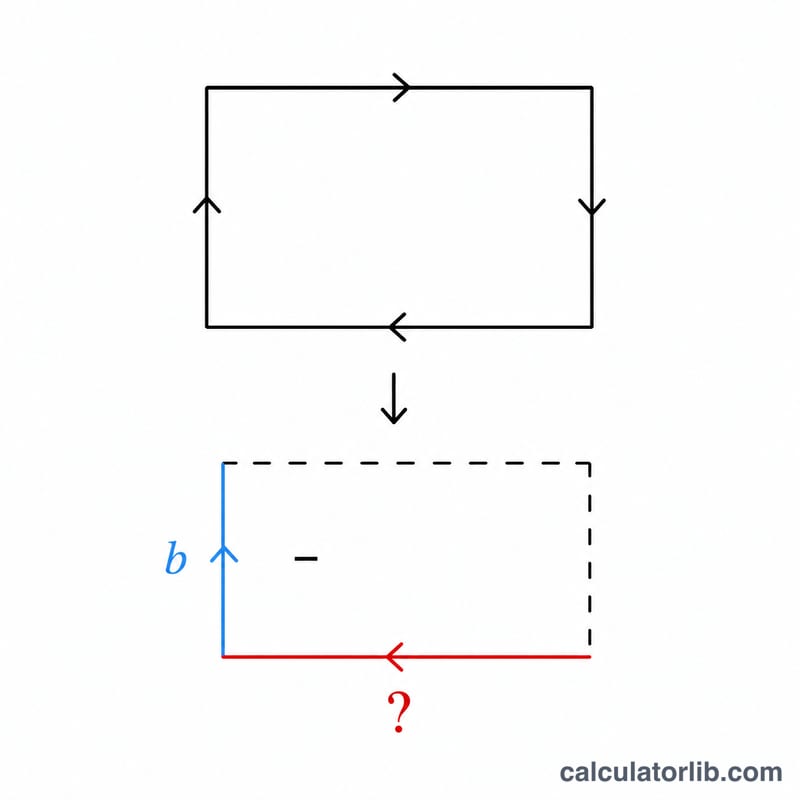
Starting from \(P = 2 \times (a + s)\), divide both sides by 2 to get \(P/2 = a + s\). Subtracting the known side \(a\) leaves the missing side: $$s = \frac{P}{2} - a$$ Half the perimeter is the sum of one length and one width, so removing the known side gives the unknown one.
Worked example
Suppose a rectangle has a perimeter of 20 and one known side of 4. Then $$s = 20 / 2 - 4 = 10 - 4 = 6$$ The missing side is 6, and the area is \(6 \times 4 = 24\) square units.
FAQ
What if I get a negative or zero result? That means the known side is too large for the given perimeter — a real rectangle cannot have a side equal to or larger than half its perimeter. Re-check your inputs.
Does it matter which side I enter? No. Because a rectangle only has two distinct side lengths, entering either the length or the width returns the other one.
What units does it use? Any consistent length unit. The missing side comes out in the same unit you entered, and the area in that unit squared.