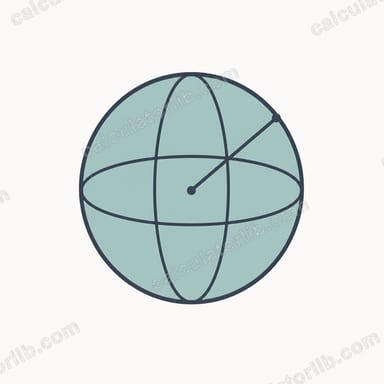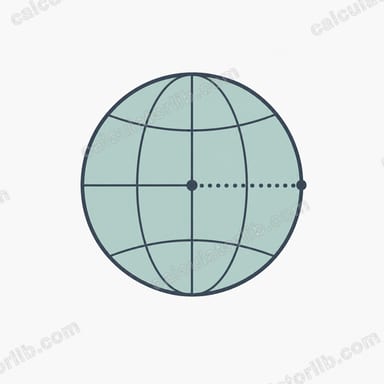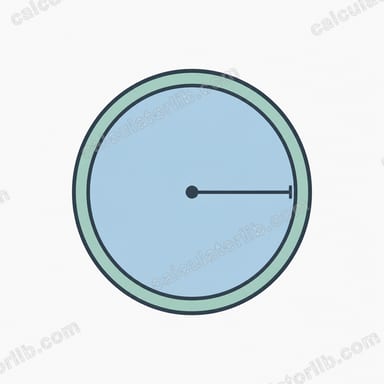

What this sphere calculator does
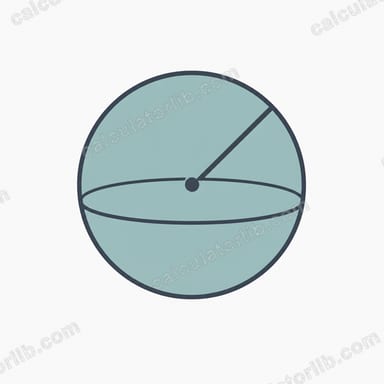
This tool takes any one known property of a sphere — the radius \(r\), the volume \(V\), the surface area \(A\), or the great-circle circumference \(C\) — and computes the other three. It also shows each result expressed "in terms of pi," with the numeric coefficient factored out from the symbol pi, which is handy for exact answers and for checking textbook problems.
How to use it
Pick a calculation mode from the dropdown to declare which value you already know. Enter that value (it must be greater than zero) in the "Known value" box. Optionally override pi, choose a display unit, and set the number of significant figures. The unit is a label only — no unit conversion is performed, so all numbers are computed unit-agnostically. Length results carry the plain unit, area results the unit squared, and volume results the unit cubed.
The formulas explained
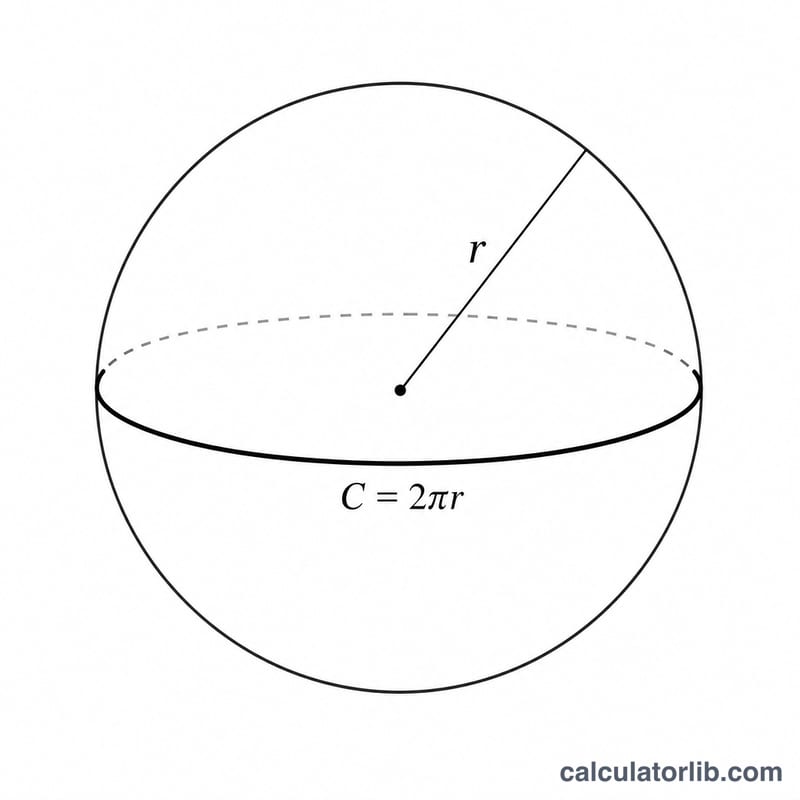
The core relationships are $$V = \tfrac{4}{3}\pi r^{3}, \quad A = 4\pi r^{2}, \quad C = 2\pi r.$$ When you supply a value other than the radius, the calculator first inverts the relevant formula to recover \(r\): from volume, \(r = \left(\tfrac{3V}{4\pi}\right)^{1/3}\); from area, \(r = \sqrt{\tfrac{A}{4\pi}}\); from circumference, \(r = \tfrac{C}{2\pi}\). Once \(r\) is known, the remaining quantities follow directly. The "in terms of pi" forms simply drop the pi factor: $$V = \tfrac{4}{3}r^{3} \cdot \pi, \quad A = 4r^{2} \cdot \pi, \quad C = 2r \cdot \pi.$$
Worked example
With radius mode and \(r = 2\) (\(\pi = 3.14159265359\), 6 significant figures): $$V = \tfrac{4}{3}\cdot\pi\cdot 8 \approx 33.5103,$$ $$A = 16\pi \approx 50.2655,$$ $$C = 4\pi \approx 12.5664.$$ In terms of pi these are \(V = 10.6667\pi\), \(A = 16\pi\), and \(C = 4\pi\).
FAQ
What is the "circumference" of a sphere? It is the great-circle circumference — the perimeter of the largest cross-section through the center, equal to \(2\pi r\).
Why can I change the value of pi? Some homework problems specify a rounded value such as \(3.14\) or \(\tfrac{22}{7}\). Overriding pi lets you reproduce those expected answers exactly.
Does choosing a unit convert my numbers? No. The unit is only a display suffix; the numbers themselves are unchanged, so make sure all your inputs share the same unit system.