
What is Base64 encoding?
Base64 is a binary-to-text encoding scheme that represents arbitrary byte data using only 64 printable ASCII characters: A-Z, a-z, 0-9, plus + and /. It is widely used to embed images in HTML/CSS (data URIs), to send binary attachments in email (MIME), in JSON Web Tokens, and anywhere binary data must travel through a text-only channel safely. This tool encodes any text you type — UTF-8 bytes are computed first, then encoded.
How to use this encoder
Type or paste your text into the box and submit. The calculator converts the text to UTF-8 bytes, applies the standard Base64 algorithm, and returns the encoded string along with the input byte count and output character count.
The formula explained
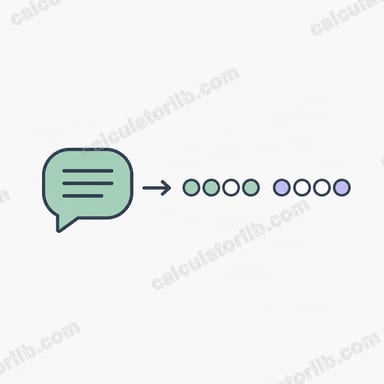
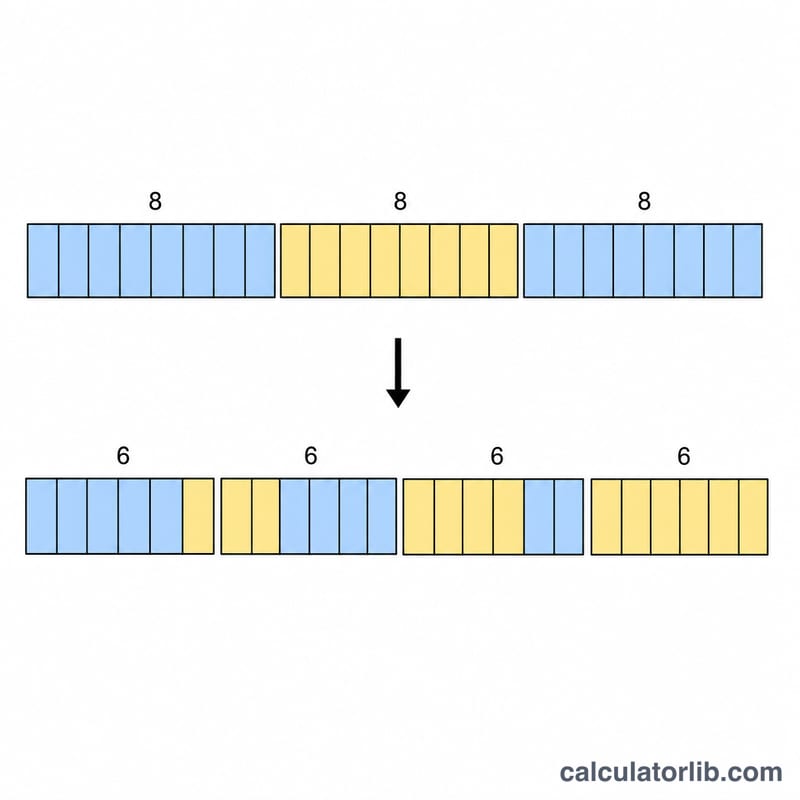
The encoder reads the input bytes three at a time. Three bytes form 24 bits, which split evenly into four 6-bit chunks. Each 6-bit value (0–63) indexes the alphabet to produce one output character. When the input length is not a multiple of 3, the algorithm pads the final group: one leftover byte yields two characters plus ==, and two leftover bytes yield three characters plus a single =. So the output length is always 4 × ceil(n/3).
$$\text{Base64} = \operatorname{encode}_{64}\!\left(\text{Text}\right), \qquad L_{out} = 4 \left\lceil \frac{L_{in}}{3} \right\rceil$$
Worked example
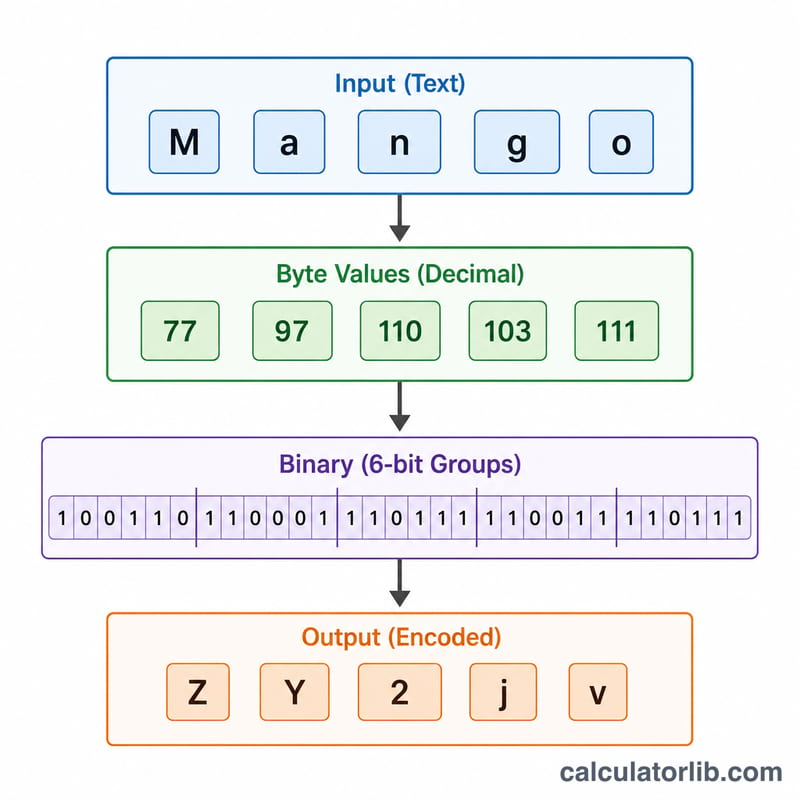
Encode the text Man. Its ASCII bytes are 77, 97, 110 → binary 01001101 01100001 01101110. Grouped into 6-bit chunks: 010011 = 19 → T, 010110 = 22 → W, 000101 = 5 → F, 101110 = 46 → u. Result: TWFu — 3 bytes in, 4 characters out, no padding.
$$L_{out} = 4 \left\lceil \frac{3}{3} \right\rceil = 4$$
FAQ
Why does my output end in = signs? Padding fills out the last group when your input isn't a multiple of 3 bytes, keeping output length a multiple of 4.
Does Base64 encrypt my data? No. Base64 is encoding, not encryption — anyone can decode it. It only makes binary safe to transport as text.
Why is the output bigger than the input? Base64 expands data by about 33% because every 3 bytes become 4 characters.