What This Calculator Does
The Video Streaming Data Usage Calculator estimates how much internet data your video streaming consumes. Whether you watch Netflix, YouTube, Disney+, or any other service, this tool converts a stream's bitrate (in megabits per second) into total gigabytes used over a chosen number of hours and days — perfect for managing a capped broadband plan or a mobile data allowance.
How to Use It
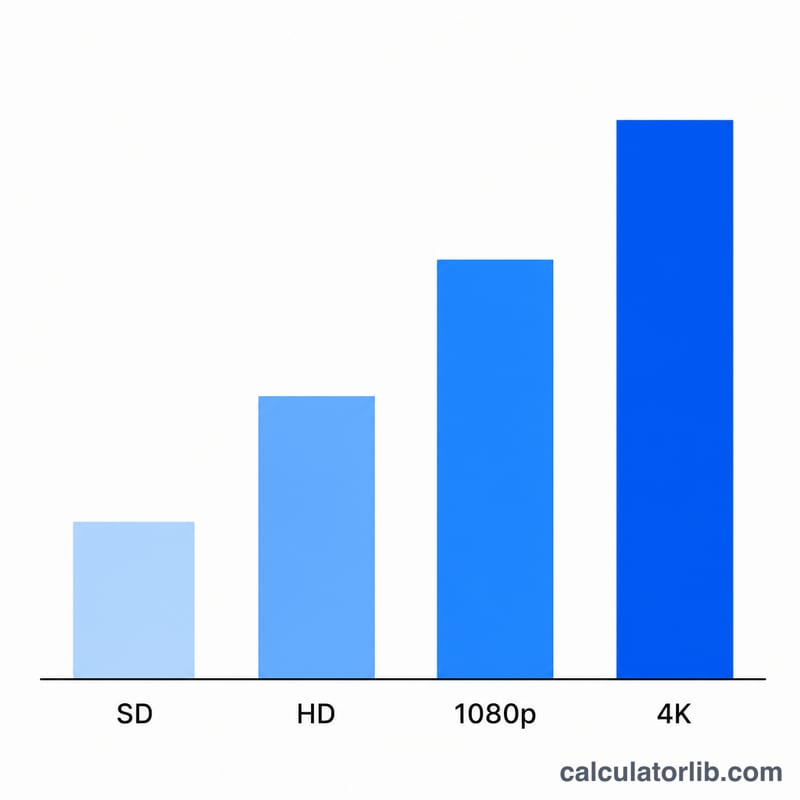
Pick a streaming quality preset (SD, HD, Full HD, or 4K) or enter a custom bitrate in Mbps to override it. Then enter how many hours per day you stream and across how many days. The calculator returns your total data usage in GB and MB, the data used per hour, and your total streaming hours.
The Formula Explained
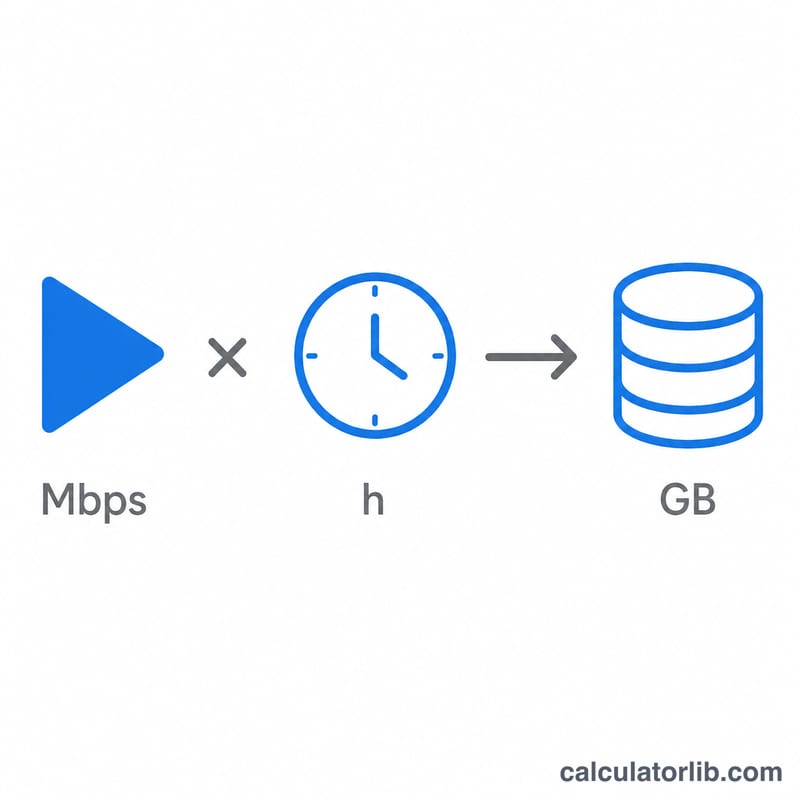
Bitrate is measured in megabits per second (Mbps), but data caps are measured in gigabytes (GB). To convert, we multiply the bitrate by the number of seconds (3600 per hour × hours), divide by 8 to turn megabits into megabytes, then divide by 1000 to turn megabytes into gigabytes:
$$\text{Data (GB)} = \frac{\text{Bitrate} \times 3600 \times \text{hours}}{8 \times 1000}$$
Here "hours" is your hours-per-day multiplied by the number of days.
Worked Example
Suppose you stream Full HD (1080p) at 8 Mbps for 2 hours a day across 5 days — 10 total hours. Data per hour = \(8 \times 3600 \div 8 \div 1000 = 3.6\) GB. Over 10 hours that is \(3.6 \times 10 = 36\) GB. So a week of evening movies would use roughly 36 GB of your data allowance.
Typical Bitrates and Data Use per Hour by Quality
An hour of streaming has 3,600 seconds. Each megabit per second (Mbps) works out to 3,600 megabits, or 450 megabytes, per hour. So every 1 Mbps of bitrate uses about 0.45 GB per hour (using decimal units, 1 GB = 1,000 MB):
$$\text{GB per hour} = \frac{\text{Mbps} \times 3600}{8 \times 1000} = \text{Mbps} \times 0.45$$| Quality tier | Typical bitrate (Mbps) | Approx. data per hour (GB/h) | Calculator preset |
|---|---|---|---|
| SD (480p) | 1.5 – 3 | 0.68 – 1.35 | 3 Mbps → 1.35 GB/h |
| HD (720p) | 3 – 5 | 1.35 – 2.25 | 5 Mbps → 2.25 GB/h |
| Full HD (1080p) | 5 – 8 | 2.25 – 3.6 | 8 Mbps → 3.6 GB/h |
| 4K UHD (2160p) | 15 – 25 | 6.75 – 11.25 | 25 Mbps → 11.25 GB/h |
Example: a 1080p stream at 8 Mbps uses \(8 \times 0.45 = 3.6\) GB per hour. A 4K stream at 25 Mbps uses \(25 \times 0.45 = 11.25\) GB per hour.
Note: These are typical published ranges, not exact figures for any one service. The rate you actually get depends on the codec (newer codecs such as HEVC/H.265 and AV1 need fewer bits than H.264 for the same picture quality), on the content itself (fast action takes more bits than static scenes), and on adaptive streaming. Adaptive streaming keeps raising or lowering the bitrate to match your connection speed and device. If you know the exact bitrate of a stream, enter it in the custom bitrate field for a more precise estimate.
Monthly Data Usage Scenarios
The table shows 30-day totals for the calculator's preset bitrates: SD at 3 Mbps, 1080p at 8 Mbps and 4K at 25 Mbps. Each total is bitrate × 0.45 × hours per day × 30 days.
| Viewing habit | SD (3 Mbps) | 1080p (8 Mbps) | 4K (25 Mbps) |
|---|---|---|---|
| 1 hour/day × 30 days | 40.5 GB | 108 GB | 337.5 GB |
| 2 hours/day × 30 days | 81 GB | 216 GB | 675 GB |
| 4 hours/day × 30 days | 162 GB | 432 GB | 1350 GB |
Worked example: 2 hours a day at 1080p (8 Mbps) for 30 days comes to
$$\frac{8 \times 3600}{8 \times 1000} \times 2 \times 30 = 3.6 \times 60 = 216 \text{ GB}$$How these totals compare with common data caps (cap sizes differ by provider and country, so check your own plan):
- 50 GB (common on mobile or limited plans): only the 1 h/day SD habit (40.5 GB) fits. 2 h/day of SD (81 GB) and every 1080p or 4K scenario go over it.
- 1 TB (1,000 GB): every SD and 1080p scenario in the table fits, as do 1 h and 2 h/day of 4K (337.5 GB and 675 GB). 4 h/day of 4K (1,350 GB) goes over.
- 1.2 TB (1,200 GB): 4 h/day of 4K (1,350 GB) still goes over by about 150 GB. All other scenarios fit.
These figures cover video streaming only. Other household traffic (downloads, game updates, video calls, cloud backups) adds to the same monthly total. Some providers count 1 TB as 1,024 GB instead of 1,000 GB, which slightly changes how close you are to the cap.
FAQ
Are bitrate figures exact? No. The presets are typical averages. Real bitrate varies with scene complexity, codec (H.264 vs. HEVC vs. AV1), and adaptive streaming, so treat results as estimates.
Why divide by 8? There are 8 bits in a byte. Bitrate is in megabits while file sizes are in megabytes, so dividing by 8 converts between them.
Does this include audio? The bitrate of a video stream generally already bundles the audio track, so the estimate covers both.