
What This Calculator Does
The Vinyl / HTV Calculator estimates how much adhesive vinyl or heat transfer vinyl (HTV) you need to cut a batch of designs. Instead of guessing and over-buying — or running short mid-project — you enter your design dimensions, how many you're making, the width of your roll or sheet, and a small allowance for spacing and waste. The tool returns the running length of material required, in both inches and feet.
How To Use It
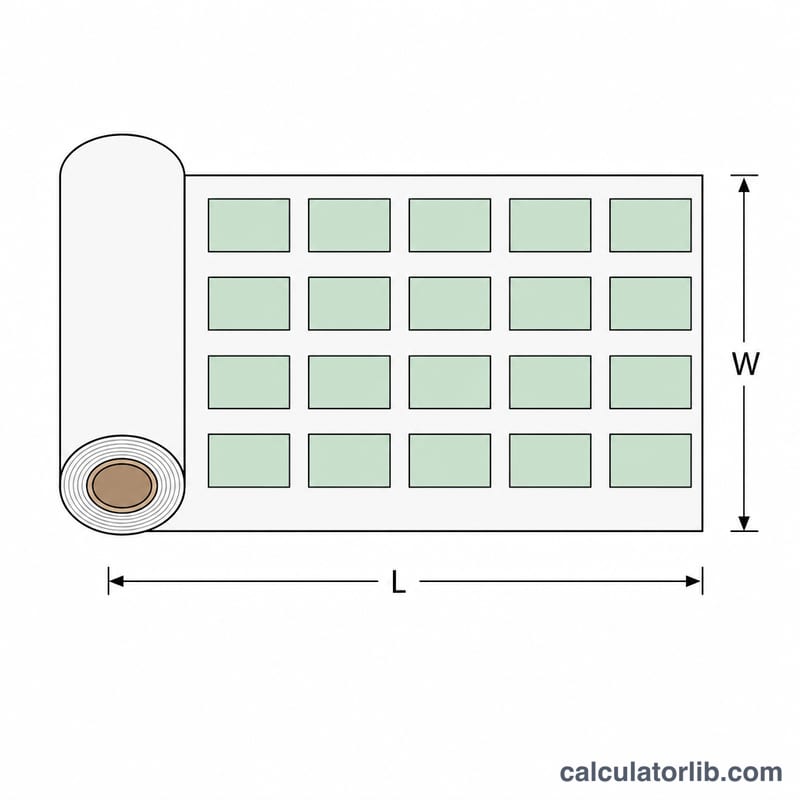
Enter the width and height of a single design in inches, then the number of designs you plan to cut. Set the roll/sheet width to match your material (12" is common for craft vinyl). Finally choose a waste allowance — 10–20% covers cutting gaps, weeding margins, and the occasional mistake. The result shows the linear length to pull off the roll.
The Formula Explained
First the calculator finds the total design area: (width × height) × quantity. Dividing that area by the roll width converts square inches into a linear length along the roll. Multiplying by the waste factor \(\left(1 + \frac{\text{waste\%}}{100}\right)\) adds a buffer. This is an area-based estimate — it assumes designs nest reasonably well across the roll width, so the waste factor accounts for the real-world spacing you can't perfectly fill.
$$L = \frac{\text{Width} \times \text{Height} \times \text{Qty}}{\text{Roll Width}} \times \left(1 + \frac{\text{Waste \%}}{100}\right)$$$$\text{length in feet} = \frac{L}{12}$$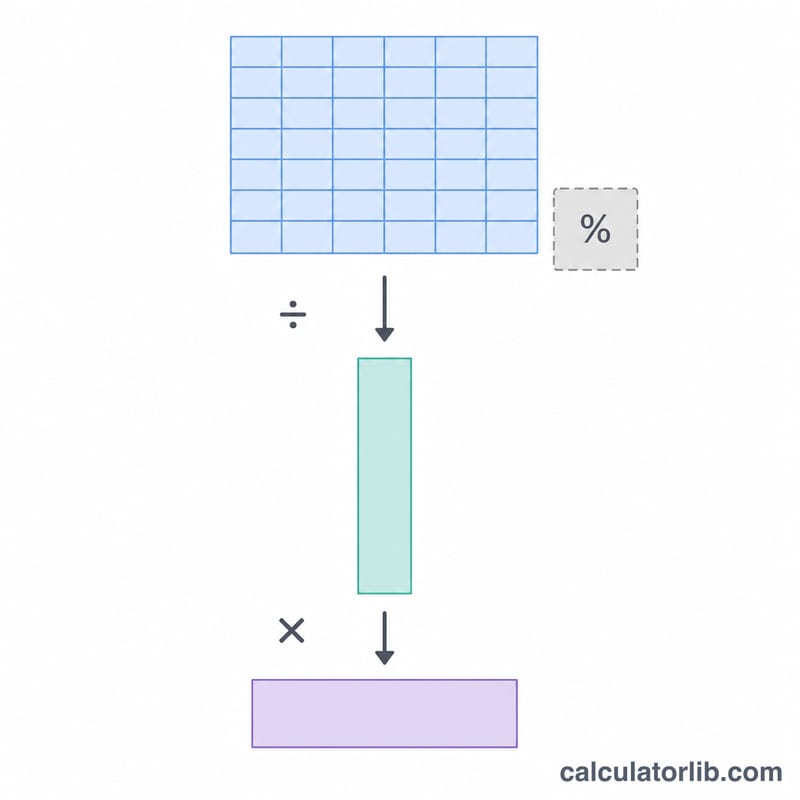
Worked Example
Say you're cutting 10 designs that are 4" × 3" on a 12" roll with 15% waste. Area per design \(= 12 \text{ in}^2\); total area \(= 120 \text{ in}^2\). Length \(= 120 \div 12 = 10 \text{ in}\), times 1.15 = 11.5 inches (about 0.96 ft). Add a couple inches at the start of the roll for safety and you're set.
FAQ
Does this work for both vinyl and HTV? Yes — the math is identical for adhesive vinyl, HTV, sticker paper, and similar roll/sheet media.
Why an area-based estimate instead of exact nesting? Exact layout depends on your cutting software's auto-arrange. The waste factor is your cushion for imperfect nesting; bump it up for irregular shapes.
What waste percentage should I use? 10% for simple, tightly-packed rectangles, 15–25% for complex or rotated shapes that leave more gaps.