
What is the Wall Tile Calculator?
This tool estimates how many wall tiles you need to cover a wall, splashback, or backsplash. By comparing the total wall area to the area of a single tile and adding a waste allowance for cuts and breakages, it gives you a realistic shopping number so you neither run short nor over-buy.
How to use it
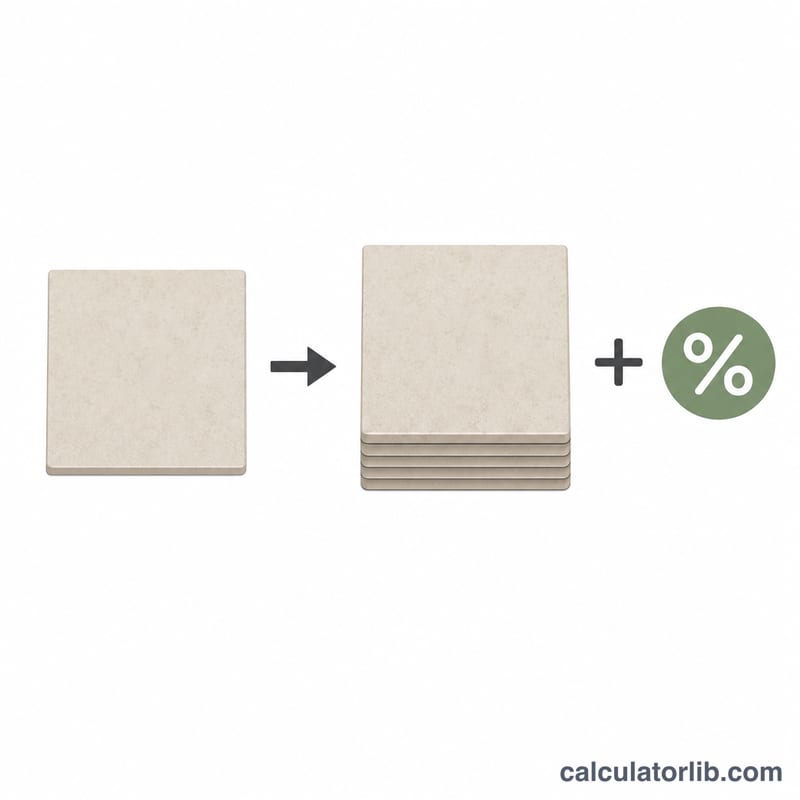
Enter your wall width and height in metres, the dimensions of a single tile in centimetres, and a waste percentage. A 10% waste allowance is typical for straightforward layouts; use 15% or more for diagonal patterns, herringbone, or walls with many cuts. The calculator returns the total number of tiles, the wall area, the area of one tile, and the count before waste.
The formula explained
First the wall area is found as width × height (m²). Each tile's area is its width × height converted from centimetres to metres: \(\left(\frac{w}{100}\right) \times \left(\frac{h}{100}\right)\). Dividing wall area by tile area gives the raw tile count, which is multiplied by \(\left(1 + \frac{\text{waste}}{100}\right)\) and rounded up to a whole tile with the ceiling function — you can't buy a fraction of a tile.
$$\text{Tiles} = \left\lceil \frac{\text{Wall W} \times \text{Wall H}}{\left(\frac{\text{Tile W}}{100}\right)\left(\frac{\text{Tile H}}{100}\right)} \times \left(1 + \frac{\text{Waste \%}}{100}\right) \right\rceil$$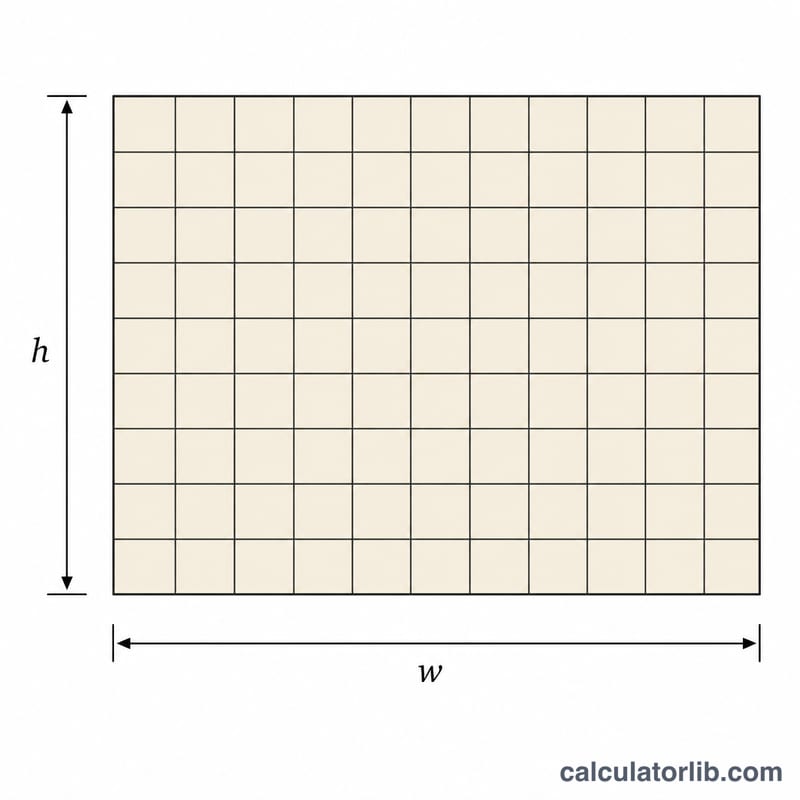
Worked example
A wall 3 m × 2.4 m has an area of 7.2 m². Using 20 cm × 20 cm tiles, each tile covers \(0.2 \times 0.2 = 0.04\) m². The raw count is \(7.2 \div 0.04 = 180\) tiles. Adding 10% waste: \(180 \times 1.10 = 198\), rounded up to 198 tiles.
FAQ
Does it subtract windows or doors? No — it assumes a solid rectangular area. For openings, calculate the wall and the opening separately and subtract.
How much waste should I add? 10% for simple grid layouts, 15–20% for diagonal or patterned installations.
What units should I use? Wall dimensions in metres and tile dimensions in centimetres, as labelled in the form.