
What is the Tile Calculator?
This Tile Calculator (Square Meters) helps you estimate how many tiles you need to cover a floor or wall, plus the total area in square meters and a recommended waste allowance. It works with any rectangular surface and any rectangular tile size, making it useful for kitchens, bathrooms, patios, and full-room renovations anywhere in the world (it uses metric units).
How to use it
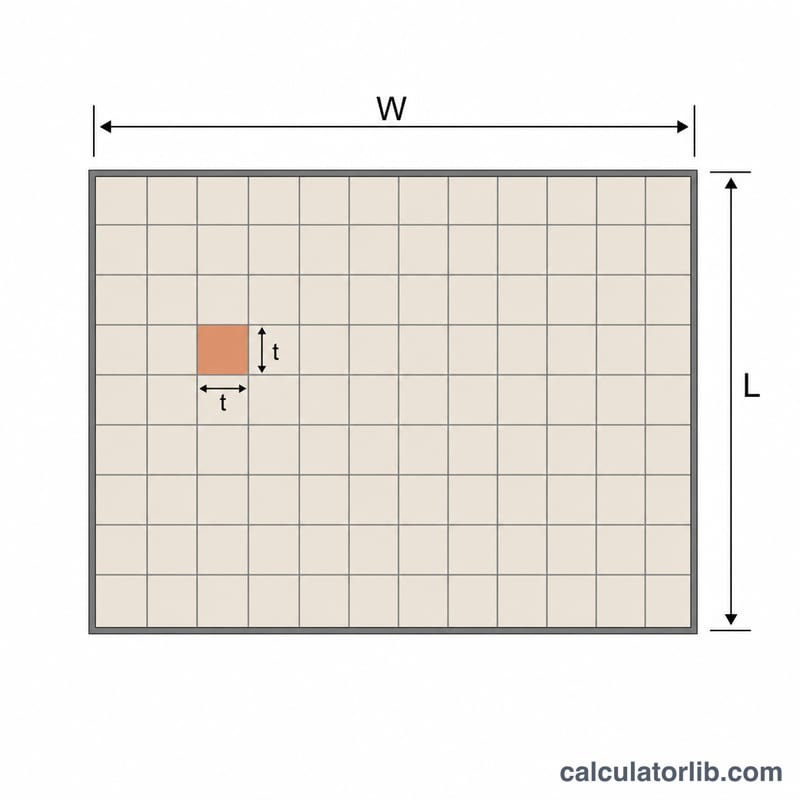
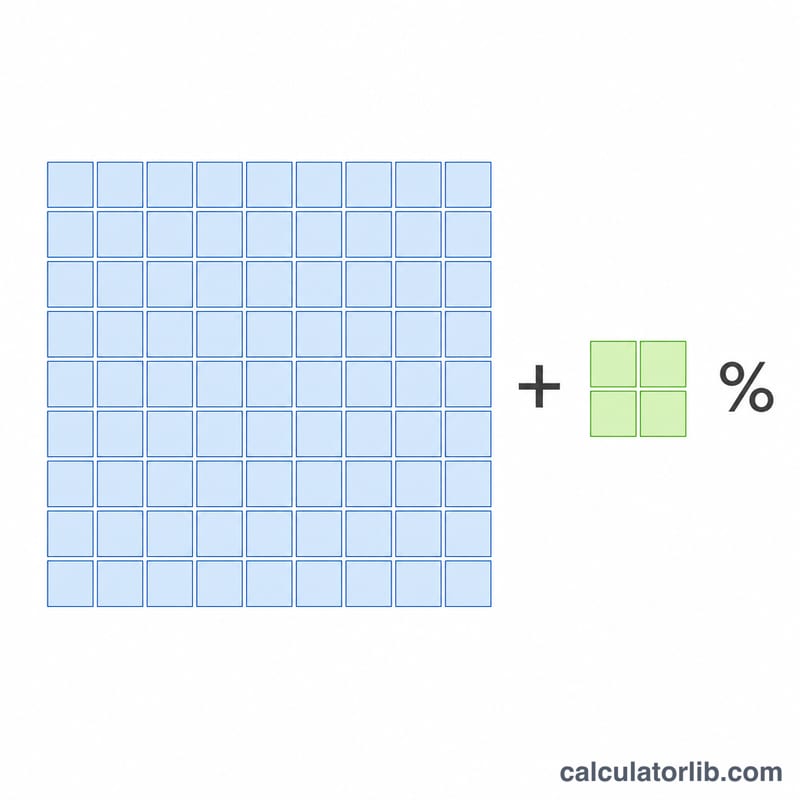
Enter the room length and width in meters, the tile length and tile width in centimeters, and a waste percentage (typically 5–10% for cuts and breakages). The calculator returns the surface area, the area including waste, and the number of whole tiles to buy.
The formula explained
First the surface area is the room length times width. Each tile area is converted from cm² to m². The number of tiles rounds up so you never come up short.
$$A = L \times W$$where \(A\) = surface area in m², \(L\) = room length (m), \(W\) = room width (m). The tile count is:
$$N = \left\lceil \frac{A \times \left(1 + \frac{w}{100}\right)}{\frac{t_L \times t_W}{10000}} \right\rceil$$where \(w\) = waste percent, \(t_L\) and \(t_W\) = tile length and width in cm (divided by 10000 to convert cm² to m²).
Worked example
A room is \(4\,\text{m} \times 3\,\text{m}\) and the tiles are \(30\,\text{cm} \times 30\,\text{cm}\) with 10% waste.
$$A = 4 \times 3 = 12\,\text{m}^2$$ $$t_{area} = \frac{30 \times 30}{10000} = 0.09\,\text{m}^2$$ $$N = \left\lceil \frac{12 \times 1.10}{0.09} \right\rceil = \left\lceil 146.67 \right\rceil = 147\ \text{tiles}$$FAQ
How much waste should I add? A 5–10% allowance is standard; use 10–15% for diagonal layouts or large patterns.
Does it count partial tiles? The result rounds up to whole tiles since you cannot buy a fraction of a tile.
Can I use it for walls? Yes — just enter the wall height and width instead of room length and width.