

What is the EST to UTC Converter?
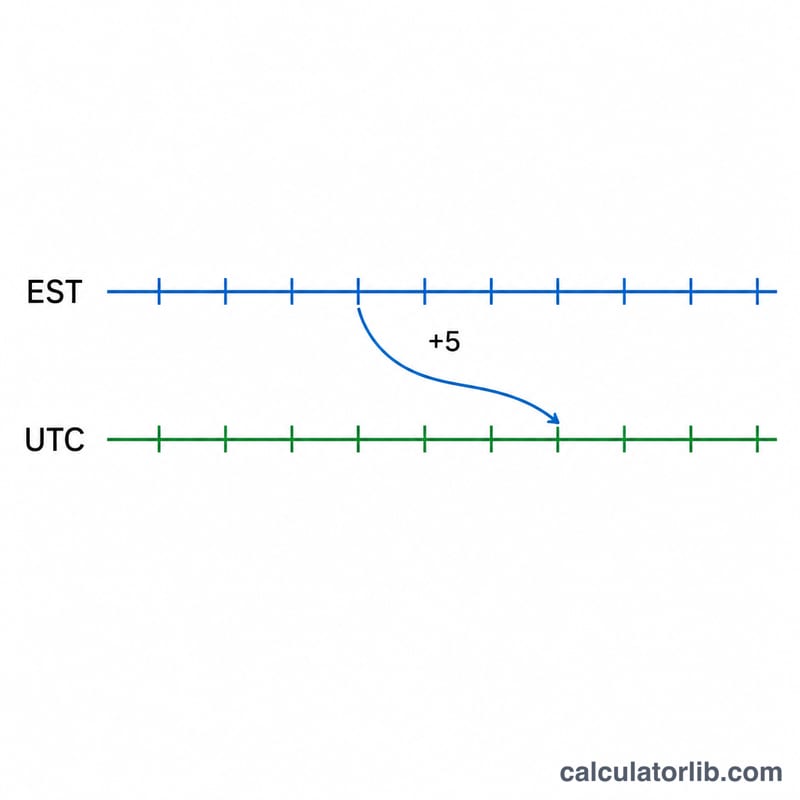
This tool converts a time in Eastern Standard Time (EST) to Coordinated Universal Time (UTC). EST is the standard (winter) offset used in the US and Canadian Eastern Time zone, equal to UTC−5. That means UTC is always 5 hours ahead of EST. Note: this converter assumes standard time, not Eastern Daylight Time (EDT, UTC−4), which is observed roughly mid-March to early November.
How to use it
Enter the hour (0–23) and minute of the Eastern Standard Time you want to convert, then read the equivalent UTC time. If adding 5 hours pushes past midnight, the result rolls over to the next calendar day, which the tool flags for you.
The formula explained
The conversion is a simple offset addition with a 24-hour wrap:
$$\text{UTC} = (\text{EST hour} + 5) \bmod 24$$
Minutes are unchanged because the offset is a whole number of hours. The modulo operation keeps the result within 0–23; whenever the un-wrapped sum reaches 24 or more, the date advances by one day.
Worked example
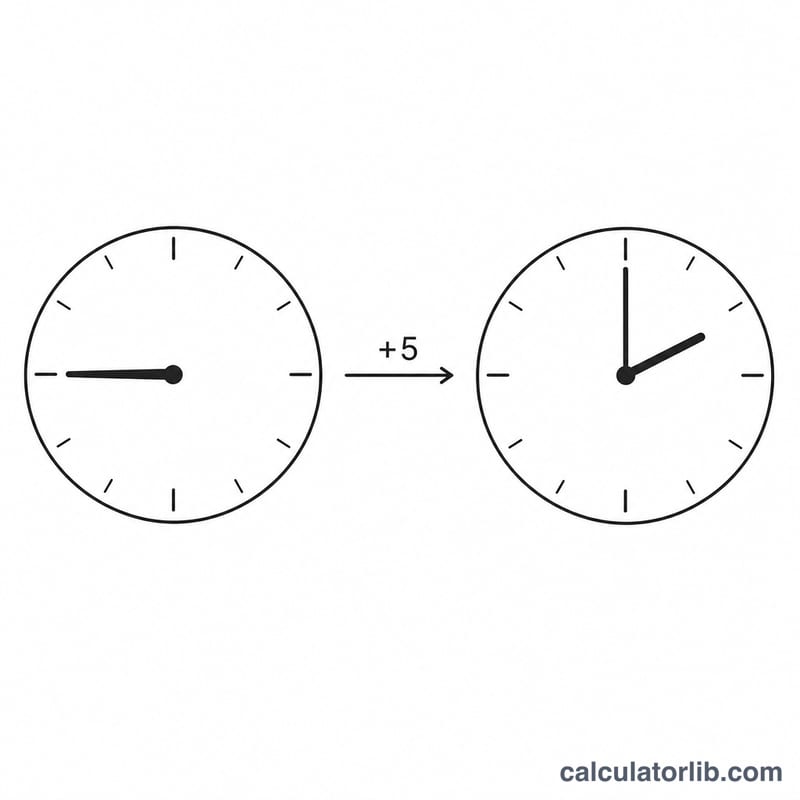
Suppose it is 22:30 EST. Adding 5 gives 27, and \(27 \bmod 24 = 3\), so the UTC time is 03:30 the next day. Another: 08:15 EST → \(8 + 5 = 13\) → 13:15 UTC, same day.
FAQ
Is EST the same as EDT? No. EST is UTC−5 (winter); EDT is UTC−4 (summer daylight saving). This tool uses the fixed EST offset.
Why does the day sometimes change? Because UTC is ahead of EST, late-evening EST times land on the next UTC date.
How do I go back from UTC to EST? Subtract 5 hours: \(\text{EST} = (\text{UTC} - 5) \bmod 24\).