
What this calculator does
This tool calculates your grade point average (GPA) on the standard 4.0 scale when all you know is how many of each letter grade you received. Instead of typing every course individually, you simply enter the total number of A, B, C, D and F grades. It assumes every course carries equal weight (one credit each), which is the common case for high-school report cards and many quick estimates.
How to use it
Count up your letter grades and enter each total: the number of A's, B's, C's, D's and F's. Leave a box at 0 if you have none of that grade. Click calculate and you'll see your GPA, the total number of grades counted, and the total grade points used in the math.
The formula explained
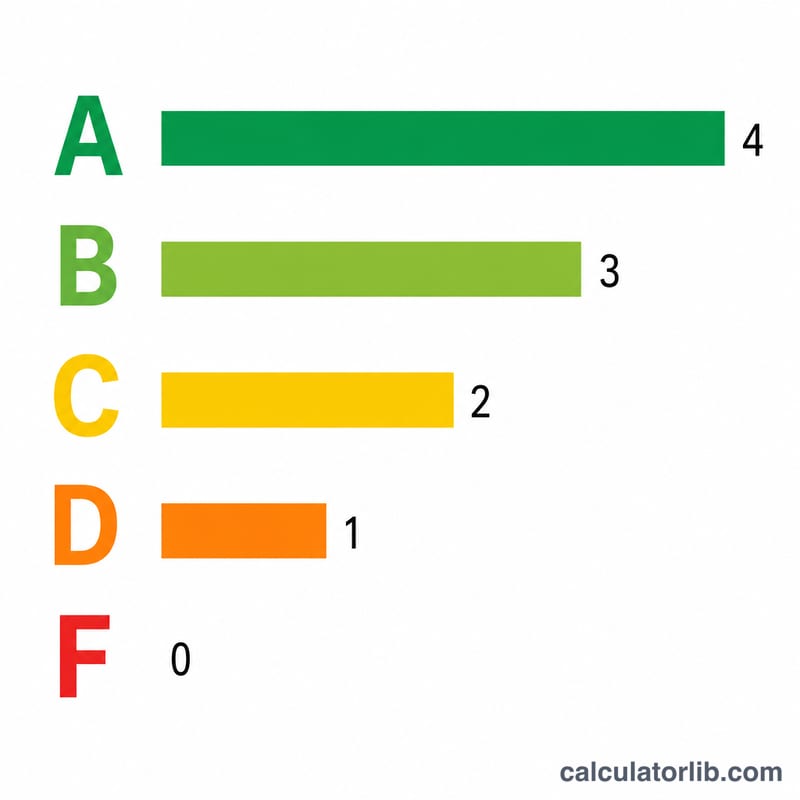
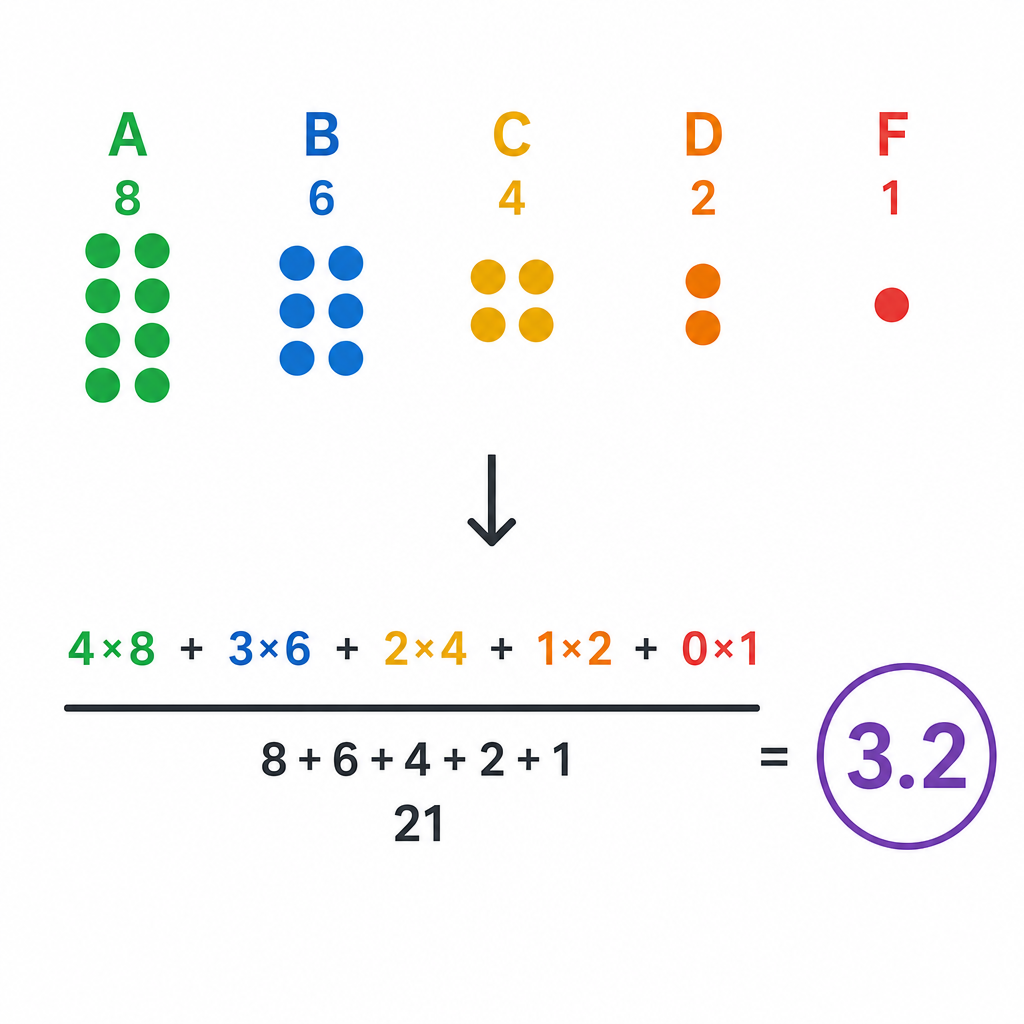
Each letter grade maps to a point value: A = 4, B = 3, C = 2, D = 1, F = 0. The calculator multiplies the count of each grade by its point value, adds those products to get total grade points, and divides by the total number of grades:
$$\text{GPA} = \frac{4\,n_A + 3\,n_B + 2\,n_C + 1\,n_D + 0\,n_F}{n_A + n_B + n_C + n_D + n_F}$$
Worked example
Suppose you earned 4 A's, 3 B's, 2 C's, 1 D and 0 F's. Total grade points = \((4\times4) + (3\times3) + (2\times2) + (1\times1) + (0\times0) = 16 + 9 + 4 + 1 + 0 = 30\). Total grades = \(4 + 3 + 2 + 1 + 0 = 10\). $$\text{GPA} = 30 \div 10 = 3.00$$
FAQ
Does this handle plus/minus grades like B+? No. This version uses whole-letter values only. For A−/B+ precision, use a calculator that supports the extended scale.
Are all courses weighted equally? Yes. Each grade counts as one unit. If your courses have different credit hours, use a credit-weighted GPA calculator instead.
What if I enter all zeros? With no grades the GPA is reported as 0 to avoid dividing by zero.