
What Is the Quilt Calculator?
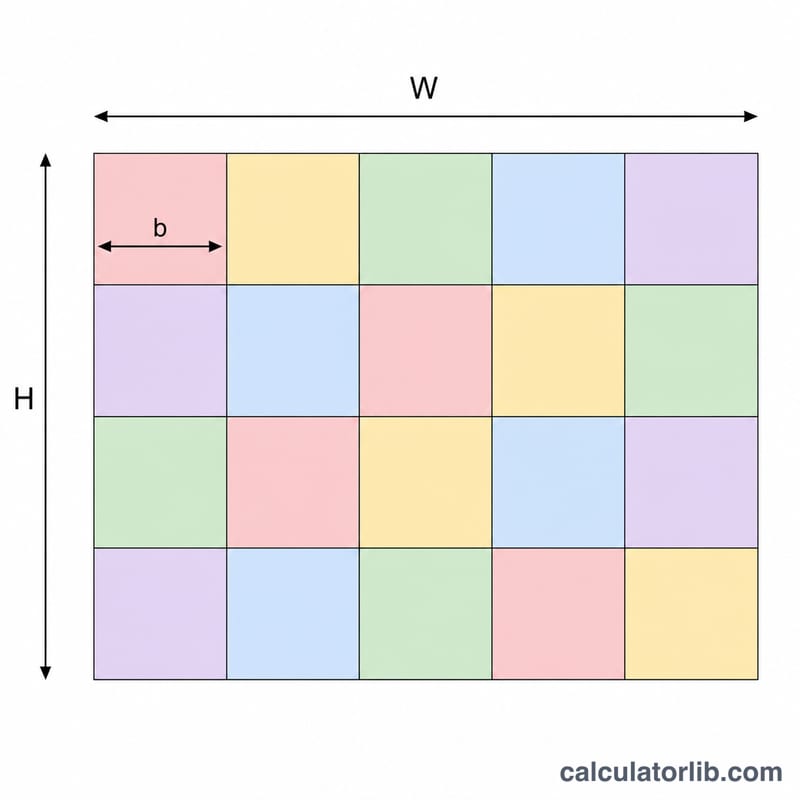
The Quilt Calculator tells you how many square blocks you need to cover a quilt of a given size. By dividing the quilt's width and height by your chosen block size and rounding up, it gives the number of blocks across, the number down, and the total block count for your project. It works with any consistent unit (inches or centimetres) as long as the quilt size and block size use the same unit.
How to Use It
Enter the finished quilt width and height, then enter the size of a single finished block. Press calculate to see the layout. Because partial blocks are not practical in patchwork, both dimensions are rounded up to a whole block, so your quilt may end up slightly larger than the size entered — trim or adjust borders to fit.
The Formula Explained
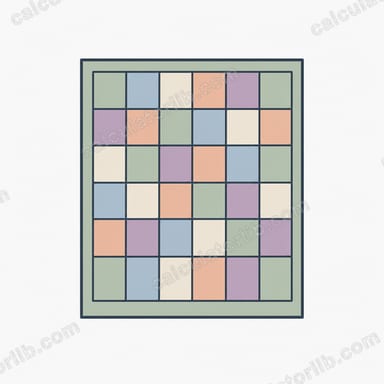
$$\text{Total Blocks} = \left\lceil \frac{\text{Quilt Width}}{\text{Block Size}} \right\rceil \times \left\lceil \frac{\text{Quilt Height}}{\text{Block Size}} \right\rceil$$ The ceiling function (round up) ensures you have enough blocks to fully cover each dimension. For example a 60×80 inch quilt with 10 inch blocks needs \(\lceil 60/10 \rceil = 6\) across and \(\lceil 80/10 \rceil = 8\) down, giving \(6 \times 8 = 48\) blocks.
Worked Example
Suppose you want a 50×70 inch throw using 12 inch blocks. Across: \(\lceil 50/12 \rceil = \lceil 4.17 \rceil = 5\). Down: \(\lceil 70/12 \rceil = \lceil 5.83 \rceil = 6\). $$\text{Total} = 5 \times 6 = 30 \text{ blocks}$$ The finished top would measure 60×72 inches before borders.
FAQ
Does this include seam allowance? No. Enter finished block sizes. When cutting, add your seam allowance (commonly 1/4 inch on each side) to the cut size.
Can I use centimetres? Yes. Use the same unit for all three inputs and the result is unit-agnostic.
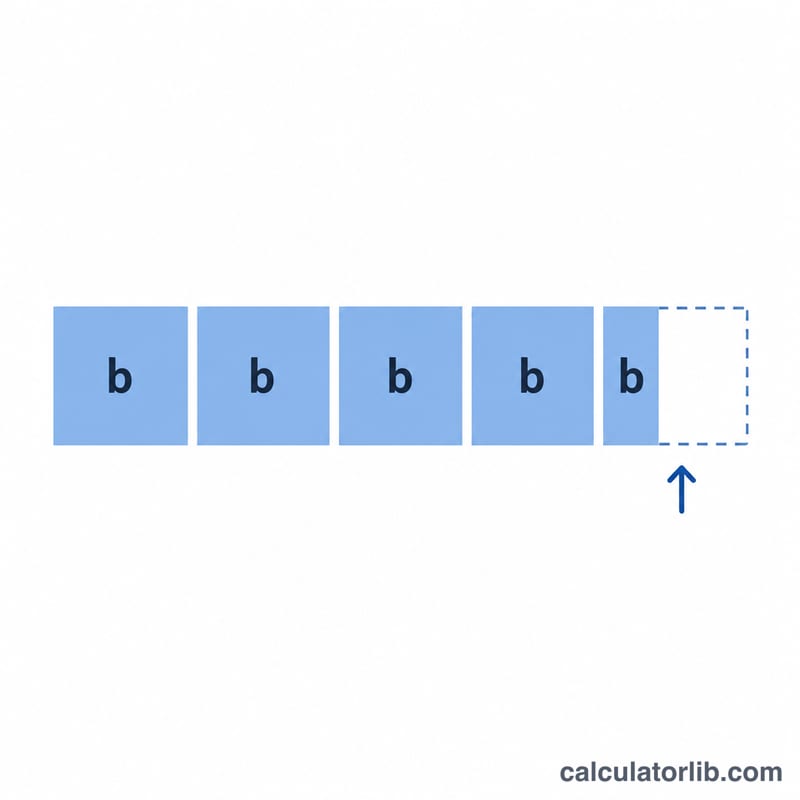
Why is the total higher than I expected? Blocks are rounded up so the quilt fully covers the target size; you cannot use a fraction of a block.