
What This Calculator Does
This tool applies to the United States, where sales tax is charged as a percentage of the purchase price and is made up of a state rate plus any local (county or city) rate. Enter the pre-tax price along with your state and local tax rates, and the calculator returns the combined rate, the tax amount, and the total you'll pay at checkout. Rates vary widely by location, so always confirm the current rate for your jurisdiction.
How to Use It
1. Enter the purchase price (the pre-tax amount). 2. Enter your state sales tax rate as a percentage (for example, 6 for 6%). 3. Enter your local sales tax rate if any — use 0 if there is none. The calculator adds the two rates, multiplies the result by the price, and shows the tax and final total.
The Formula Explained
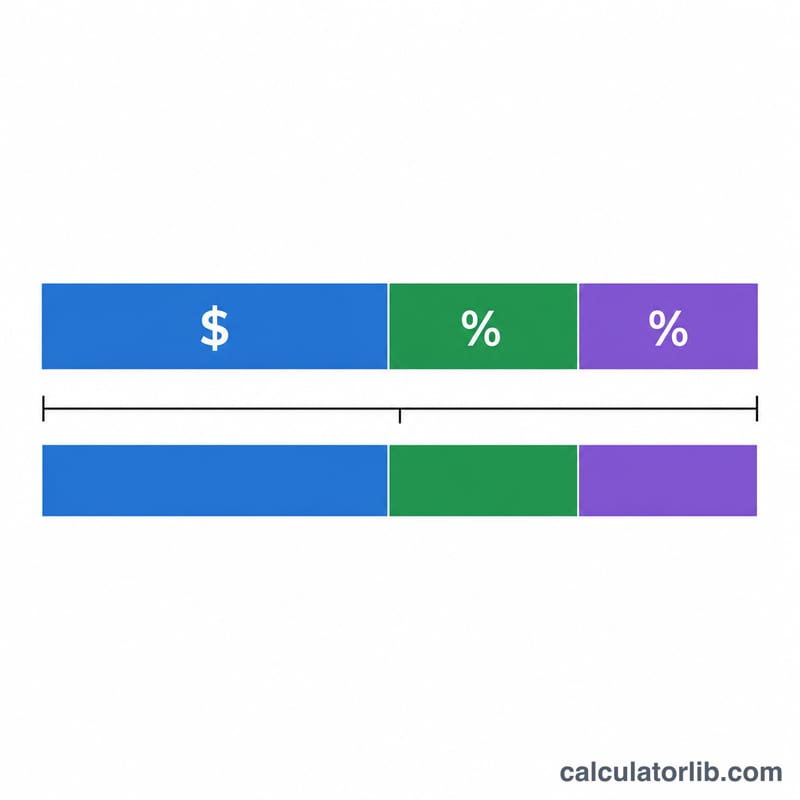
The combined rate is simply the state rate plus the local rate. The tax is \(\text{Price} \times (\text{State}\% + \text{Local}\%) \div 100\), and the total is \(\text{Price} + \text{Tax}\). Equivalently, the total equals $$\text{Total} = \text{Price} \times \left(1 + \frac{\text{State}\% + \text{Local}\%}{100}\right)$$ Dividing by 100 converts the percentage into a decimal multiplier.
Worked Example
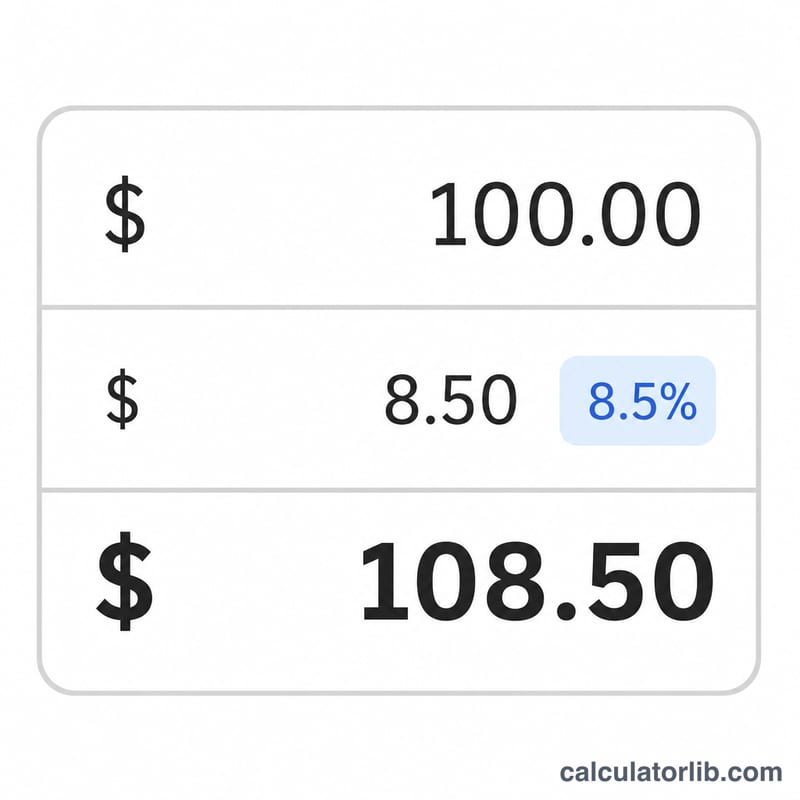
Suppose you buy an item for $100 in a location with a 6% state rate and a 2% local rate. The combined rate is 8%. The tax is $$\$100 \times 8 \div 100 = \$8.00$$ The total is $$\$100 + \$8 = \$108.00$$
FAQ
Is sales tax the same everywhere in the US? No. Each state sets its own rate, and many counties and cities add their own local tax on top, so totals differ by location.
Do all items get taxed? Not always. Many states exempt groceries, prescription drugs, or clothing. This calculator assumes the item is taxable.
How do I find a sale-only price from a taxed total? Divide the total by \((1 + \text{combined rate} \div 100)\). For an 8% rate, divide the total by \(1.08\).