

What is the Sum Calculator?
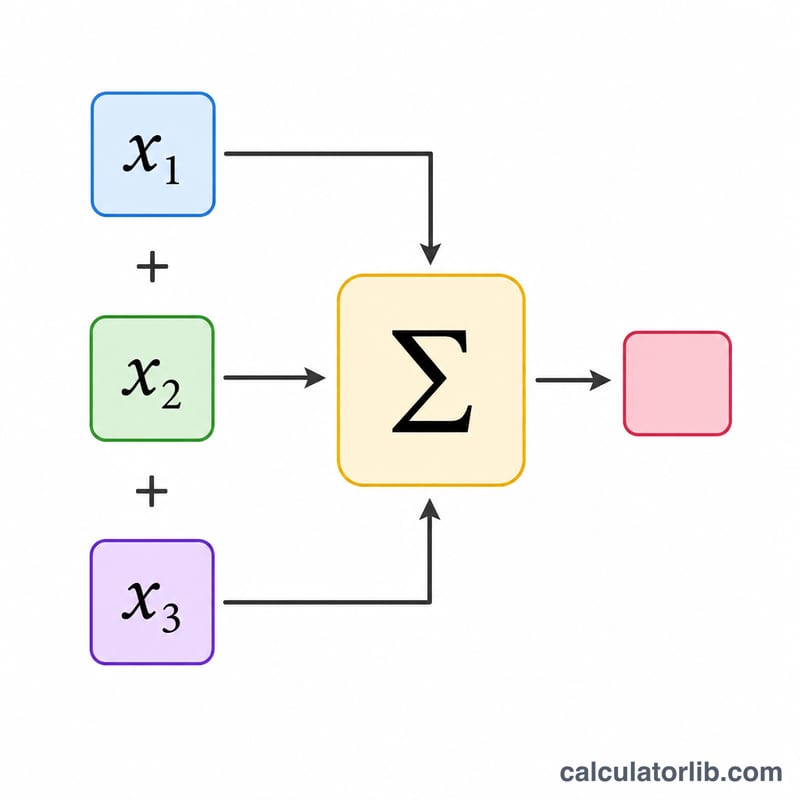
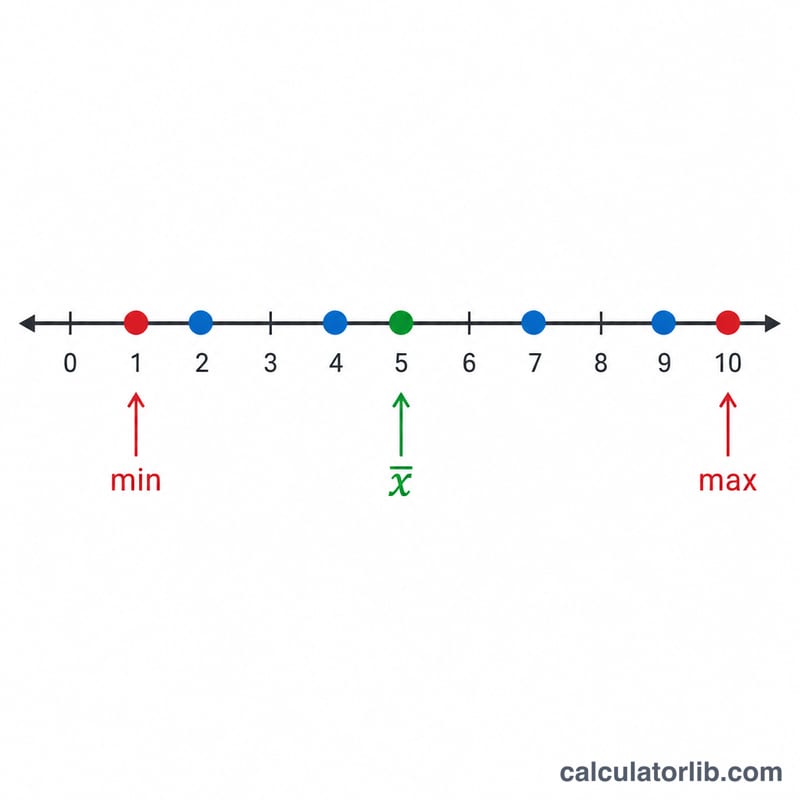
The Sum Calculator adds together any list of numbers and returns the running total. Beyond the sum, it also reports how many values you entered, their average (mean), and the smallest and largest values — turning a simple addition into a quick statistical snapshot. It works with whole numbers, decimals, and negative numbers alike.
How to use it
Type your numbers into the box separated by commas or spaces (for example 5, 10, 15, 20). The order does not matter, and extra spaces are ignored. Press calculate and you will instantly see the total along with the count, average, minimum, and maximum.
The formula explained
The sum is simply the addition of every value: $$\text{sum} = x_1 + x_2 + \cdots + x_n$$ The average is then the sum divided by the count of numbers, $$\text{mean} = \text{sum} \div n$$ Because addition is commutative and associative, you can list the numbers in any order and still get the same total.
Worked example
Suppose you enter 5, 10, 15, 20. The sum is $$5 + 10 + 15 + 20 = 50$$ There are 4 numbers, so the average is $$50 \div 4 = 12.5$$ The minimum is \(5\) and the maximum is \(20\).
FAQ
Can I add negative numbers? Yes. Negative values are subtracted from the total automatically, e.g. \(10 + (-3) = 7\).
Does it handle decimals? Absolutely. You can mix decimals and whole numbers freely, such as 1.5, 2.25, 3.
What separators can I use? Commas, spaces, or a mix of both. Empty entries are ignored, so trailing commas are fine.