

What This Calculator Does
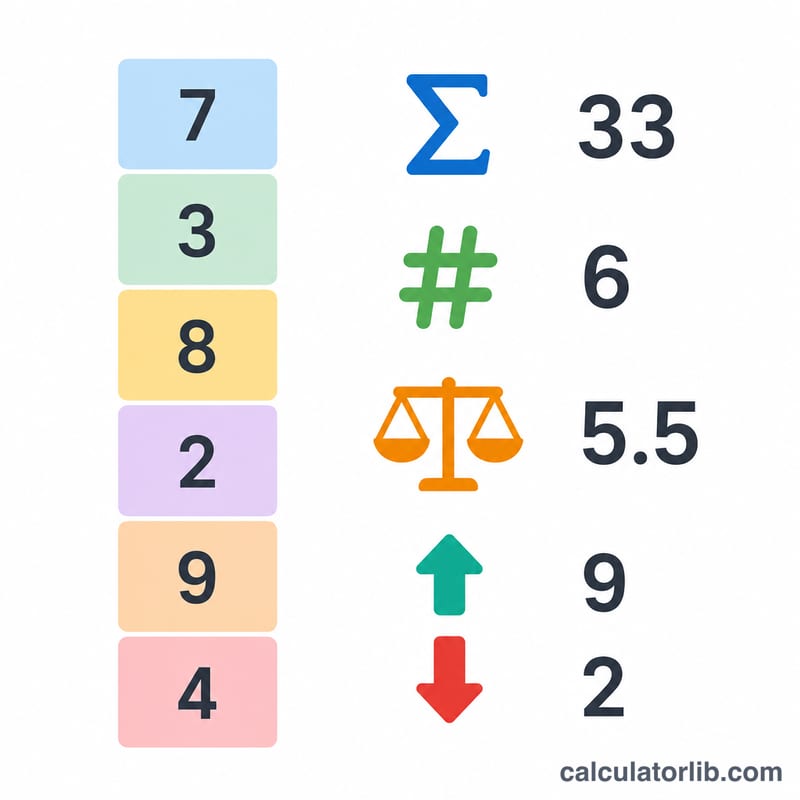
The Sum of a List of Numbers Calculator adds together every value you enter and returns the total. It also reports the count of numbers, the mean (average), the smallest value, and the largest value — giving you a quick statistical snapshot of any dataset. It works with whole numbers, decimals, and negative numbers.
How to Use It
Type or paste your numbers into the box. You can separate them with commas, spaces, or new lines — mix and match freely. For example, 3, 5, 7 and 3 5 7 produce the same result. Click calculate and the sum appears at the top, with the count, mean, minimum, and maximum shown below.
The Formula Explained
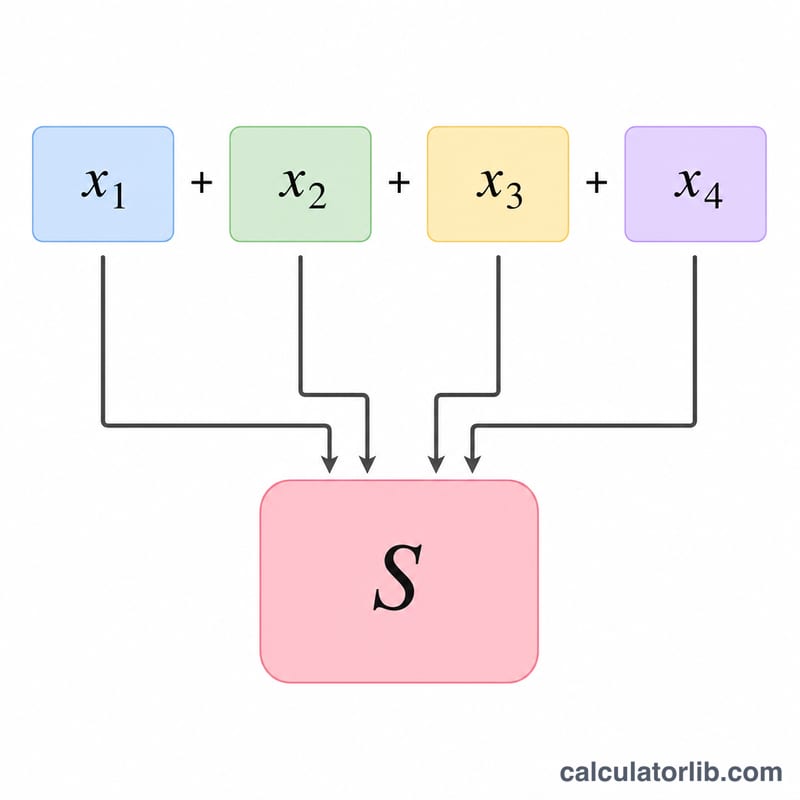
The sum is defined as $$S = \sum_{i=1}^{n} x_i$$ meaning you add each number \(x_i\) from the first to the last. If your list is \(x_1, x_2, \ldots, x_n\), then $$S = x_1 + x_2 + \cdots + x_n$$ The mean is simply \(S\) divided by \(n\), the count of numbers.
Worked Example
Suppose your list is 10, 20, 30, 40, 50. Adding them gives $$10 + 20 + 30 + 40 + 50 = 150$$ so the sum \(S = 150\). There are 5 numbers, so the mean is \(150 \div 5 = 30\). The minimum is 10 and the maximum is 50.
FAQ
Can I include negative numbers? Yes. Negative values are subtracted from the running total automatically, for example \(5, -3, 2\) sums to 4.
Does it handle decimals? Yes, values like 2.5 or 0.75 are fully supported.
What if I leave extra spaces or blank lines? Empty entries are ignored, so trailing commas or blank lines will not affect the result.