

What is the Addition Calculator?
The Addition Calculator adds together any list of numbers you enter and instantly returns the total (sum). It also reports how many numbers you added and their average, making it handy for quick checks of receipts, scores, measurements, or any list of values. It works with whole numbers and decimals, and you can mix positive and negative numbers.
How to use it
Type your numbers into the input box, separating each one with a comma or a space — for example 12, 8, 5.5, 100. Press calculate and you'll see the running sum at the top, with the count and average shown below. There's no limit to how many values you can include.
The formula explained
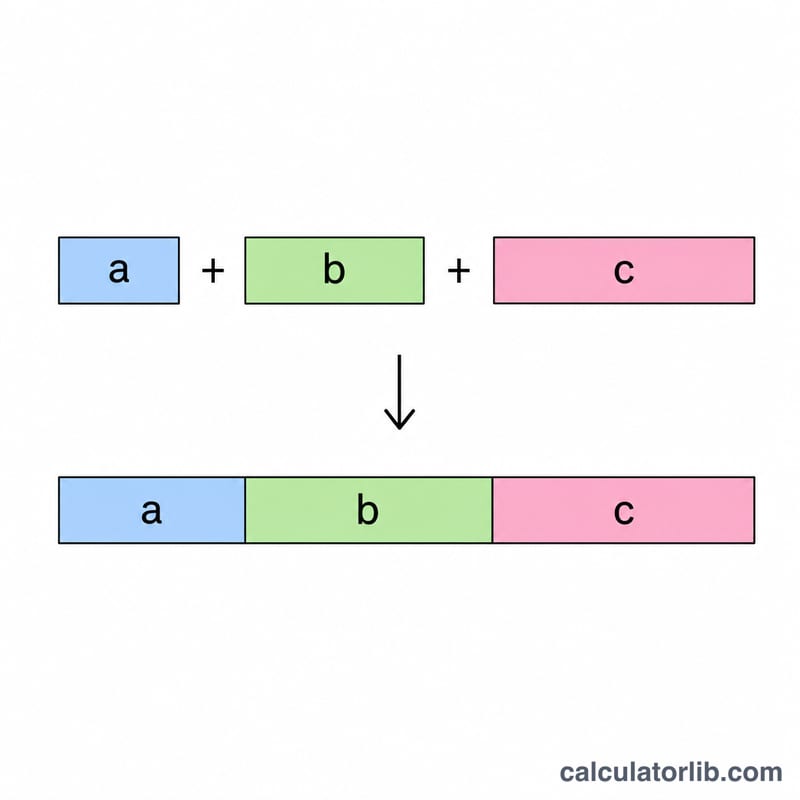
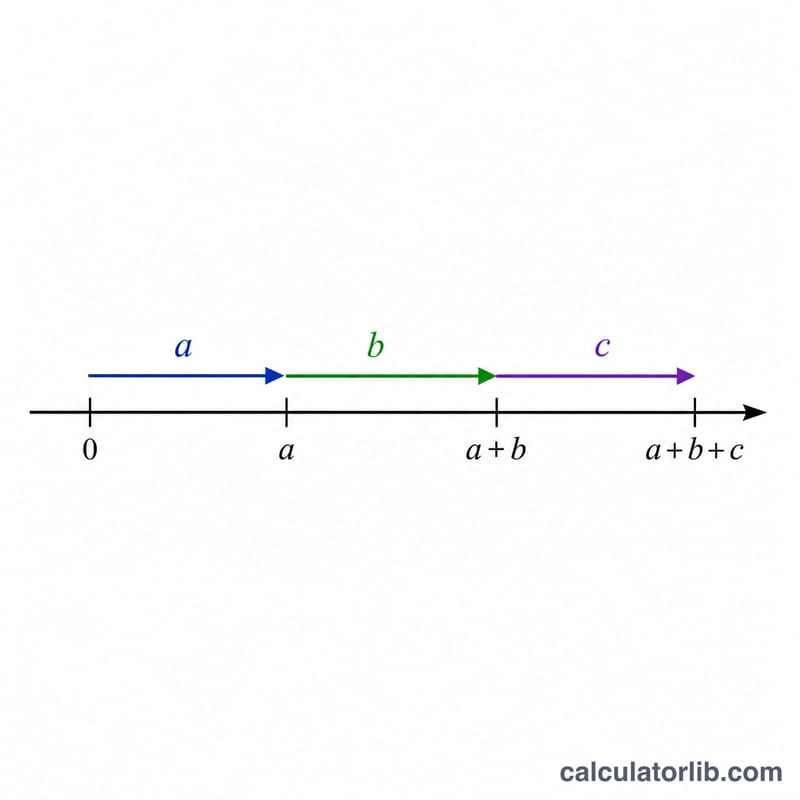
Addition is the most fundamental arithmetic operation. The sum is simply every value added together:
$$\text{sum} = a_1 + a_2 + \cdots + a_n$$
The average is the sum divided by the number of values (\(n\)). If you enter no numbers, the average defaults to zero to avoid dividing by zero.
Worked example
Suppose you enter 12, 8, 5.5, 100. Adding them gives $$12 + 8 + 5.5 + 100 = 125.5$$ There are 4 numbers, so the average is $$125.5 \div 4 = 31.375$$
FAQ
Can I add decimals? Yes — values like 5.5 or 0.25 are fully supported.
Can I add negative numbers? Yes. Enter them with a minus sign, e.g. -3, 10, -2 sums to 5.
What separator should I use? Commas or spaces both work, and you can even mix them.