
What Is Long Addition?
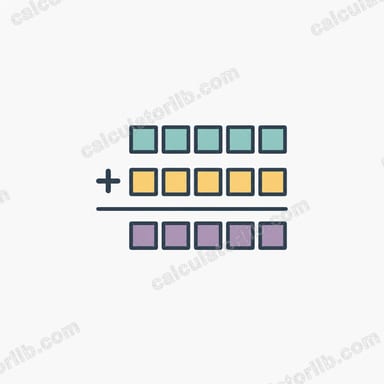
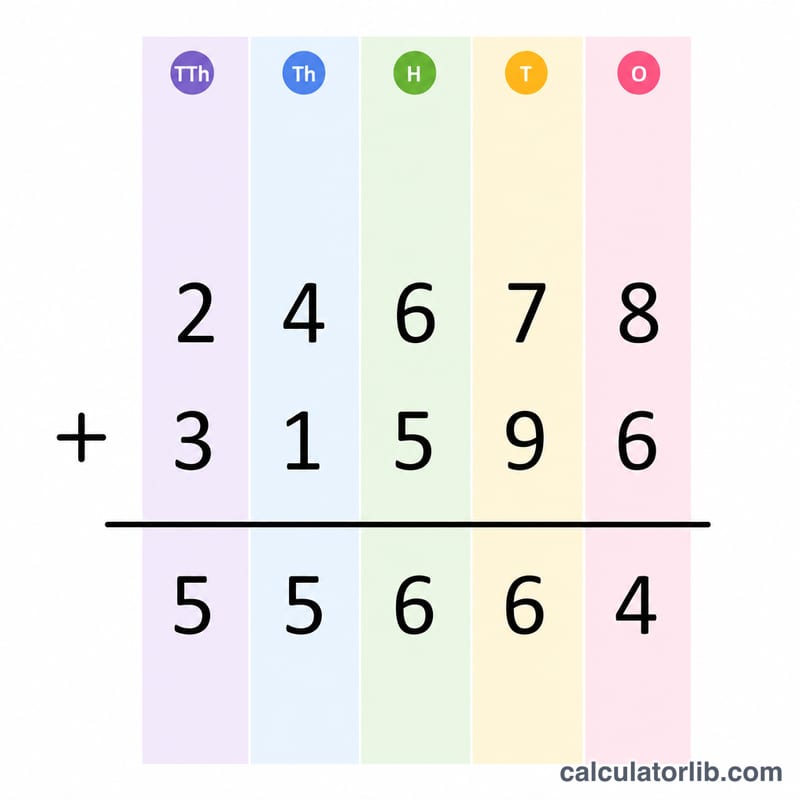
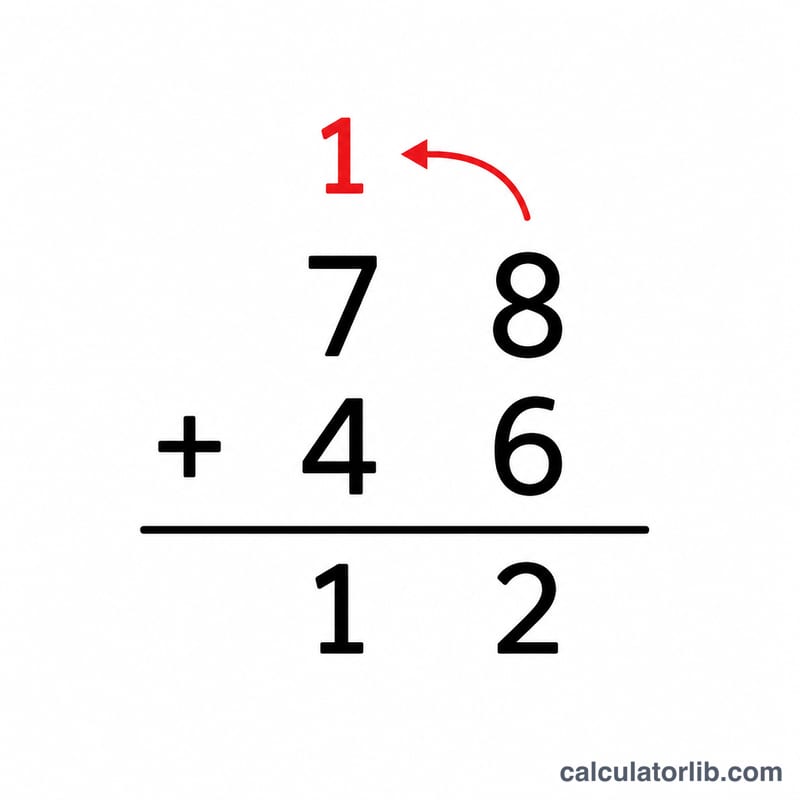
Long addition is the standard written method for adding two or more numbers by lining them up vertically and adding one column (place value) at a time, from right to left. Whenever a column total reaches 10 or more, the tens digit is "carried" into the next column on the left. This calculator instantly returns the sum of any two numbers you enter and reinforces the technique used in primary and middle school math.
How to Use the Calculator
Type your first number into the field labelled First number (a) and your second number into Second number (b). You can enter whole numbers or decimals. Press calculate and the tool displays the exact sum, along with a summary of both inputs. There are no limits on the size of the numbers, which makes it handy for checking long, multi-digit calculations.
The Formula Explained
The math is simply $$\text{Sum} = \text{First number (a)} + \text{Second number (b)}$$ The "long" part refers to the manual procedure: align the digits by place value (units under units, tens under tens, and so on), add each column, and carry any overflow. For example, in the units column \(7 + 9 = 16\), so you write 6 and carry 1 into the tens column.
Worked Example
Add \(467 + 859\). Units: \(7 + 9 = 16\) → write 6, carry 1. Tens: \(6 + 5 + 1 = 12\) (carry) → write 2, carry 1. Hundreds: \(4 + 8 + 1 = 13\) (carry) → write 13. Reading the result gives 1,326. The calculator returns this same value instantly.
FAQ
Can I add decimals? Yes. Align the decimal points and add column by column just as with whole numbers; the calculator handles decimals automatically.
What is a "carry"? When a column adds up to 10 or more, the extra ten(s) are moved into the next higher place value — that moved amount is the carry.
Does the order of the numbers matter? No. Addition is commutative, so \(a + b\) always equals \(b + a\).