
What this tool does
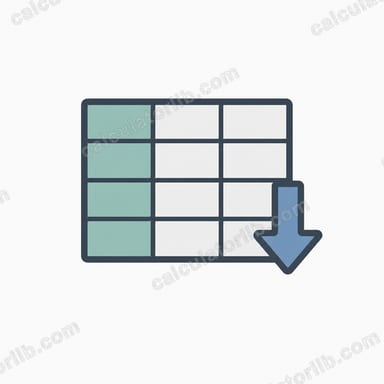
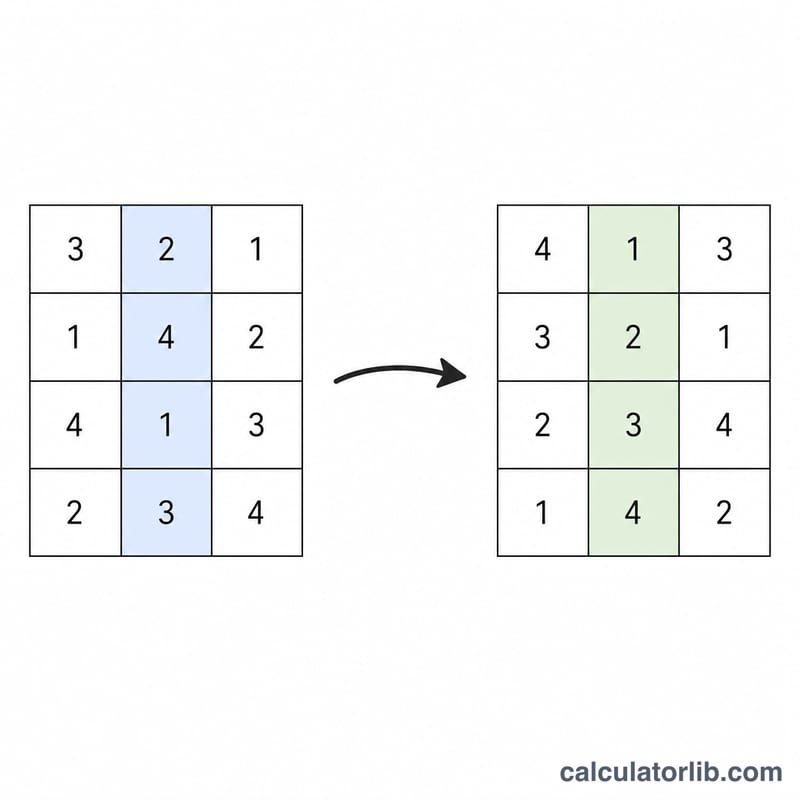
The Table Column Sort Tool reorders the rows of a table you paste in, using one column you choose as the sort key. It is a pure, universal data utility with no country-specific rules. Type or paste rows (one per line, columns separated by a comma or a tab), pick a column number and an order, and the tool returns the same table with its rows rearranged. Every other column moves with its row, so the data stays aligned.
How to use it
Enter your grid in the text box, one row per line. Set Sort column No. to the 1-based index of the column you want to sort by (column 1 is the first column). Choose Small to Large (ascending) or Large to Small (descending). If you enter 0 as the column number, the tool does not re-sort; instead it appends a row-total column equal to the sum of each row's numeric cells.
The formula explained
For ascending order the tool computes:
$$\text{SortedTable} = \operatorname{sort}_{\;\uparrow}\Big(\text{Rows},\; \text{col} = \text{Column No.}\Big)$$For descending order it computes:
$$\text{SortedTable} = \operatorname{sort}_{\;\downarrow}\Big(\text{Rows},\; \text{col} = \text{Column No.}\Big)$$And when the column number is 0 it appends a row total:
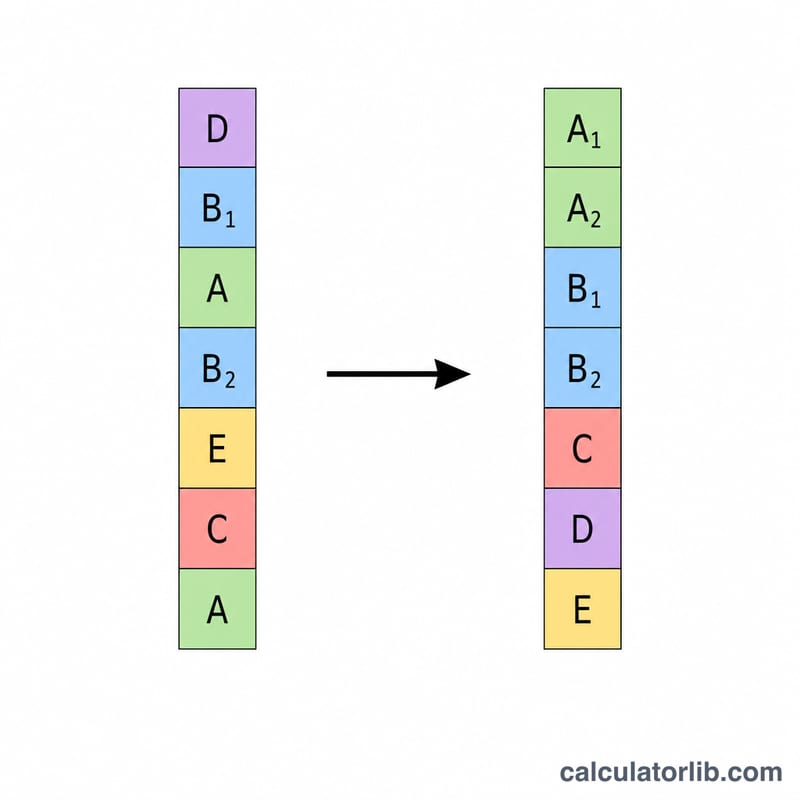
$$\text{Total}_{\text{row }i} = \sum_{j} \text{numeric cells}_{ij}\qquad(\text{Column No.} = 0)$$For each row the key is the cell at position \(c - 1\) (because \(c\) is 1-based). If a cell parses as a number it is compared numerically; otherwise it is compared as text. In a mixed column, numbers are placed before text. A stable sort is used, so rows with identical keys keep their original order. Blank cells are treated as the smallest value and rise to the top in ascending order.
Worked example
Take three rows with columns Name, Score, Age:
Alice, 80, 30
Bob, 95, 22
Carol, 88, 41
Sorting by column 2 (Score), ascending, gives keys \(80, 88, 95\), so the output is:
Alice, 80, 30
Carol, 88, 41
Bob, 95, 22
Switching to descending reverses the order to Bob, Carol, Alice.
FAQ
What if a column has mixed numbers and text? Numeric cells are sorted numerically and placed before any text cells, which are then sorted alphabetically.
What happens with an out-of-range column number? If the column number is larger than the number of columns, the table is returned unchanged.
Are duplicate values handled safely? Yes. The stable sort preserves the original relative order of rows that share the same key.