

What this calculator does
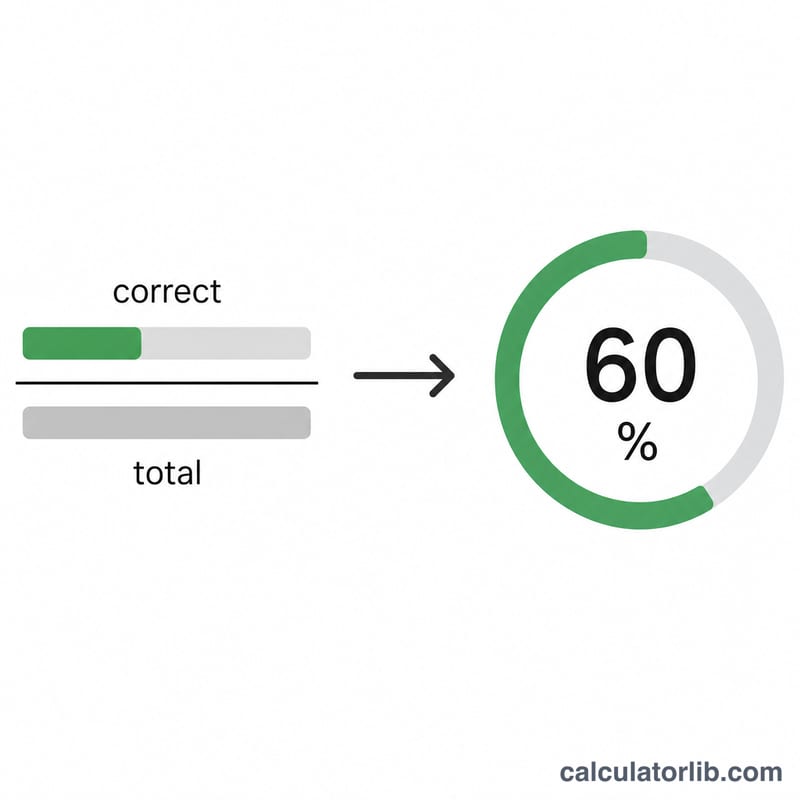
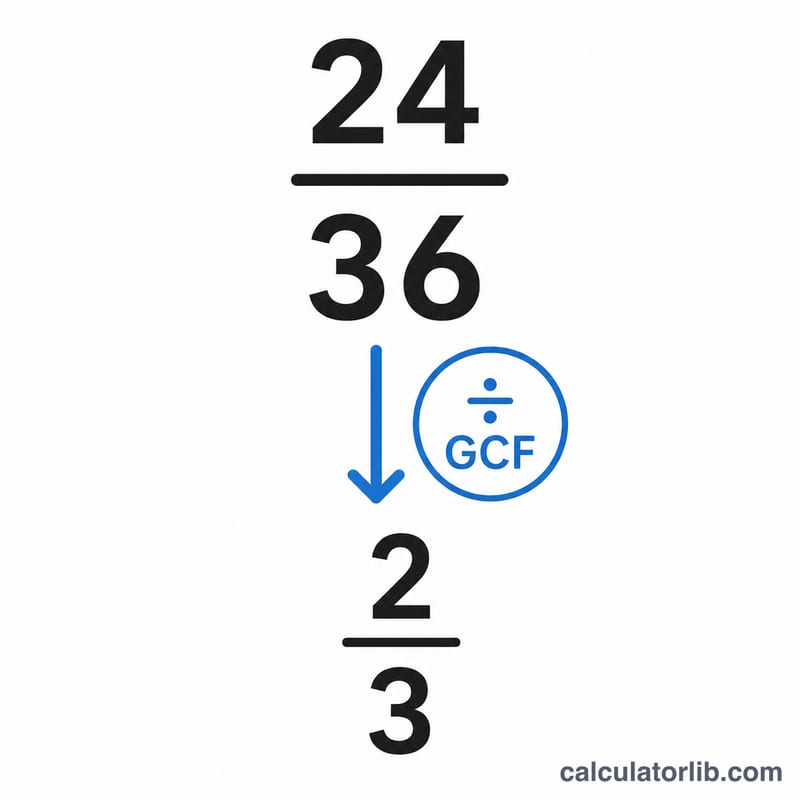
This tool converts a test or quiz score written as a fraction — the number of correct answers over the total number of questions — into a percentage grade. It also reduces that fraction to its simplest form so you can see the score expressed cleanly, such as 18/20 simplifying to 9/10.
How to use it
Enter how many questions you answered correctly and the total number of questions on the test. The calculator instantly shows your percentage grade rounded to two decimals, the original fraction, and the reduced (simplified) fraction.
The formula explained
The percentage grade is simply the part divided by the whole, times 100: $$\text{Grade} = \frac{\text{Correct Answers}}{\text{Total Questions}} \times 100\%$$. To simplify the fraction, the calculator finds the greatest common divisor (GCD) of the numerator and denominator using the Euclidean algorithm, then divides both numbers by it. This gives the smallest equivalent fraction.
Worked example
Suppose you got 18 questions right out of 20. The grade is $$(18 \div 20) \times 100 = 90\%.$$ The fraction \(\frac{18}{20}\) has a GCD of 2, so it reduces to \(\frac{9}{10}\). The calculator therefore reports a 90% grade and a simplified fraction of \(\frac{9}{10}\).
FAQ
What if I score zero? A score of 0 out of any total gives 0% and a reduced fraction of \(\frac{0}{1}\).
Can the percentage be over 100? Only if you enter more correct answers than total questions (for example with bonus points). Normally correct should be less than or equal to total.
Why show the reduced fraction? Math teachers often want answers in simplest form, and the reduced fraction makes the proportion easier to read at a glance.