
What is a Reverse Percentage Calculator?
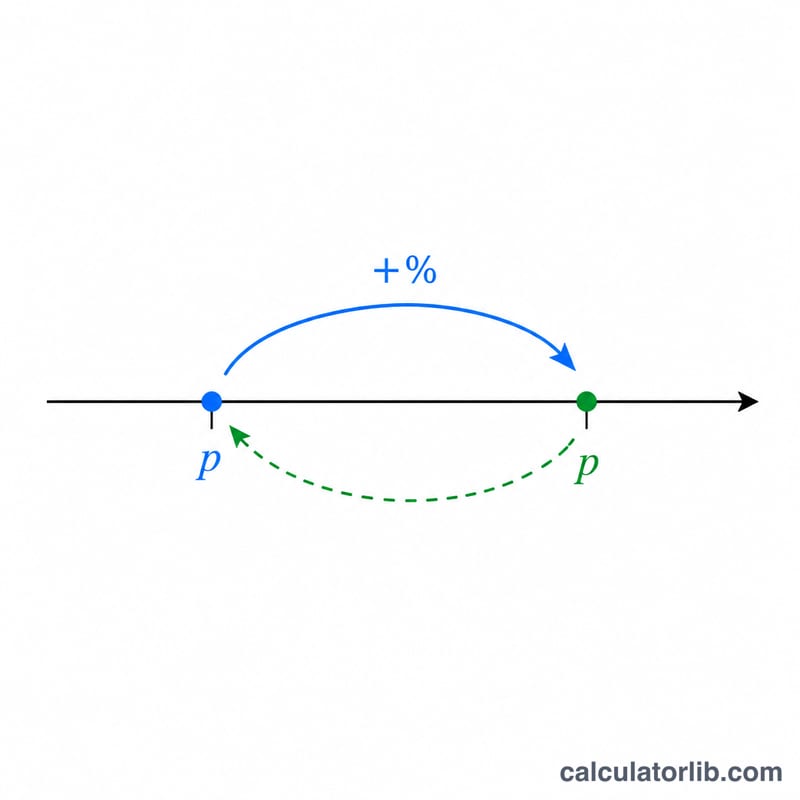
A reverse percentage calculator works backwards from a known final value to discover the original number, given the percentage by which it changed. This is useful whenever a price already includes a markup, a salary reflects a raise, or a measurement shows a known increase or decrease and you need the figure before the change.
How to Use It
Enter the final value — the amount you currently have after the change. Then enter the percentage change: a positive number for an increase (e.g. 20 for +20%) or a negative number for a decrease (e.g. -15 for −15%). The calculator returns the original value plus the absolute amount of the change.
The Formula Explained
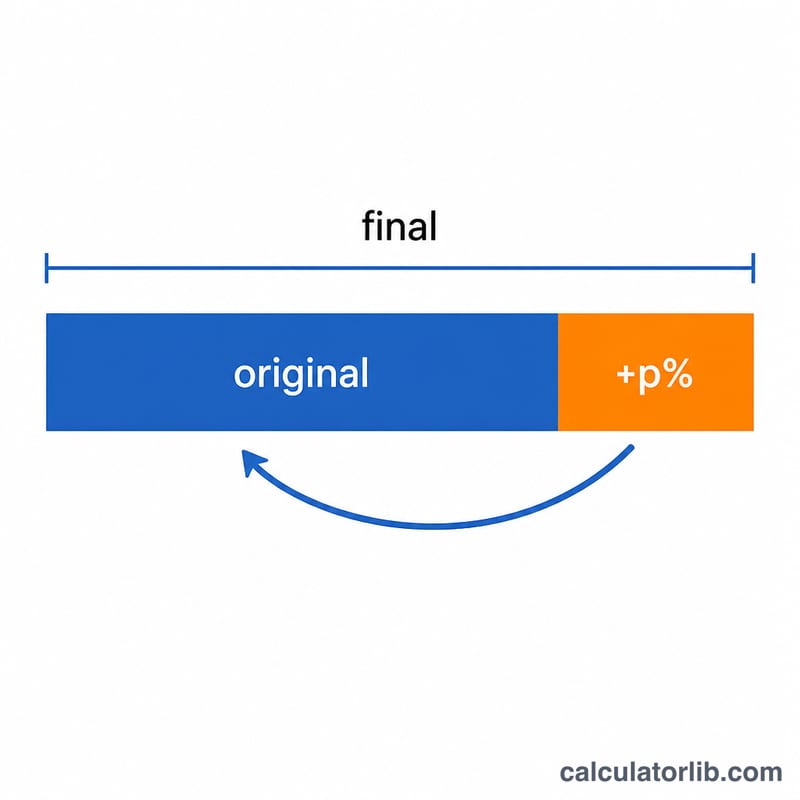
If a starting value grows by p percent, the final value equals the original multiplied by \((1 + p/100)\). To reverse it, we simply divide:
$$\text{Original} = \frac{\text{Final}}{1 + \dfrac{p}{100}}$$
The key insight is that you must divide by the growth factor, not subtract the percentage. Subtracting 20% of the final value gives the wrong answer, because the percentage was applied to the smaller original number.
Worked Example
Suppose an item costs $120 after a 20% increase. Plugging in: $$\text{Original} = 120 \div \left(1 + \frac{20}{100}\right) = 120 \div 1.20 = \$100$$ The amount of change is \(120 - 100 = \$20\). Note that $20 is 20% of $100, the original — not 20% of $120.
FAQ
Why can't I just subtract the percentage? Because the percentage was calculated on the original value, which is smaller than the final value. Subtracting it from the larger number overshoots.
How do I reverse a discount? Use a negative percentage. If a sale price of $80 reflects a 20% discount, enter -20 to get the original $100.
What if I enter -100%? That would mean a 100% decrease, making the divisor zero — the calculation is undefined, so a valid percentage other than -100 is required.