
What the Reverse Percentage Calculator Does
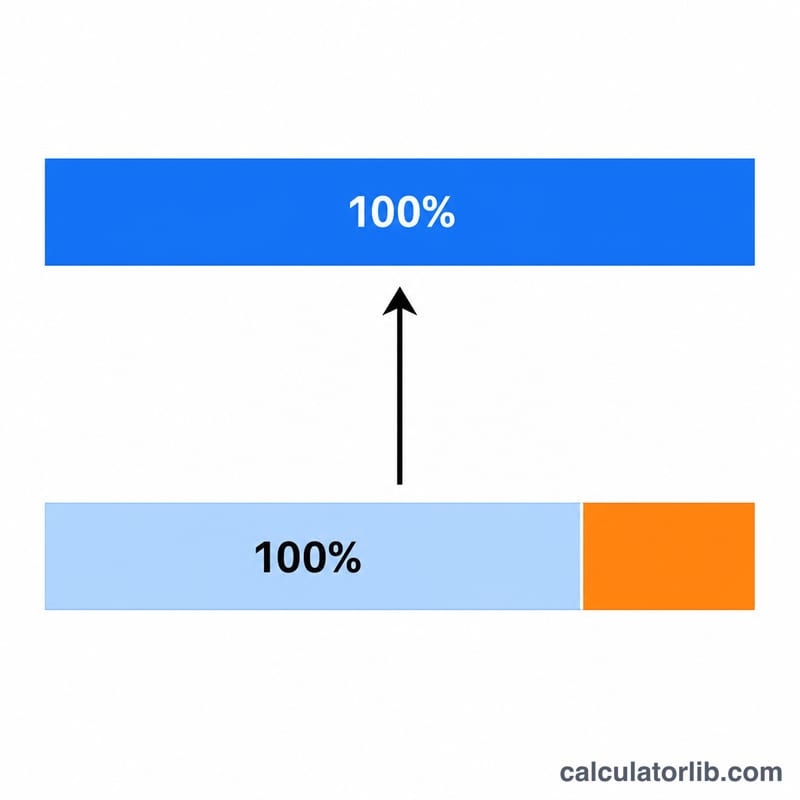
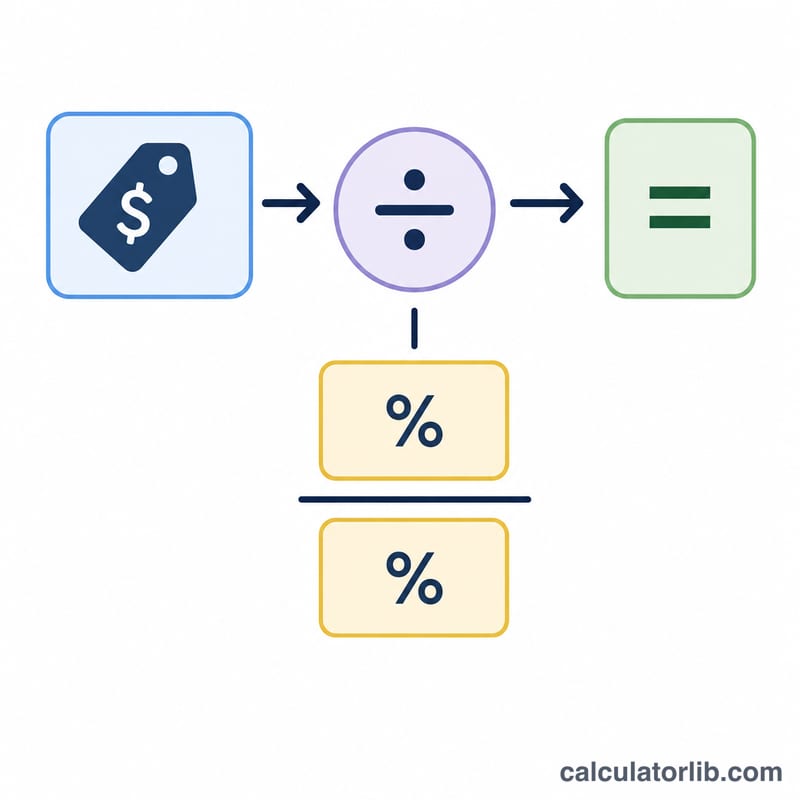
This calculator works backwards from a known final figure to find the original value before a percentage increase was applied. If you know that a number grew by a certain percentage to reach its current amount, this tool tells you where it started. It's ideal for stripping a markup, mark-up tax or growth rate out of a total to reveal the starting point.
The Two Inputs You Provide
- Final Value – the amount you have after the increase (for example, the price you paid or the figure you ended up with).
- Percentage (%) – the percentage by which the original value was increased to reach that final value.
The Formula Explained
The core calculation reverses a standard percentage increase:
- $$\text{Original Value} = \frac{\text{Final Value}}{1 + \dfrac{\text{Percentage}}{100}}$$
- $$\text{Increase Amount} = \text{Final Value} - \text{Original Value}$$
Because the percentage was added to the original, you divide rather than subtract — a common mistake is to simply take the percentage off the final value, which gives the wrong answer. The calculator also reports what proportion of the final value the original and the increase each represent.
Worked Example
Suppose a product costs 120 after a 20% increase, and you want the price before the rise.
- $$\text{Original Value} = \frac{120}{1 + \dfrac{20}{100}} = \frac{120}{1.20} = \mathbf{100}$$
- $$\text{Increase Amount} = 120 - 100 = \mathbf{20}$$
- The original is 83.33% of the final value; the increase is 16.67%.
Note that subtracting 20% of 120 (which is 24) would incorrectly give 96 — this is exactly why the reverse method matters.
Frequently Asked Questions
Why not just subtract the percentage from the final value? Because the percentage was originally applied to the smaller (original) number, not the larger final number. Dividing by \(1 + \frac{\text{percentage}}{100}\) correctly accounts for this.
Can I use this to remove sales tax or VAT? Yes. Enter the tax-inclusive total as the Final Value and the tax rate as the Percentage to find the pre-tax amount.
What if the value decreased instead of increased? This calculator assumes an increase. For a decrease, you would divide by \(1 - \frac{\text{percentage}}{100}\) instead, so it isn't suited to reversing a discount.