
What this converter does
The Roman Numeral Converter is a two-way tool. Type a normal (Arabic) number and it returns the Roman numeral; type a Roman numeral and it returns the number. It supports the full classical range plus the extended "vinculum" range, from 1 to 3,999,999. The tool auto-detects which direction you want: if your text is only digits it converts number to Roman, otherwise it parses the text as a Roman numeral.
Overlines for large values
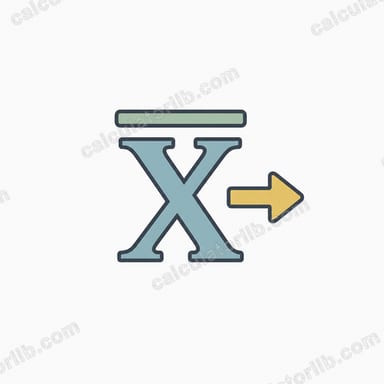
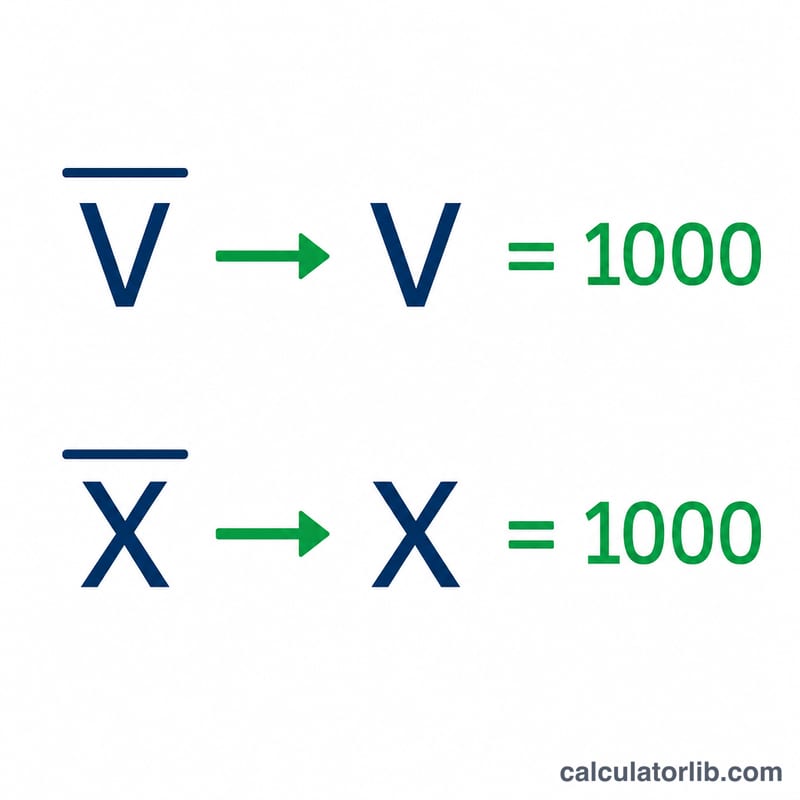
Classic Roman numerals only reach 3,999 cleanly. To represent larger numbers, scribes drew a bar (vinculum) over a letter to multiply it by 1,000. Because you cannot type an overline on a normal keyboard, this converter uses an underscore as the overline marker: the underscore applies to the single letter that follows it. So _C means C-with-overline = \(100 \times 1{,}000 = 100{,}000\), and _M = \(1{,}000{,}000\). On screen the result is shown as plain letters for readability.
How to use it
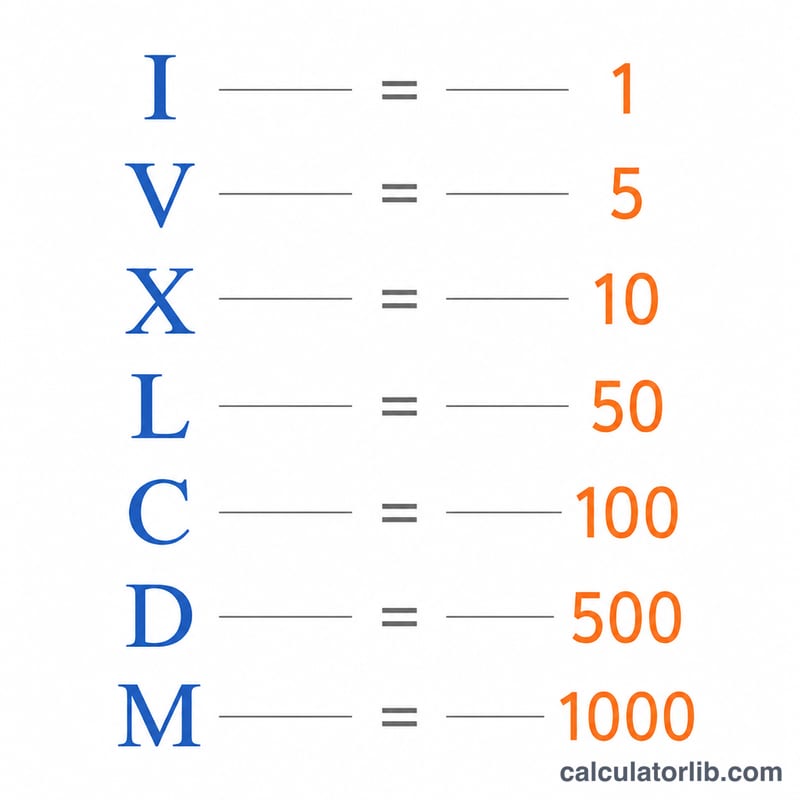
Enter a value in the single box and submit. For a number, just type it (commas are ignored, so 1,994 and 1994 are the same). For a Roman numeral, type the letters I, V, X, L, C, D, M in uppercase (lowercase is accepted too) and prefix any letter with _ for the x1000 overline. The result line shows "input = output" and a breakdown table lists each place-value group and its Arabic value, finishing with a Total row.
Worked example
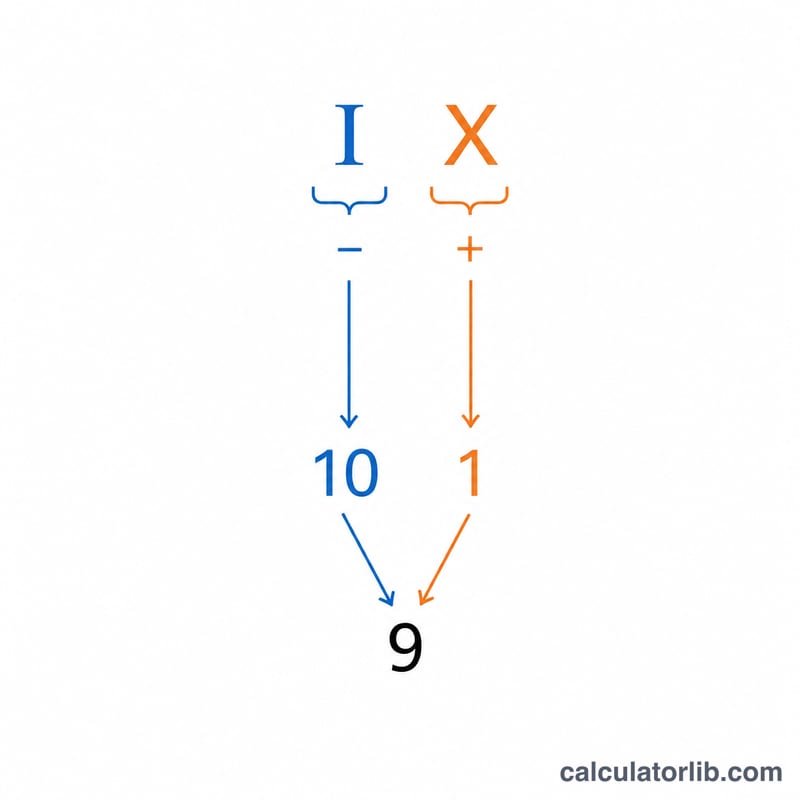
Input MMMDCCXXIV: MMM = 3000, DCC = 700, XX = 20, IV = 4 (I before V means 5 - 1). $$\text{Total} = 3000 + 700 + 20 + 4 = \mathbf{3724}$$ Going the other way, the number 1994 becomes $$\text{M}\,(1000) + \text{CM}\,(900) + \text{XC}\,(90) + \text{IV}\,(4) = \mathbf{MCMXCIV}$$
FAQ
Why is there no zero? The Roman system has no symbol for zero, so the smallest supported value is 1.
What is the largest value? 3,999,999, written with overlined M's, C's, X's and standard letters.
Does case matter? No. Input is treated case-insensitively and converted to uppercase before parsing, but the conventional form is uppercase.