
What This Calculator Does
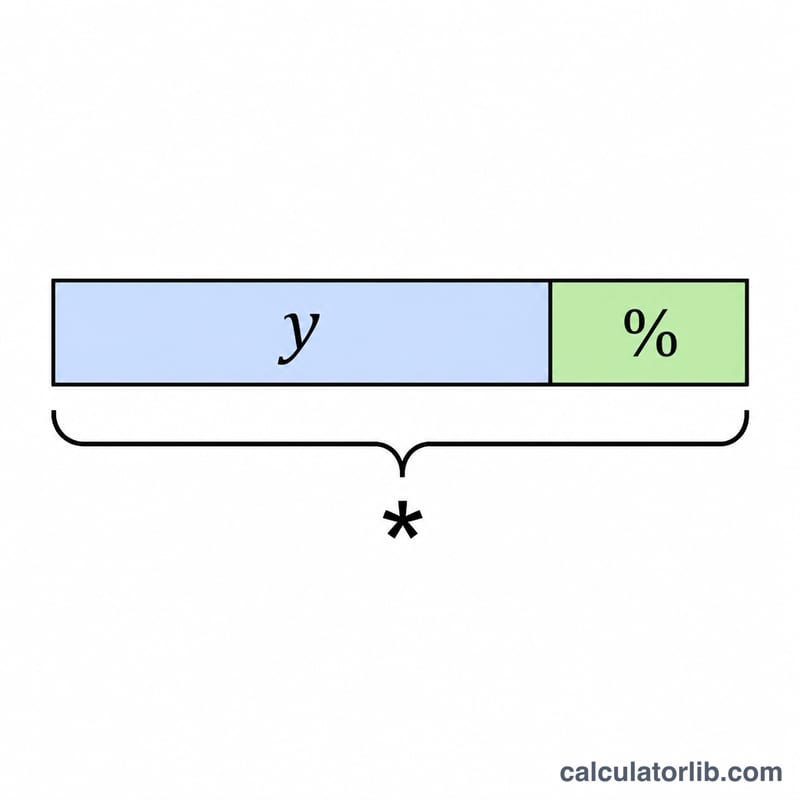
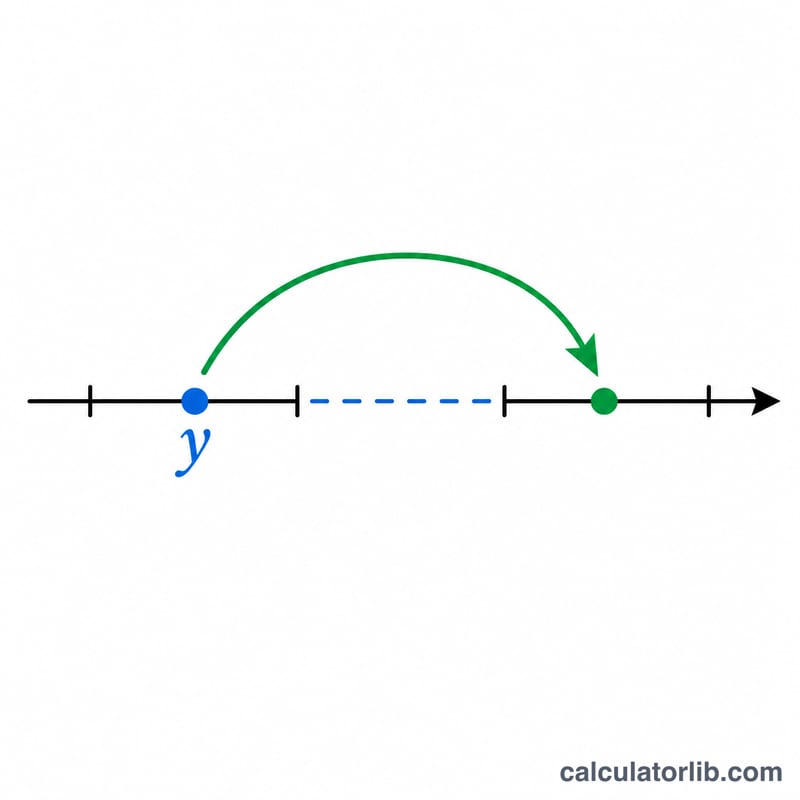
This tool answers a very common everyday question: "What number is X% more than Y?" You provide a base number (Y) and a percentage (X), and it returns the value that results from increasing Y by that percentage. This is useful for markups, raises, price increases, tips, taxes added on top, and any situation where you add a percentage to a starting amount.
How to Use It
Enter the percentage increase in the first field (for example, 20 means 20% more) and the base number in the second field. Press calculate to see the new total, along with the original base and the exact amount that was added.
The Formula Explained
The result is computed as $$\text{result} = \text{y} \times \left(1 + \frac{\text{x}}{100}\right)$$ Dividing X by 100 converts the percentage into a decimal fraction. Adding 1 keeps the original amount and then adds the extra portion on top. For instance, 20% becomes 0.20, and \(1 + 0.20 = 1.20\), so the base is multiplied by 1.20.
Worked Example
Suppose Y = 100 and X = 20. Then $$\text{result} = 100 \times \left(1 + \frac{20}{100}\right) = 100 \times 1.20 = 120$$ The amount of increase is \(120 - 100 = 20\). So 20% more than 100 is 120.
FAQ
What is 15% more than 200? \(200 \times \left(1 + \frac{15}{100}\right) = 200 \times 1.15 = 230\).
Can X be a decimal? Yes. You can enter values like 7.5% and the calculator handles them precisely.
What if I want X% less than Y? Use a different tool, or simply enter a negative percentage here — for example, X = −10 reduces Y by 10%.