
What This Calculator Does
This tool tells you what percent more or less value X is compared to a reference value Y. It is the everyday way of expressing how much bigger or smaller one number is relative to another — useful for comparing prices, salaries, scores, populations, or any pair of figures.
How to Use It
Enter your value X (the number you are comparing) and value Y (the reference or baseline). The calculator returns the percentage difference. A positive result means X is more than Y; a negative result means X is less than Y. The hero box always shows the absolute size of the gap, while the table shows the signed change.
The Formula Explained
The calculation is straightforward:
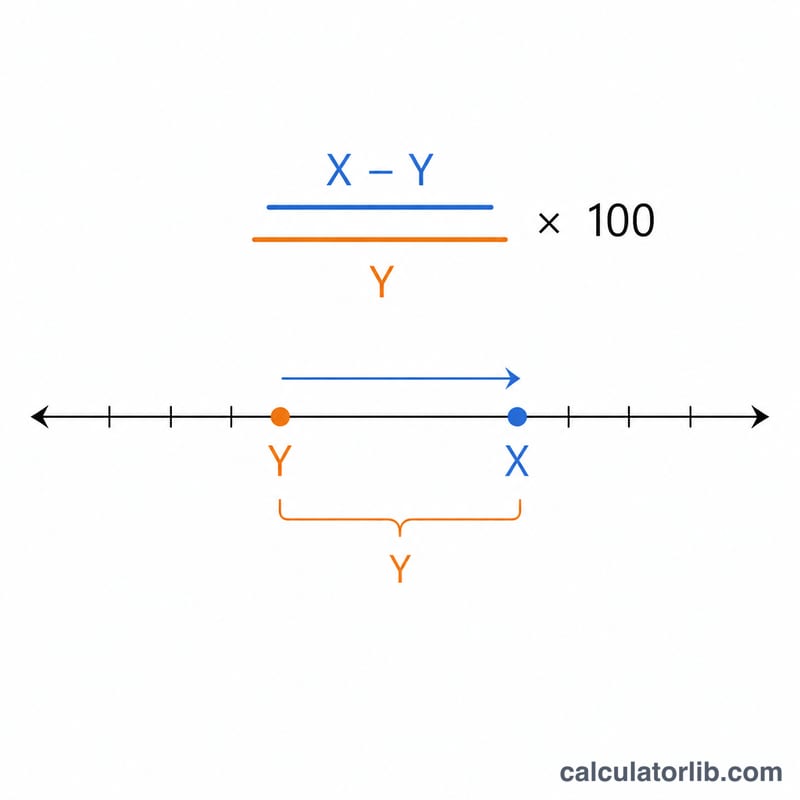
$$\text{Percent} = \frac{\text{X} - \text{Y}}{\text{Y}} \times 100$$
You subtract the reference (Y) from X to find the raw difference, divide by Y so the result is relative to the baseline, then multiply by 100 to turn the fraction into a percentage. Note that the answer depends on which number is the reference — comparing 100 to 150 is not the same percentage as comparing 150 to 100.
Worked Example
Suppose \(X = 150\) and \(Y = 100\). The difference is \(150 - 100 = 50\). Divide by Y: \(50 / 100 = 0.5\). Multiply by 100 to get 50%. So 150 is 50% more than 100. If instead \(X = 80\) and \(Y = 100\), you get $$\frac{80 - 100}{100} \times 100 = -20\%,$$ meaning 80 is 20% less than 100.
FAQ
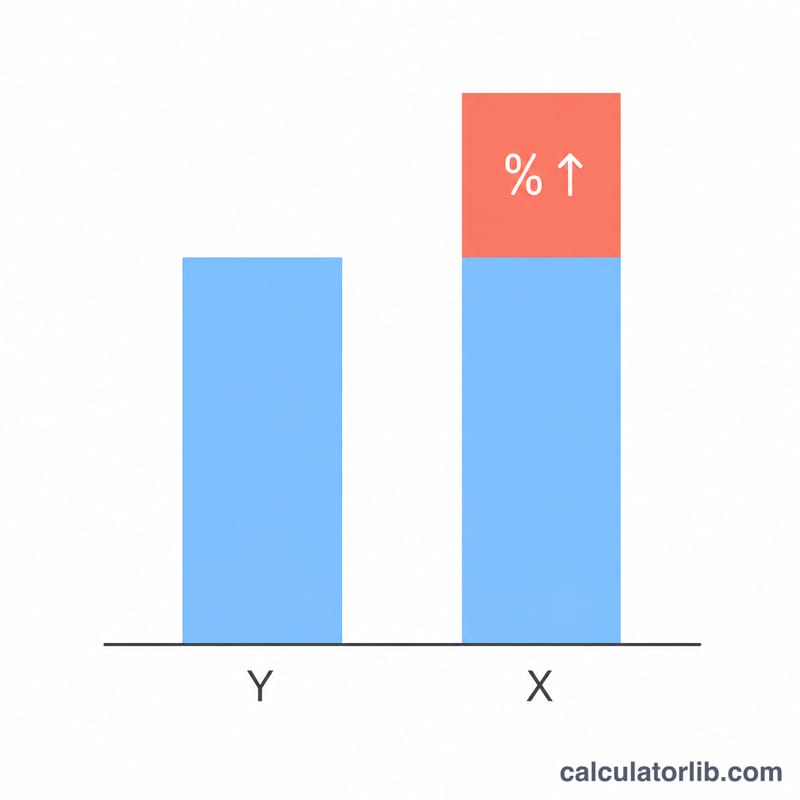
Why does swapping X and Y change the answer? Because the percentage is always relative to Y. Going from 100 to 150 is a 50% increase, but going from 150 to 100 is only a 33.3% decrease.
What if Y is zero? The percentage is undefined because you cannot divide by zero, so the calculator returns 0 in that case.
Is this the same as percent change? Yes — when Y is the original value and X is the new value, this is exactly the percent change formula.