
What is an Adding Machine Tape Calculator?
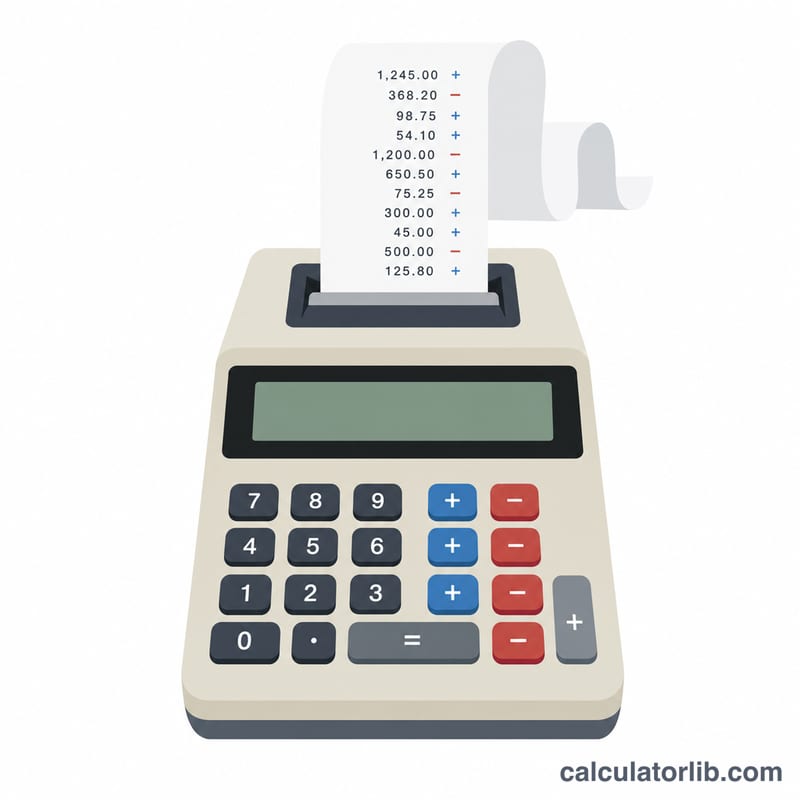
This online adding machine works like a classic desk calculator with a paper tape. Instead of giving you only a final answer, it keeps a running record — a "tape" — of every number you enter, the operation used, and the sub-total after each step. That makes it perfect for balancing a checkbook, reconciling receipts, preparing tax figures, or any calculation where you need an auditable, printable record of every step.
How to use it
Pick an Operation from the dropdown, type an Entry value, and submit. The total updates and a new row is added to the tape. Repeat for as many numbers as you like (up to a 100-entry memory limit). Choose Auto to let the sign of the number decide add or subtract: type -50 to subtract. Choose Auto decimal for fast money entry — typing 1050 means 10.50 because the digits are divided by 100. Use Reset to clear and start over.
The formula
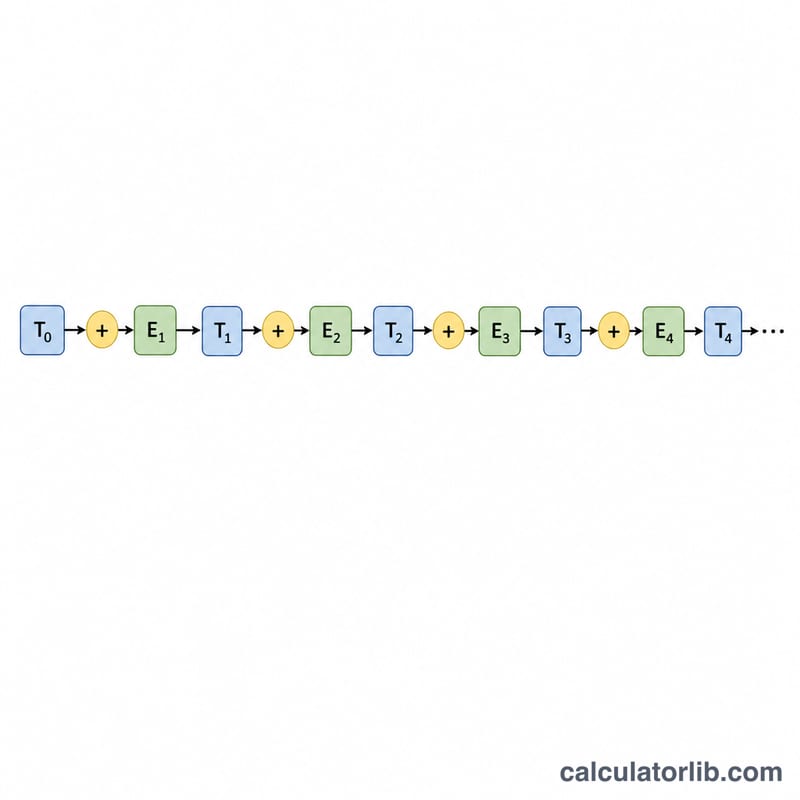
Each entry immediately updates the running total left-to-right, with no operator precedence:
$$\text{total}_{n} = \text{total}_{n-1} \;\diamond\; \text{entry}_{n}, \quad \diamond \in \{+,-,\times,\div\}$$- + \(\text{total} = \text{total} + \text{entry}\)
- − \(\text{total} = \text{total} - \text{entry}\)
- × \(\text{total} = \text{total} \times \text{entry}\)
- ÷ \(\text{total} = \text{total} \div \text{entry}\) (division by zero is rejected)
- Auto \(\text{total} = \text{total} + \text{entry}\) (the entry carries its own sign)
- Auto decimal \(\text{total} = \text{total} + (\text{entry} \div 100)\), signed
Worked example
Start at 0. Enter + 125.50 → 125.50. Enter + 74.25 → 199.75. Enter − 50.00 → 149.75. Enter × 2 → 299.50. Enter ÷ 4 → 74.875, displayed as 74.88.
The tape preserves all five steps and the final total.
Definitions & Glossary
- Tape — the running paper-style record that lists every entry, the operator applied to it, and the sub-total that resulted. Like a physical adding-machine printout, it lets you audit each step and reprint the whole sequence.
- Running sub-total — the cumulative result shown after each entry. Formally \(\text{total}_{n} = \text{total}_{n-1} \diamond \text{entry}_{n}\), where \(\diamond\) is the operator chosen for that line.
- Accumulator chain — the ordered sequence of entries and operators that feed forward into one another. The output of line \(n-1\) becomes the left-hand input of line \(n\), so the order of entries matters for subtraction and division.
- Operation — the arithmetic applied to the current accumulator: add (\(+\)) increases the total, subtract (\(-\)) decreases it, multiply (\(\times\)) scales it, and divide (\(\div\)) partitions it.
- Auto mode (sign-driven) — entries are added or subtracted automatically based on their sign: a positive number (e.g.
120) is added, a number entered with a leading minus (e.g.-45) is subtracted. This mimics how a 10-key operator runs a column of credits and debits without switching keys. - Auto decimal (cents entry) — digits are interpreted as cents and a decimal point is inserted automatically two places from the right, so typing
1295records12.95. Speeds up keying long lists of currency amounts. - Grand total — the final accumulator value after the last entry; the closing balance of the entire tape.
- Division-by-zero handling — dividing the running total by \(0\) is mathematically undefined, so the tape flags an error on that line and leaves the prior sub-total unchanged rather than producing an invalid value.
FAQ
Does multiply use the whole total? Yes. Multiply and divide operate on the entire current total, not just the last number — it is a true accumulator chain evaluated in entry order.
What does Auto decimal do? It interprets your digits as cents, so you can punch in money quickly: 1050 becomes 10.50.
Is there a percent option? Percent is an optional extension: on a multiply chain it is \(\text{total} \times \text{entry} \div 100\), and on an add chain "add x%" is \(\text{total} + \text{total} \times (\text{entry} \div 100)\). The live form exposes the five core operations.