
What Is the Backpack Weight Calculator?
This tool tells you how heavy your loaded backpack is relative to your body weight, and compares it against a recommended maximum. Carrying too much weight increases fatigue, strains your back and knees, and raises injury risk. Expressing pack weight as a percentage of body weight is the standard way hikers, backpackers, and even parents checking school bags gauge whether a load is sensible. The calculator is unit-agnostic — enter both weights in the same unit (kg or lb) and the percentage is identical.
How to Use It
Enter your body weight, the total weight of your fully loaded pack, and the maximum percentage you want to stay under (the default 20% is a widely used guideline for adult backpackers). The calculator returns your pack percentage, the recommended maximum pack weight, and how far over or under that limit you are.
The Formula Explained
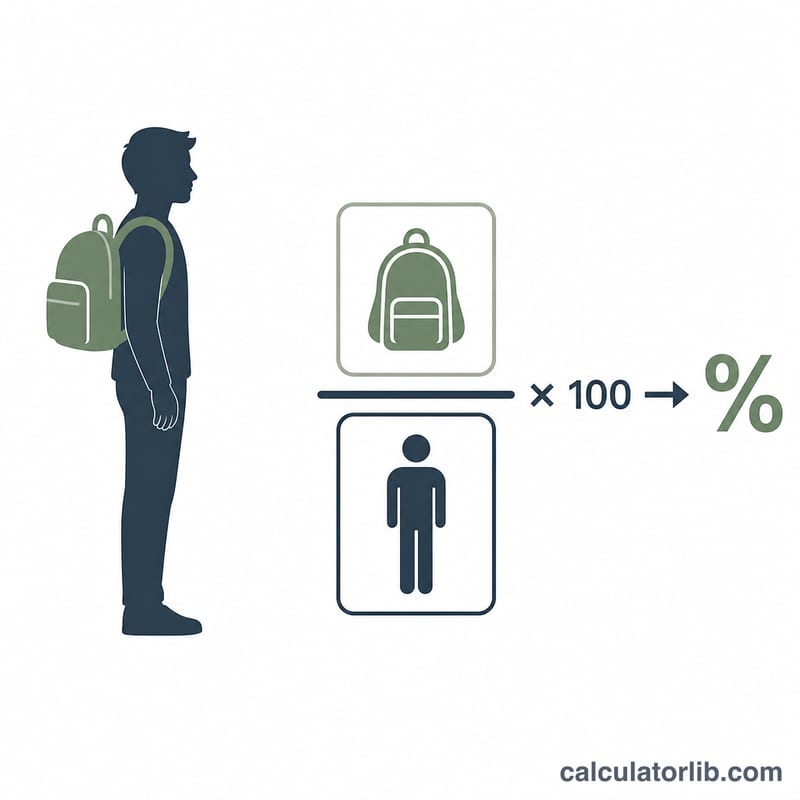
The core math is a simple ratio: $$\text{Pack \%} = \frac{\text{Pack Weight}}{\text{Body Weight}} \times 100$$. The recommended cap is $$\text{Recommended Max} = \text{Body Weight} \times \frac{\text{Max \%}}{100}$$. The "over / under" figure is your actual pack weight minus that cap — a negative number means you have room to spare, a positive number means you should consider lightening your load.
Worked Example
Suppose you weigh 70 kg and your pack weighs 12 kg, with a 20% cap. $$\text{Pack \%} = 12 \div 70 \times 100 = 17.14\%$$ Recommended max $$= 70 \times 0.20 = 14 \text{ kg}$$ Over/under $$= 12 - 14 = -2 \text{ kg}$$ so you are 2 kg under the limit and within the safe range.
Interpreting Your Pack Percentage
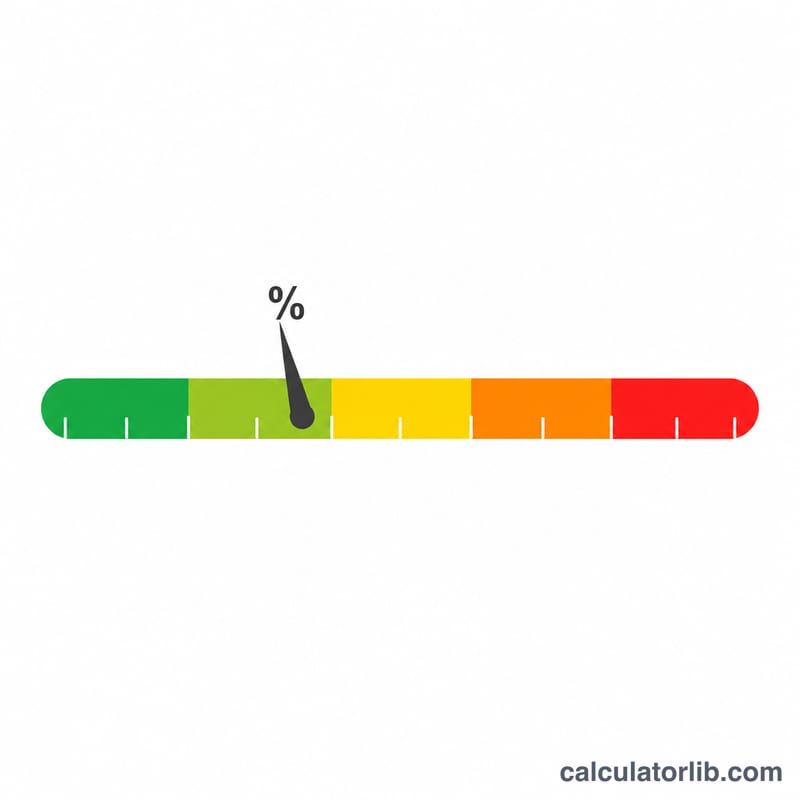
Once you divide your pack weight by your body weight and multiply by 100, the resulting percentage falls into one of a few broad zones. These zones line up with common backpacking guidelines and give a quick read on how demanding your load is likely to feel.
- Under 10% — Light. The pack has little effect on your balance or stride. Typical of a short day hike or an ultralight setup. Sustainable for long distances and steep terrain by most healthy hikers.
- 10–20% — Moderate. A noticeable but manageable load for fit adults. This is the usual target band for multi-day backpacking, with ~20% treated as a comfortable upper limit for an overnight pack.
- Over 20% — Strenuous. The pack measurably increases energy cost, alters posture and raises fatigue and injury risk over time. Sometimes unavoidable on long, unsupported trips, but worth reducing through lighter gear, less food/water carried at once, or better conditioning.
- Over 30% — Heavy / expedition. Loads this high are associated with the largest changes in gait and the greatest strain; they are generally reserved for trained individuals, military or expedition contexts and demand careful pack fit and conditioning.
For example, a 160 lb hiker carrying a 28 lb pack is at 17.5% — squarely in the moderate zone and within typical multi-day guidance.
Remember these are guidelines, not hard rules: terrain, elevation gain, trip length, temperature, fitness and how well the pack is fitted all change how a given percentage actually feels. Use the zone as a planning aid and adjust based on your own experience. This is general information, not professional advice.
FAQ
What percentage of body weight should a backpack be? A common guideline is no more than 20% for multi-day backpacking and 10–15% for day hikes or children's school bags. Fitness, terrain, and trip length all matter.
Does the unit matter? No — as long as both weights use the same unit, the percentage is the same. The recommended max will be returned in that same unit.
Can I change the 20% limit? Yes. Adjust the "Recommended Max %" field to match your own target, your child's age, or expert advice for your activity.