
What Is the Book Spine Width Calculator?
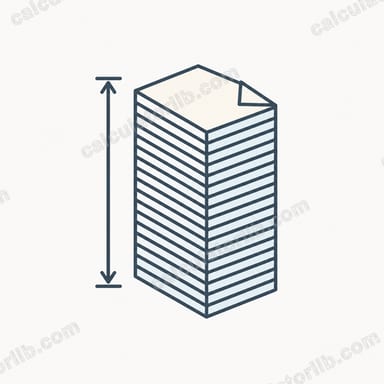
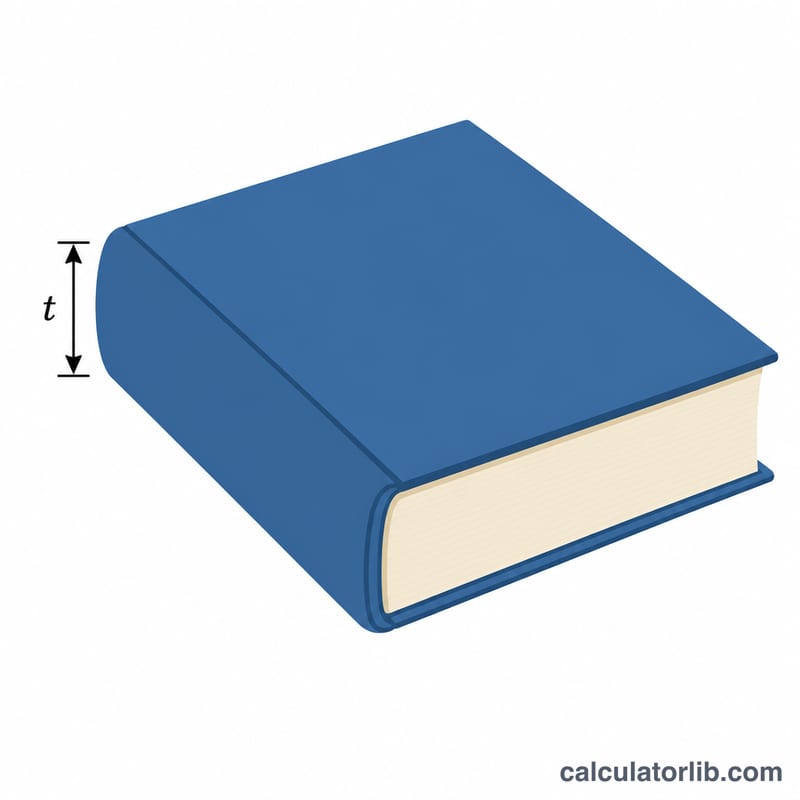
The book spine width (also called spine thickness or spine size) is the measurement across the bound edge of a book. Knowing it precisely is essential when designing a wraparound cover, because the front cover, spine, and back cover are usually printed on a single flat sheet. Get the spine width wrong and your title text will wrap onto the front or back, or the cover will not align with the printed book. This calculator estimates the spine width from the number of pages and the thickness of the paper you are printing on.
How to Use It
Enter the total page count of your finished book (count every printed leaf side — a 100-sheet book has 200 pages). Then enter the pages per inch (PPI) for your chosen paper stock; your printer or print-on-demand service publishes this value for each paper type. Choose whether you want the result in inches or millimeters and read off the spine width. The tool also shows both units side by side.
The Formula Explained
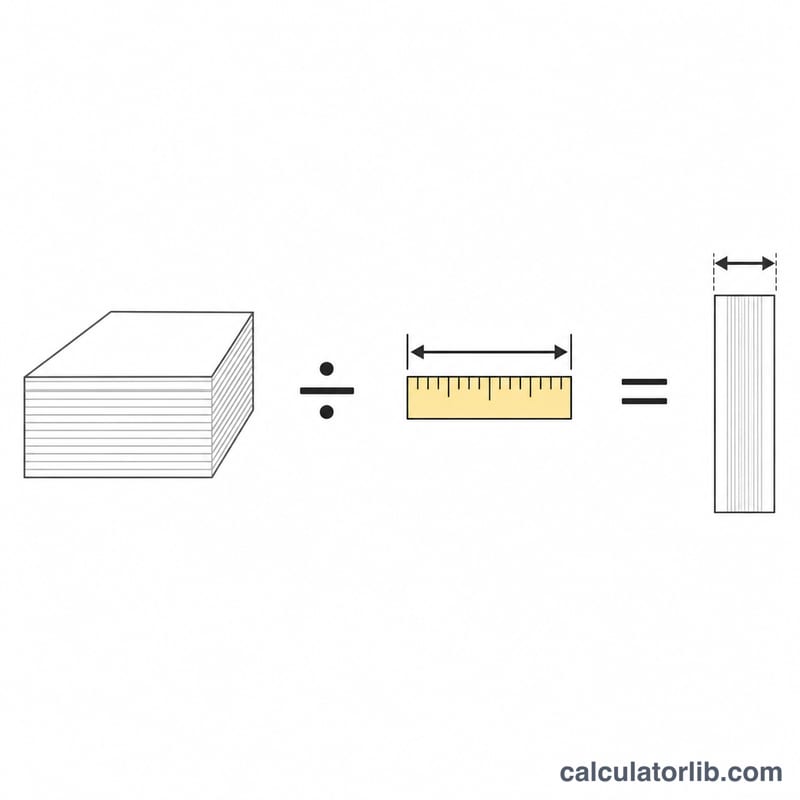
The calculation is simply the page count divided by the paper PPI:
$$\text{Spine (inches)} = \frac{\text{Pages}}{\text{PPI}}$$
To convert to millimeters, multiply by 25.4. PPI captures how many sheet-sides stack up per inch of thickness, so dividing by it directly yields the stack height — the spine width.
Worked Example
Suppose you have a 300-page paperback printed on a 444 PPI white stock. $$\text{Spine} = \frac{300}{444} = 0.6757\ \text{inches},$$ which is \(0.6757 \times 25.4 = 17.16\ \text{mm}\). You would build your cover template with a 0.676-inch spine panel.
Practical Recommendations
A correctly sized spine is essential for a professional cover. Spine text that drifts onto the front or back, or a spine that is too narrow to hold text at all, are among the most common reasons covers get rejected. Use the guidance below before you submit.
- Confirm the exact PPI with your printer. Published ranges are only estimates. Each printer's specific paper has a defined PPI — ask for it or use the spine-width figure on their official template generator. Even a small PPI difference noticeably shifts the spine on longer books.
- Leave a safe margin on spine text. Keep all spine text and graphics at least 1/8 in (about 3 mm) in from each spine edge so slight trimming and binding shift don't push your title onto the cover faces.
- Respect the minimum page count for spine text. Most print-on-demand services only allow printed spine text once the book reaches roughly 100–130 pages (often a spine of about 0.25 in / 6.35 mm or wider). Below that, leave the spine blank.
- Verify against the printer's template. After calculating your spine width, generate the printer's official cover template and confirm your computed value matches the template's spine zone before exporting your print-ready PDF.
- Account for final page count. Front matter, blank pages, and any added images change the total page count and therefore the spine. Recalculate after the interior is fully laid out, not before.
This is general guidance for print preparation; printer specifications always take precedence over any calculator estimate.
FAQ
Where do I find the PPI? Your printer or print-on-demand platform lists PPI per paper type — common values are around 426–512 for standard book papers and lower for thicker cream stocks.
Does this include the cover? No. This estimates the text block only. For hardcovers add the board thickness as your binder specifies.
Should I add a safety margin? Cover spines have a small tolerance. For text near the spine edges, leave a margin (often about 1/8 inch / 3 mm) so minor binding shifts do not cut into your text.