What This Calculator Does
The Days Until End of Month Calculator tells you exactly how many days remain between a given date and the final day of that same month. It's handy for planning monthly deadlines, rent and bill cycles, payroll cut-offs, sales targets, and subscription periods. The tool automatically accounts for months of different lengths (28, 29, 30, or 31 days) and correctly handles leap years for February.
How to Use It
Enter a year, select a month, and type the day of the month you want to measure from. The calculator returns the number of days left until the end of that month, plus the last day's date and the total number of days in the month. By default it uses today's date, so you can instantly see how many days are left in the current month.
The Formula Explained
The math is simple subtraction: $$\text{Days Left} = \text{LastDay}\left(\text{Year},\ \text{Month}\right) - \text{Day}$$. The challenge is knowing the last day. February can have 28 or 29 days; April, June, September and November have 30; the rest have 31. The calculator determines the correct last day for the chosen month and year, then subtracts your selected day.
Worked Example
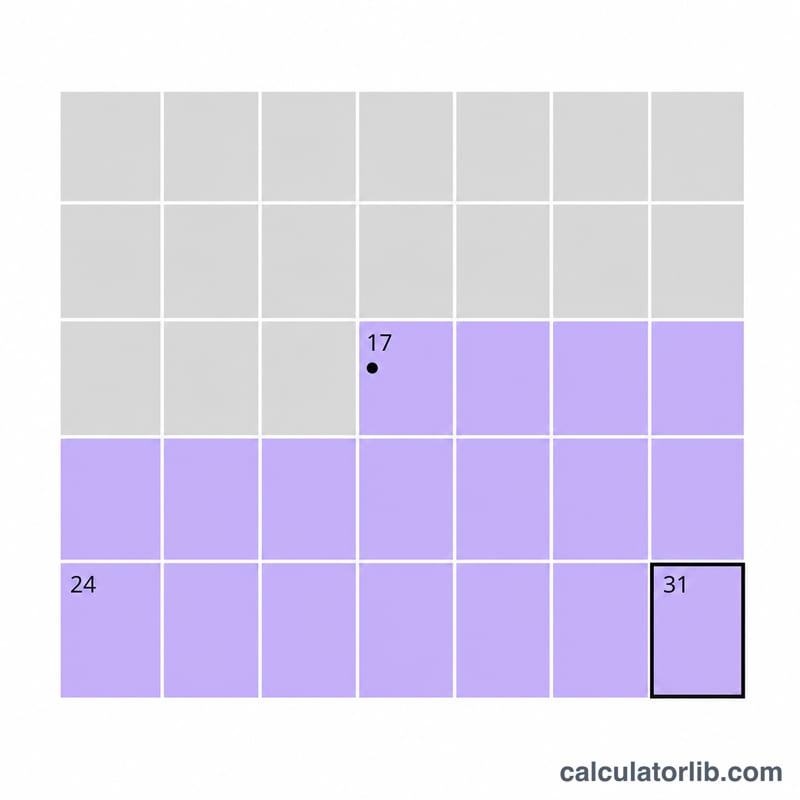
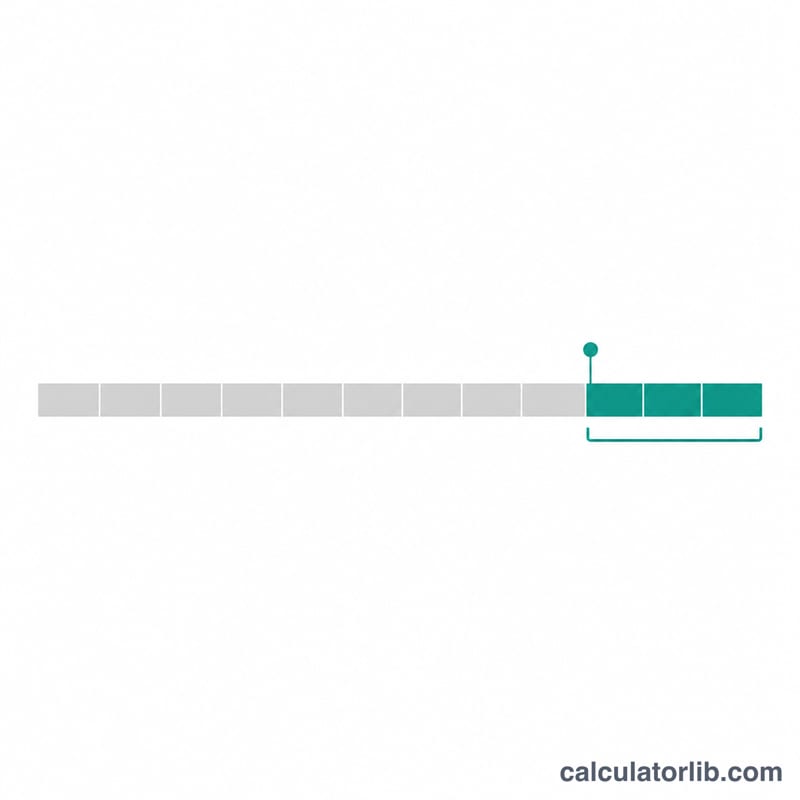
Suppose today is March 10, 2024. March always has 31 days, so the last day is 31. Days left = $$31 - 10 = 21 \text{ days}$$ For February 15, 2024 (a leap year), February has 29 days, so days left = $$29 - 15 = 14 \text{ days}$$
Days in Each Month
The number of days left in a month is the month's last day minus the current day of the month. This table uses the Gregorian calendar, which is the civil calendar used in most countries. It lists the length of each month and its last day.
| Month | Number | Days in Month | Last Day |
|---|---|---|---|
| January | 1 | 31 | January 31 |
| February | 2 | 28 (29 in a leap year) | February 28 or 29 |
| March | 3 | 31 | March 31 |
| April | 4 | 30 | April 30 |
| May | 5 | 31 | May 31 |
| June | 6 | 30 | June 30 |
| July | 7 | 31 | July 31 |
| August | 8 | 31 | August 31 |
| September | 9 | 30 | September 30 |
| October | 10 | 31 | October 31 |
| November | 11 | 30 | November 30 |
| December | 12 | 31 | December 31 |
Leap Year Rule
In the Gregorian calendar, a year is a leap year if it is divisible by 4, except for century years (those divisible by 100), which are leap years only if they are also divisible by 400. For example, 1900 is not a leap year (divisible by 100 but not by 400), while 2000 is a leap year (divisible by 400). Likewise, 2024 is a leap year and 2023 is not. Leap years only affect February, which then has 29 days instead of 28.
Example: on February 10 of a leap year, days left = 29 − 10 = 19. In a non-leap year, days left = 28 − 10 = 18.
FAQ
Does it count the current day? No. The result is the number of full days after your date up to and including the last day of the month. If you are on the last day, the result is 0.
Does it handle leap years? Yes. February returns 29 days in a leap year and 28 otherwise, so the count is always accurate.
Can I use it for past or future months? Absolutely — just change the year and month fields to any date you like.