
What Is a Sale Price Calculator?
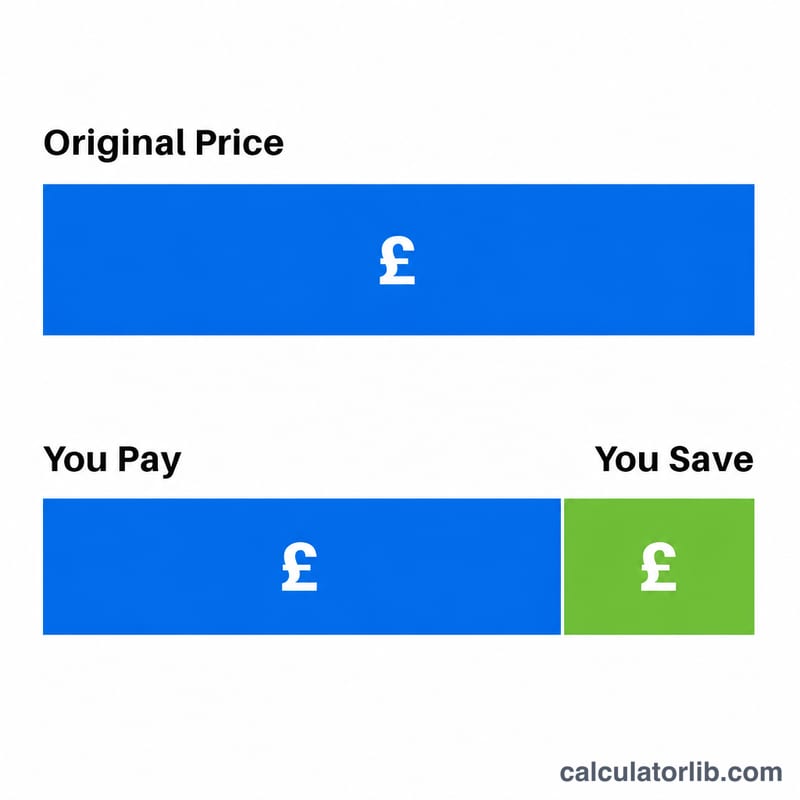
A sale price calculator tells you exactly how much an item costs after a percentage discount and how much money you save. Whether you are browsing a clearance rack, comparing online deals, or planning a markdown for your own store, this tool turns a "% off" sticker into the real number you pay at the register.
How to Use It
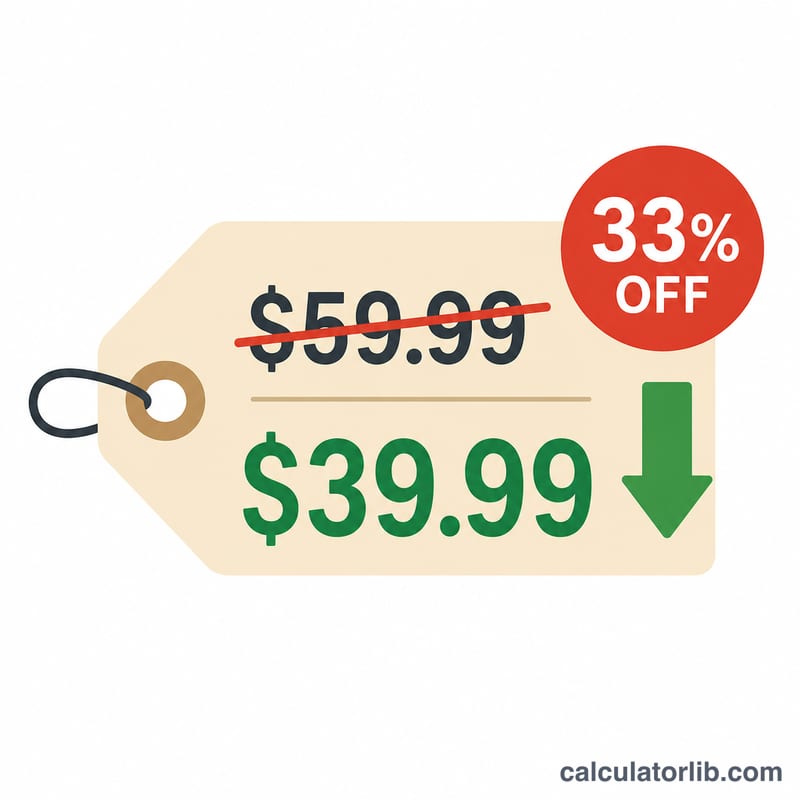
Enter the original price of the item and the discount percentage (for example, 25 for "25% off"). The calculator instantly returns the final sale price, the amount you save, and a summary of the discount applied. It works for any currency — just read the result in your own.
The Formula Explained
The math is simple. A discount of d percent means you pay the remaining fraction of the price:
$$\text{Final} = \text{Price} \times \left(1 - \frac{\text{Discount}}{100}\right)$$
The savings are the difference between what you would have paid and what you actually pay:
$$\text{Saved} = \text{Price} - \text{Final}$$
Worked Example
Suppose a jacket is priced at $80 and is on sale at 30% off. The discount fraction is \(30 \div 100 = 0.30\), so you pay \(1 - 0.30 = 0.70\) of the price. Final price $$= 80 \times 0.70 = \textbf{\$56}.$$ You save \(80 - 56 = \textbf{\$24}\).
FAQ
Does this include sales tax? No. It calculates the pre-tax discounted price. Add any applicable tax to the final price separately.
Can I enter a discount over 100%? A discount cannot exceed 100%. At exactly 100% the item is free; values above that are not meaningful for a single markdown.
How do I stack two discounts? Apply them one after another — calculate the first sale price, then use that result as the new original price for the second discount. Stacked percentages are not simply added together.