
What Is the Sale Price Calculator?
The Sale Price Calculator finds the final price you pay for an item after a percentage discount is applied. Whether you are shopping a "25% off" sale or marking down inventory, this tool instantly shows both the discounted price and the amount you save. It works for any currency since it deals only with numbers.
How to Use It
Enter the original price of the item and the discount percentage (the "percent off"). The calculator returns the final sale price plus how much money the discount saves you. For example, a $80 jacket at 20% off costs $64, saving you $16.
The Formula Explained
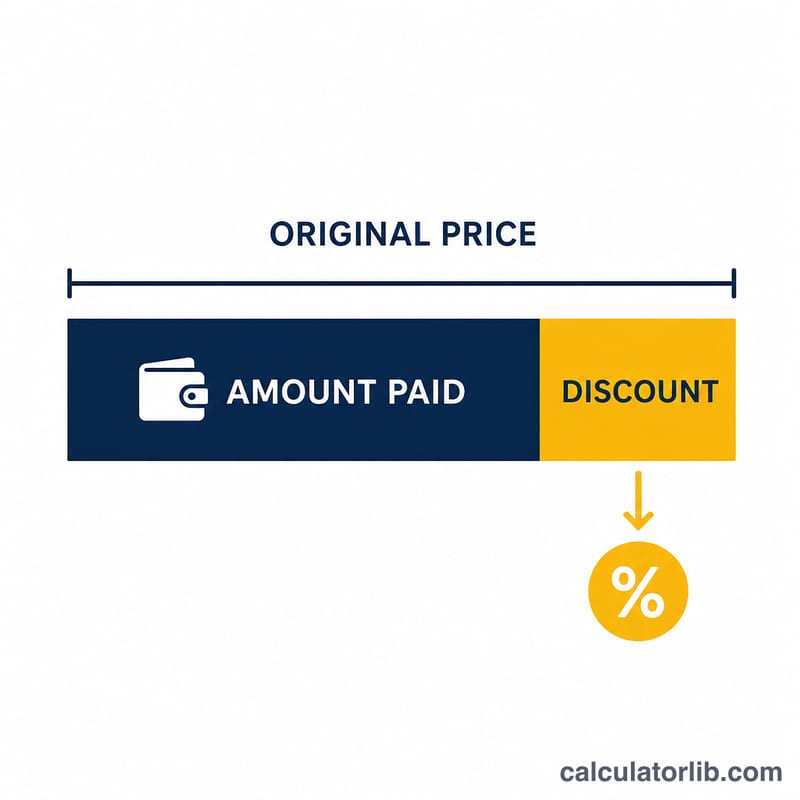
The math is straightforward: a discount of d percent means you pay (100 − d) percent of the original price. Expressed as a decimal multiplier:
$$\text{Sale Price} = \text{Original Price} \times \left(1 - \frac{\text{Percent Off}}{100}\right)$$
The amount saved is simply the original price minus the sale price.
Worked Example
Suppose a pair of shoes is listed at $120 with a 30% discount. Convert the percentage to a decimal: \(30 \div 100 = 0.30\). The multiplier is \(1 - 0.30 = 0.70\). Multiply: $$120 \times 0.70 = \$84.$$ You save \(\$120 - \$84 = \$36\).
FAQ
Does this include sales tax? No. This calculator gives the pre-tax discounted price. Add any applicable tax afterward.
Can I stack two discounts? To apply a second discount, run the calculator again using the first result as the new original price — discounts multiply rather than add.
What if the discount is 0%? The sale price equals the original price, and the amount saved is zero.