
What This Calculator Does
The Discount and Sale Price Calculator turns a "percent off" deal into the two numbers you actually care about: how much money you save and the final price you pay. Enter the original (list) price and the discount percentage, and it instantly returns the discount amount and the sale price. It is currency-agnostic — the same math works for dollars, euros, pounds, yen, or any other currency, because a percentage discount has no units.
How to Use It
Type the original price in the first box and the discount as a percentage in the second box (for example, enter 25 for 25% off). Leave "Round results to 2 decimal places" checked for normal money display, or uncheck it to see full precision. The result panel shows the sale price as the headline figure, with the original price and the amount saved broken out underneath.
The Formula Explained
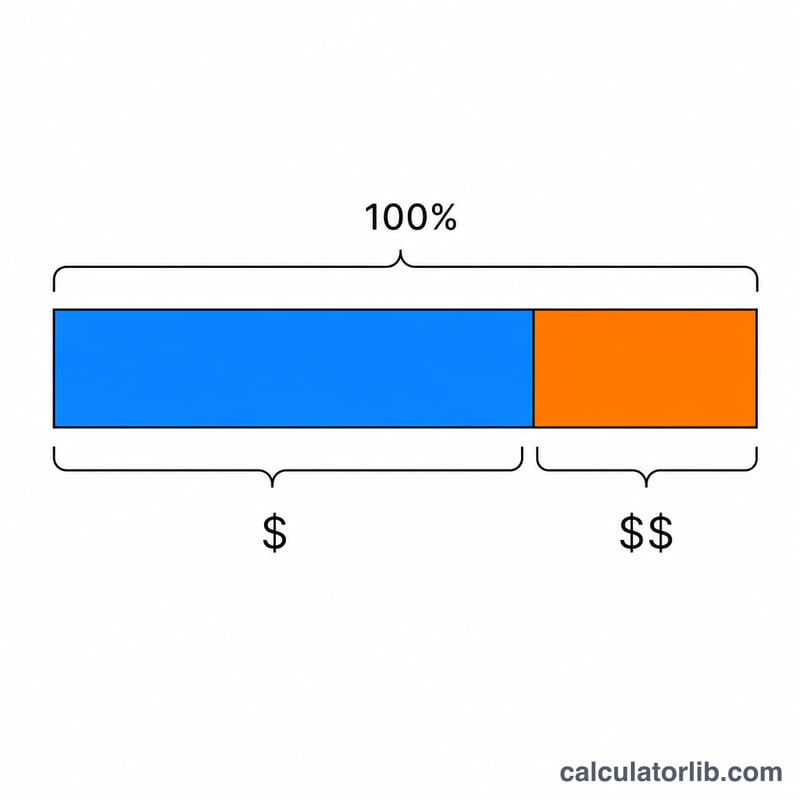
First the percentage is normalized to a fraction by dividing by 100: a 25% discount becomes 0.25. The amount saved is the original price multiplied by that fraction. The sale price is simply the original price minus the amount saved — equivalently, the original price multiplied by (1 minus the discount fraction). There is no division except the /100 normalization, so there is never a divide-by-zero risk.
$$\text{Sale Price} = \text{Original Price} \times \left(1 - \frac{\text{Discount \%}}{100}\right)$$
$$\text{Amount Saved} = \text{Original Price} \times \frac{\text{Discount \%}}{100}$$
$$\text{Sale Price} = \text{Original Price} - \text{Amount Saved}$$
Worked Example
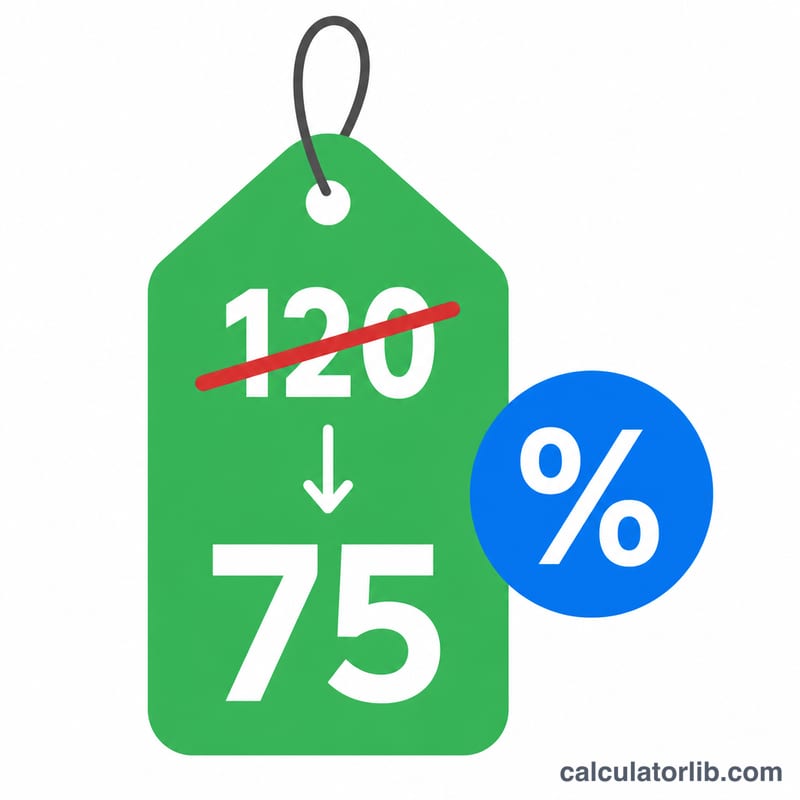
Suppose an item lists at 100 with a 25% discount. The discount fraction is \(25 / 100 = 0.25\). The amount saved is \(100 \times 0.25 = 25.00\), and the sale price is \(100 - 25 = 75.00\). For a 79.99 item at 15% off, you save \(79.99 \times 0.15 = 11.9985\), which rounds to 12.00, leaving a sale price of 67.99.
FAQ
What if the discount is more than 100%? The formula would produce a negative sale price, which is not realistic in retail. The calculator flags this and notes that a store would cap the price at 0 (free).
Does this include sales tax? No. It computes the pre-tax sale price. Add any applicable tax to the sale price separately.
Why are my results slightly different from the receipt? Rounding. With rounding on, each money value is rounded to the nearest cent, which can differ by a penny from systems that round only at the end.