
What This Calculator Does
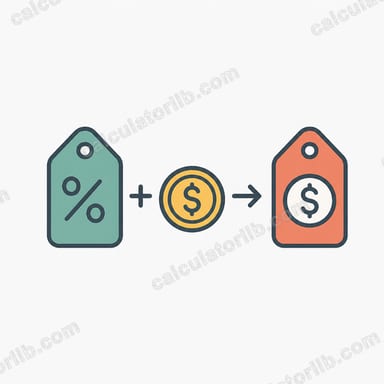
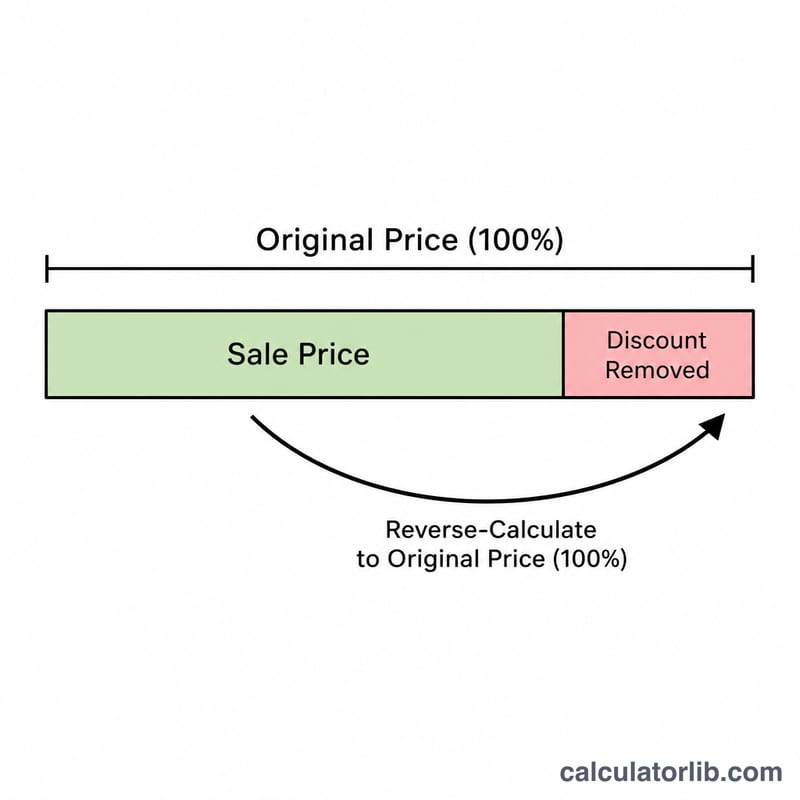
This tool works backwards from a discounted price to find the original, pre-discount price. If you know how much you paid (the sale price) and the discount percentage that was applied, you can recover the list price the item started at — and see exactly how much you saved.
How to Use It
Enter the sale price (the amount you actually paid or the marked-down price) and the discount percentage that was taken off. The calculator returns the original price before the discount, plus the dollar amount saved. The discount must be less than 100% — a 100% discount means the item was free, so no original price can be recovered.
The Formula Explained
A discount reduces the original price by a fraction. If the original price is P and the discount is d percent, the sale price equals \( P \times (1 - d/100) \). To reverse this, we divide the sale price by that same factor:
$$\text{Original} = \frac{\text{Sale Price}}{1 - \dfrac{\text{Discount (\%)}}{100}}$$
The amount saved is simply the original price minus the sale price.
Worked Example
Suppose you paid $80 for a jacket that was 20% off. The discount factor is \( 1 - 0.20 = 0.80 \). The original price is $$80 \div 0.80 = \$100.$$ You saved \( 100 - 80 = \$20 \).
FAQ
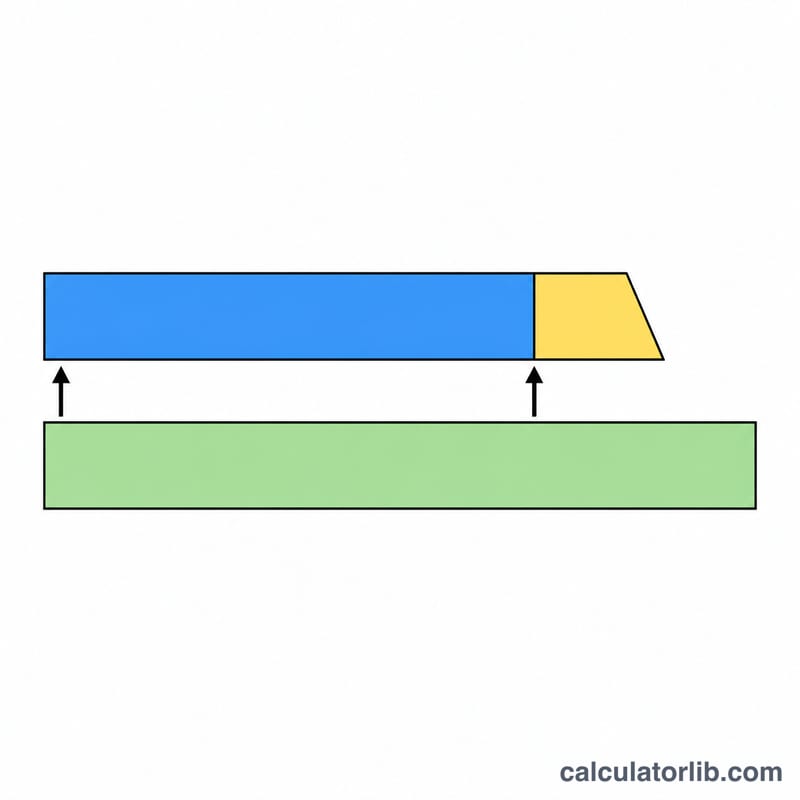
Why divide instead of just adding the percentage back? Because the discount was taken off the larger original price, not the smaller sale price. Adding 20% to $80 gives $96, which is wrong — you must divide by 0.80 to get $100.
Can the discount be 0%? Yes. With 0% off, the original price equals the sale price.
What about a 50% off sale? Divide the sale price by 0.50, which doubles it. A $30 item at 50% off had an original price of $60.