
What is the Original Price Calculator?
This tool works backwards from a sale price. If you know what you paid (or the marked-down price) and the percent discount that was applied, it reveals the original price the item had before the discount. It also shows exactly how much money the discount saved.
How to use it
Enter the sale price — the discounted amount you see on the tag. Then enter the percent off (for example, 25 for a 25% discount). Press calculate and the tool returns the original price plus the discount amount in your currency.
The formula explained
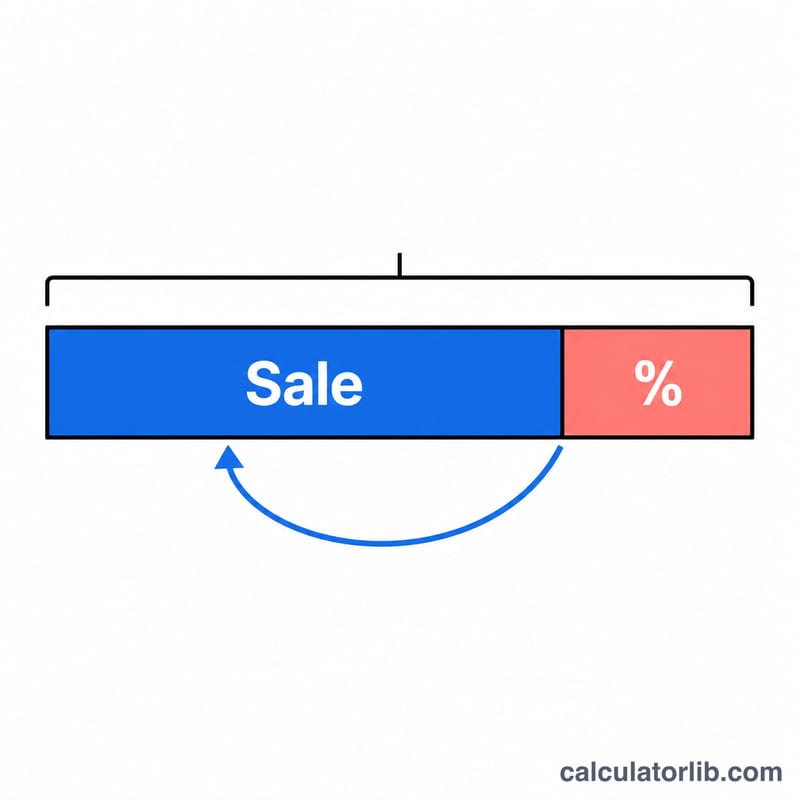
A discount of p% multiplies the original price by \((1 - p/100)\) to give the sale price. To reverse it, divide the sale price by that same factor:
$$\text{Original} = \frac{\text{Sale}}{1 - \dfrac{\text{Percent}}{100}}$$
The factor \((1 - \text{Percent}/100)\) is the fraction of the price you still pay. Dividing by it scales the discounted figure back up to the full price. Note the percent must be below 100% — a 100% discount makes the original price undefined.
Worked example
Suppose a jacket is on sale for $80 after a 20% discount. The remaining factor is \(1 - 0.20 = 0.80\). So the original price is $$80 \div 0.80 = \$100,$$ and the discount saved \(100 - 80 = \$20\).
FAQ
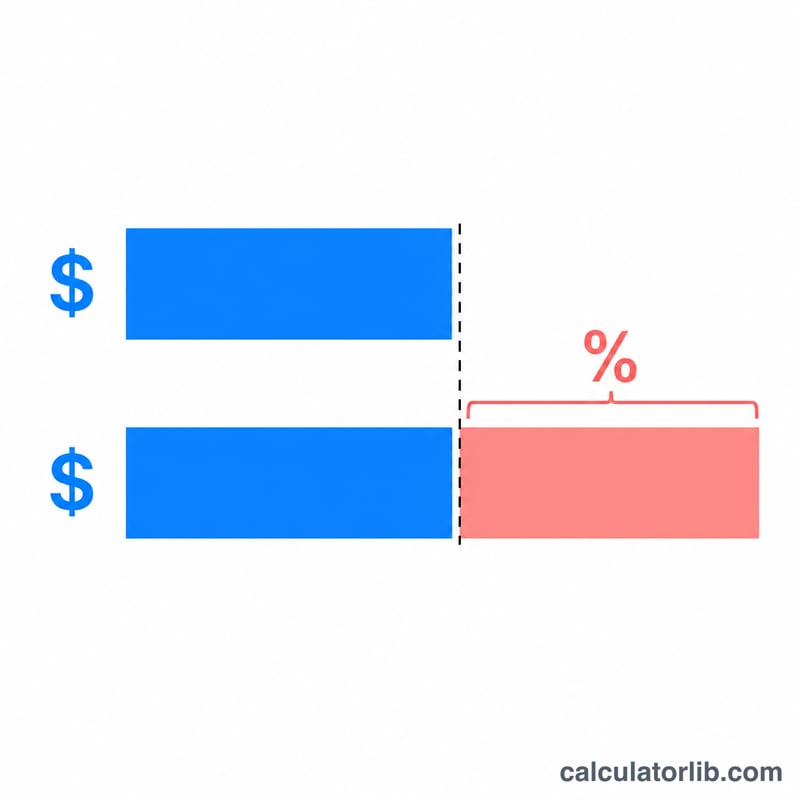
Why not just add the percent back? Adding 20% to $80 gives $96, not $100 — because the 20% was taken off the larger original number, not the smaller sale price. You must divide, not add.
Can the percent be 0? Yes — then the original equals the sale price and the discount is zero.
What if there were two stacked discounts? This calculator assumes a single percent off. For stacked discounts, reverse them one at a time, starting with the last one applied.