
What This Calculator Does
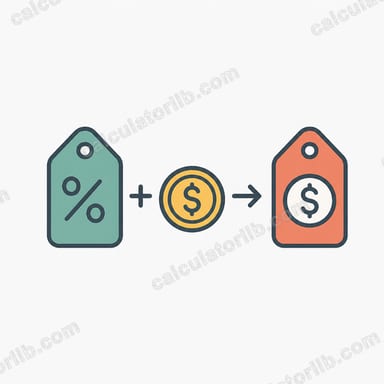
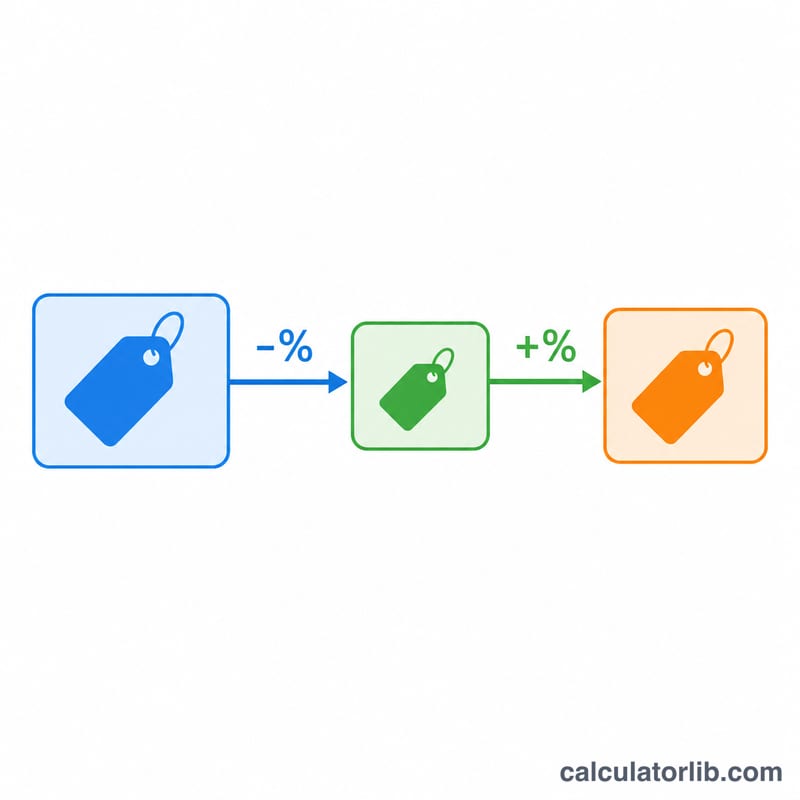
The Discount + Tax Final Price Calculator tells you exactly how much you will pay for an item when a percentage discount is applied first and sales tax is then charged on the reduced price. This is the standard order most retailers and tax systems use: you only pay tax on what you actually spend after the markdown, not on the original sticker price.
How to Use It
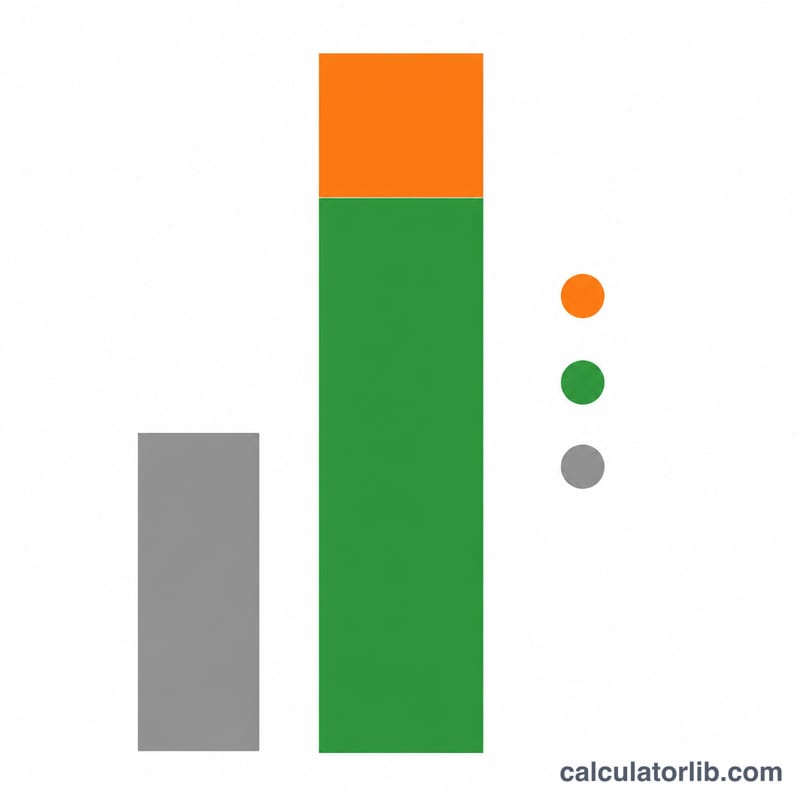
Enter the original price of the item, the discount percentage being offered, and your applicable tax rate. The calculator returns the final amount payable along with a breakdown showing how much you saved, the price after the discount, and how much tax was added. This makes it easy to compare deals, plan a budget, or verify a checkout total.
The Formula Explained
The math follows two simple steps. First, the discount reduces the price: multiply by \((1 - \text{discount}/100)\). Then tax is added on top of that reduced price: multiply by \((1 + \text{tax}/100)\). Combined, the final price equals
$$\text{Final Price} = \text{Price} \times \left(1 - \frac{\text{Discount \%}}{100}\right) \times \left(1 + \frac{\text{Tax \%}}{100}\right)$$Because tax is calculated after the discount, you save not just on the item but also on the tax you would have paid on the discounted portion.
Worked Example
Suppose an item costs $100 with a 20% discount and an 8% tax rate. The discount removes $20, leaving a discounted price of $80. Tax of 8% on $80 is $6.40. The final price is
$$\$80 + \$6.40 = \$86.40$$You saved $20 off the original price plus avoided the extra tax on that $20.
FAQ
Is tax applied before or after the discount? This calculator applies the discount first, then tax on the discounted price — the most common real-world method.
Can I use it for any currency? Yes. The math is purely percentage-based, so it works for any currency.
What if there is no discount or no tax? Just enter 0 in the relevant field and that step is skipped.