
What Is the Discounted Price Payment Calculator?
This calculator tells you exactly how much you will pay for an item after a percentage discount is applied. Enter the original price and the discount percentage, and it instantly returns your final payment along with the total amount you save. It is perfect for shopping sales, comparing deals, or planning a budget before you reach the checkout.
How to Use It
1. Type the original (pre-discount) price in dollars. 2. Enter the discount percentage offered — for example, 25 for a 25% off sale. 3. Read the final payment in the green result box and your savings in the table below. The discount is automatically capped between 0% and 100%.
The Formula Explained
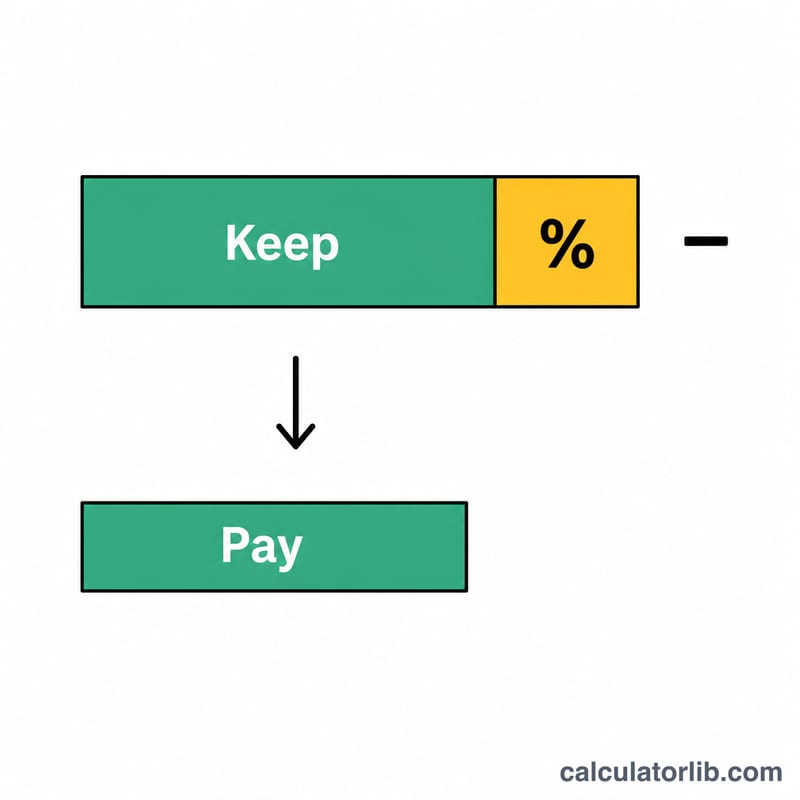
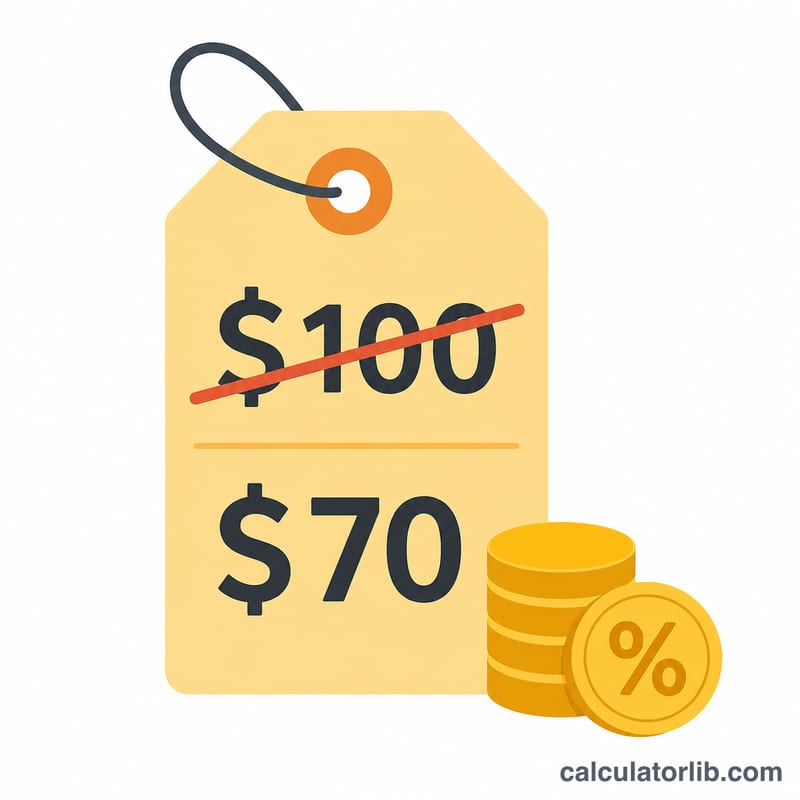
The math is simple: multiply the original price by the fraction you still pay. If the discount is 30%, you pay 70% of the price, so the multiplier is \((1 - 30/100) = 0.70\). In equation form: $$\text{Final Payment} = \text{Price} \times \left(1 - \frac{\text{Discount \%}}{100}\right)$$ Your savings are just the difference between the original price and what you pay.
Worked Example
Suppose a jacket costs $80 and is marked 25% off. The multiplier is \(1 - 25/100 = 0.75\). $$\text{Final payment} = 80 \times 0.75 = \$60$$ $$\text{Savings} = 80 - 60 = \$20$$ You hand over $60 at the register and keep $20 in your pocket.
FAQ
Does this include sales tax? No. The result is the pre-tax discounted price. Add any applicable tax separately afterward.
Can I enter a discount over 100%? The calculator caps discounts at 100%, which makes the item free ($0 payment). Negative discounts are treated as 0%.
How do I stack two discounts? Apply them one at a time. Run the calculator with the first discount, then use that result as the new price for the second discount — stacked discounts multiply rather than add.